HomeVideo backup drive
Express Delivery
Shipped From
Price (KSh)
-
Discount Percentage
Brand
Video backup drive
(72 products found)
Related results:
Discover the ultimate solution for safeguarding your precious video content with our high-capacity video backup drives. Designed for professionals and enthusiasts alike, these drives offer lightning-fast data transfer speeds and robust storage options to ensure your videos are securely stored and easily accessible. With advanced encryption features and user-friendly interfaces, our video backup drives provide peace of mind, allowing you to focus on creating exceptional content without worrying about data loss. Protect your memories today!

Car Dashboard Camera Driving Mirror Dash Cam Driving Video DVR Recorder
KSh 7,000
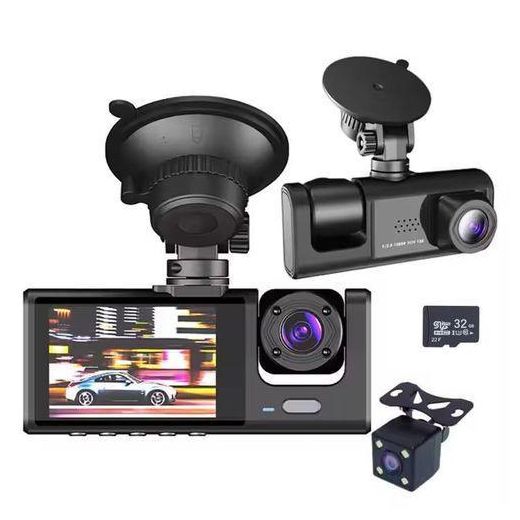
Dash Cam 3 Channels 1080p HD Front Rear and Inner Camera Car Video Recorder DVR Black Box Driving Record for Car
KSh 3,599
KSh 4,000
-10%
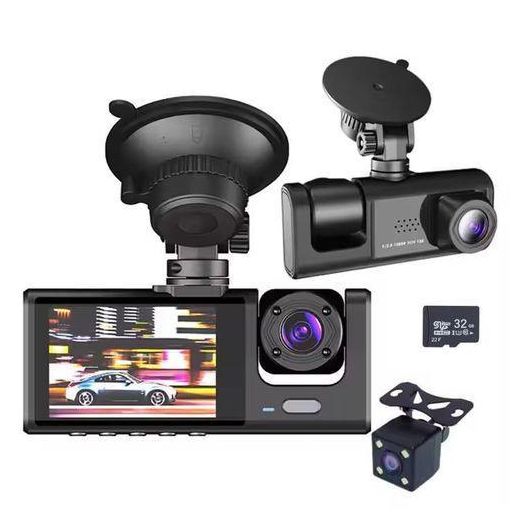
Dash Cam 3 Channels 1080p HD Front Rear and Inner Camera Car Video Recorder DVR Black Box Driving Record for Car
KSh 4,000
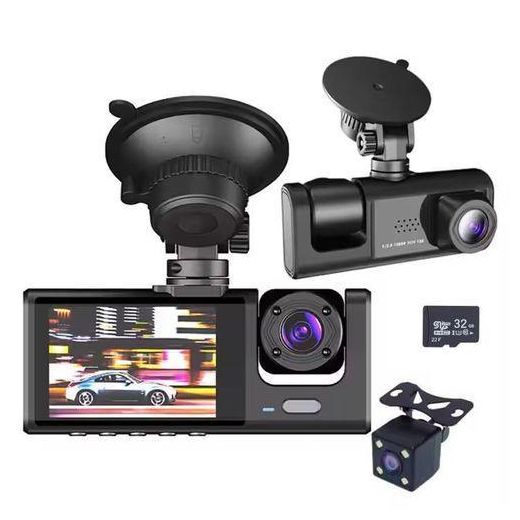
Dash Cam 3 Channels 1080p HD Front Rear and Inner Camera Car Video Recorder DVR Black Box Driving Record for Car
KSh 4,000


4.3 Inch Car Video Monitor Auto Rear View Mirror LCD Screen 12V-24V Universal Mount Clip-On Current Mirror For Backup Camera/Front Camera/Media Player/Safety Driving 2 Ways RCA Input
From KSh 3,439
From KSh 5,500
-41%
More Variants Available

Out of Stock
Drive storejet 2TB portable hand. Store, transfer and protect your important files. Wih a generous 2tb storage capacity, this external disk provides convenient extra space for documents, photos, videos, music, schoolwork, backups and other digital files.
KSh 18,000


Car Dashboard Camera Driving Mirror Dash Cam Driving Video DVR Recorder
KSh 7,000


4.3 Inch Car Mirror Camera Recorder with Dual Lens Rear Backup Camera and Night Driving Video Capture
KSh 3,660
KSh 5,000
-27%
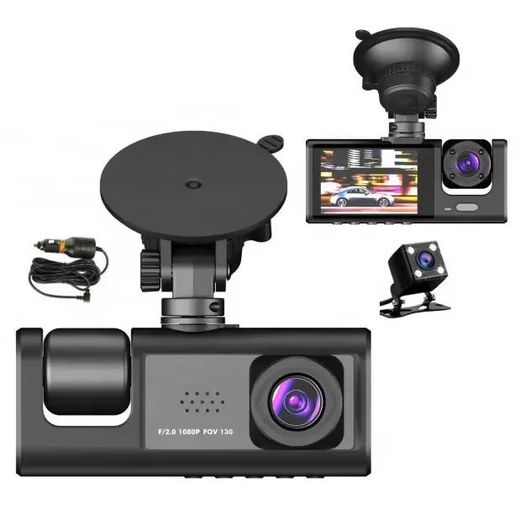
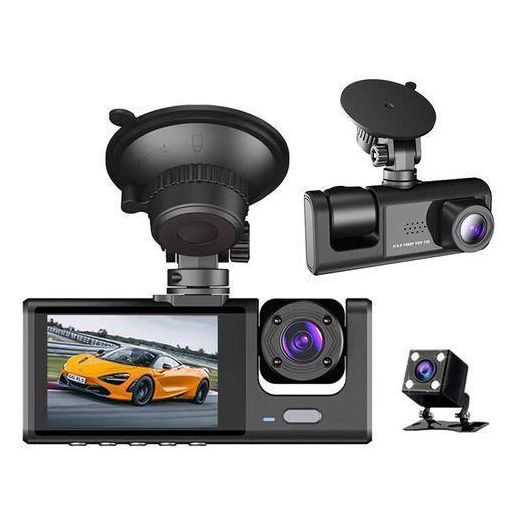
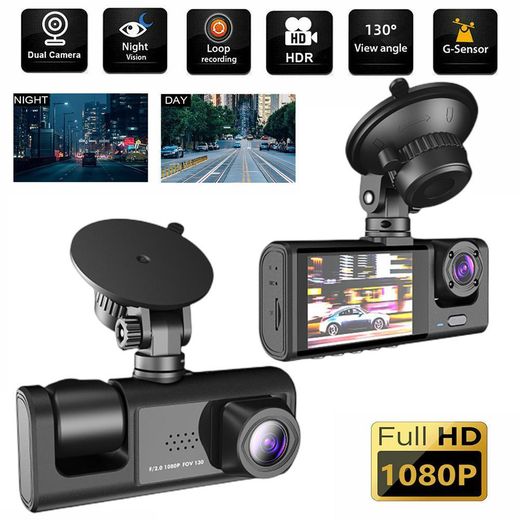
Dash Cam 3 Channels 1080p Hd Front Rear and Inner Camera Car Video Recorder Dvr Black Box Driving Record for Car
KSh 3,400
KSh 4,500
-24%
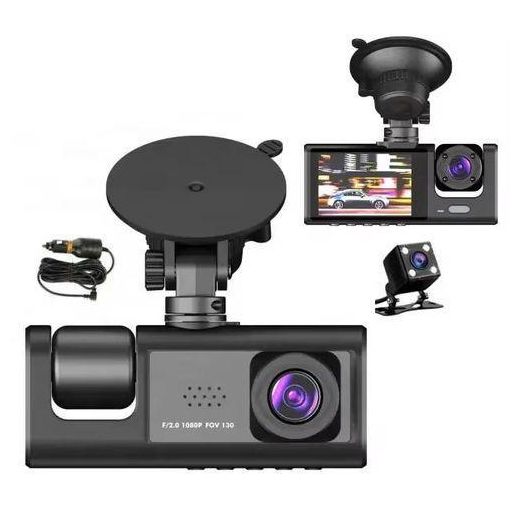
Dash Cam 3 Channels 1080p Hd Front Rear and Inner Camera Car Video Recorder Dvr Black Box Driving Record for Car
KSh 4,299
KSh 4,980
-14%
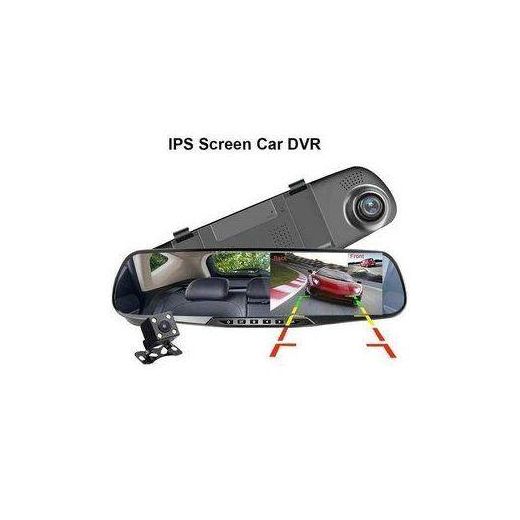
2025 Dash Cam Car DVR 24H HD 1080P Dash Camera Dual Lens Video Recorder 1080PCycle Dashcam Mirror Driving Recorder-24H with rear camera
KSh 5,000
KSh 8,000
-38%
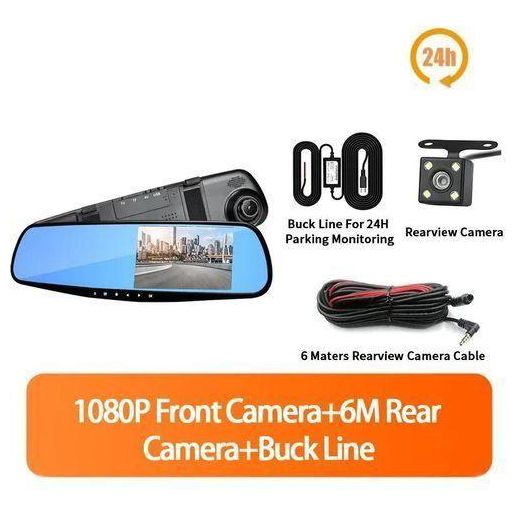
2024 Dash Cam Car DVR 24H HD 1080P Dash Camera Dual Lens Video Recorder 1080PCycle Dashcam Mirror Driving Recorder-24H with rear camera
KSh 4,499
KSh 6,500
-31%
offers from


Cardvr Video Dashcam, Dual 1080p Dash Cam, Camara para Carro Que Grabe 24 Horas, Driving Camera Dash Recorder, Dash Cam Front and Rear Inside, Wide Angle Lens, 3.16 Inch IPS Screen
KSh 7,500
KSh 9,000
-17%


Dashboard camera IPS 3 channels 1080p HD front rear, and inner camera car video recorder DVR box driving record for car
KSh 3,324
KSh 5,500
-40%

2024 Dash Cam Car DVR 24H HD 1080P Dash Camera Dual Lens Video Recorder 1080PCycle Dashcam Mirror Driving Recorder-24H with rear camera
KSh 6,000
KSh 7,500
-20%


Cardvr Video Dashcam, Dual 1080p Dash Cam, Camara para Carro Que Grabe 24 Horas, Driving Camera Dash Recorder, Dash Cam Front and Rear Inside, Wide Angle Lens, 3.16 Inch IPS Screen
KSh 4,500
KSh 9,500
-53%


Rearview Mirror, Car Recorder, Car DVR Camera Dashboard
KSh 4,800
KSh 7,000
-31%
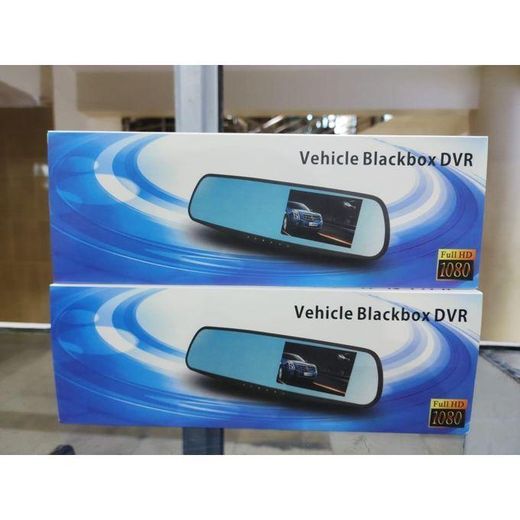
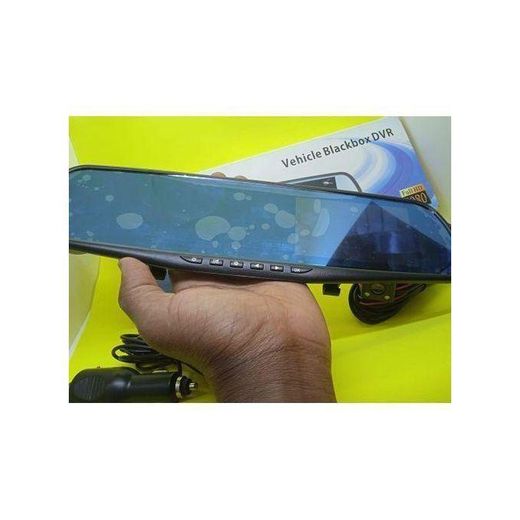
VEHICLE BLACKBOX DVR/Vehicle Black Box DVR (1080 hd)
KSh 5,500
KSh 8,000
-31%


Rearview Mirror, Car Recorder, Car DVR Camera Dashboard
KSh 5,000
KSh 7,000
-29%
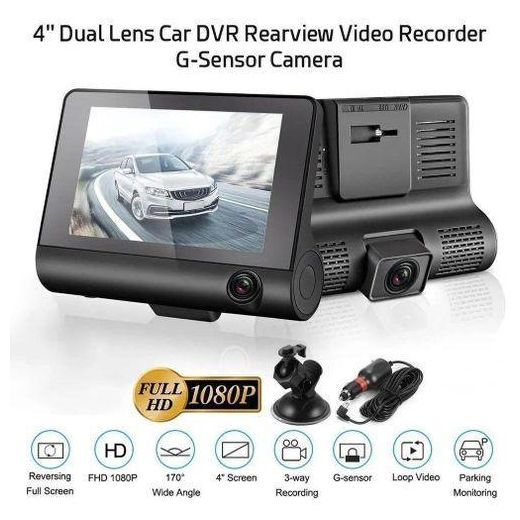
4-Inch Dash Cam Car DVR with Rear Backup Camera and Accident Evidence
KSh 11,248
offers from


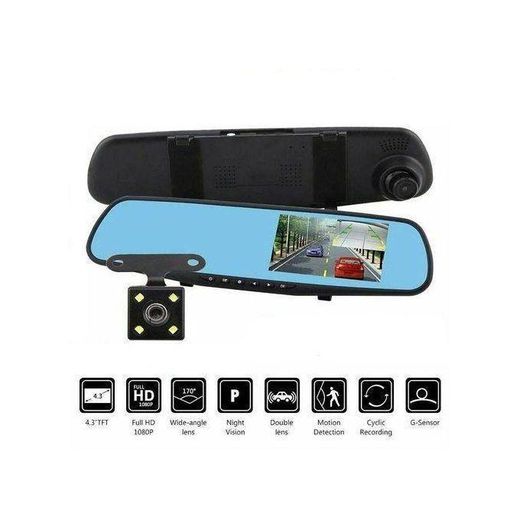
VEHICLE BLACKBOX DVR, 4.3" Screen With Front And Rear View Camera DVR Dash Cam Camcorder G-Sensor
KSh 6,500
KSh 10,000
-35%


Transcend 1TB External Hard Disk Drive Storage
KSh 15,999
KSh 17,000
-6%
Low Stock
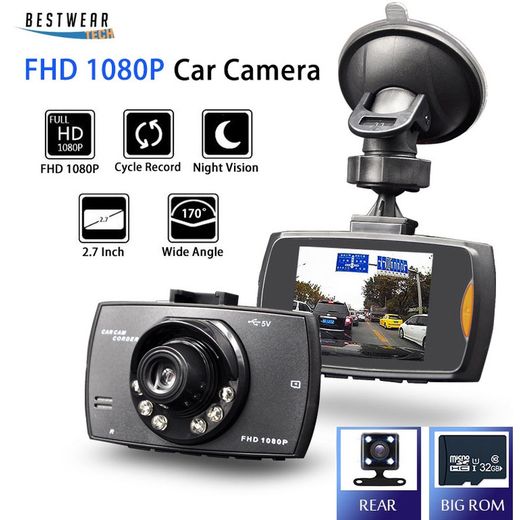
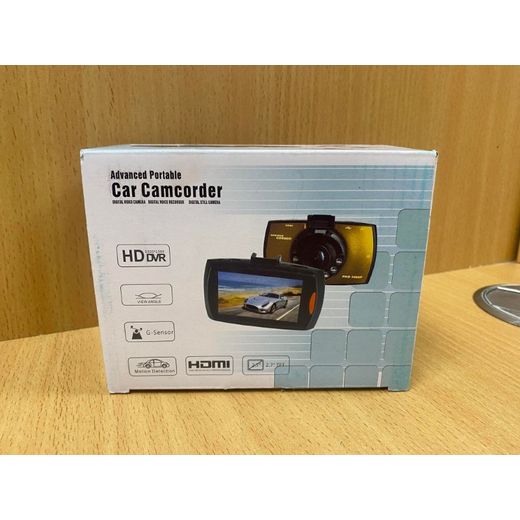
Advanced Portable Car Camcorder
KSh 3,799
KSh 5,500
-31%
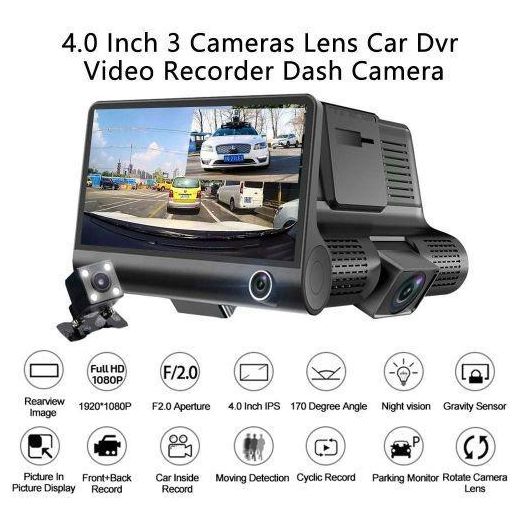
3-Camera Car Dash DVR – Full HD Wide-Angle With Rear Backup
KSh 7,500
offers from

USB 2.0 Video Easycap DVD VHS Capture Card Audio AV Adapter
5 (1)
KSh 999
KSh 1,500
-33%
Low Stock


DriveMaster Full HD 1080P Vehicle Blackbox DVR with Dual Camera Channels and Multi-Language Support
KSh 4,500
KSh 7,000
-36%


DriveMaster Full HD 1080P Vehicle Blackbox DVR with Dual Camera Channels and Multi-Language Support
KSh 4,500
KSh 7,000
-36%

VEHICLE BLACKBOX DVR, 4.3" Screen With Front And Rear View Camera DVR Dash Cam Camcorder G-Sensor
KSh 6,000
KSh 8,000
-25%


VEHICLE BLACKBOX DVR, 4.3" Screen Full HD 1080P Dual Lens Camcorder with G-Sensor
KSh 6,500
KSh 7,200
-10%


VEHICLE BLACKBOX DVR, 4.3" Screen With Front And Rear View Camera DVR Dash Cam Camcorder G-Sensor
KSh 5,700
KSh 9,999
-43%
offers from
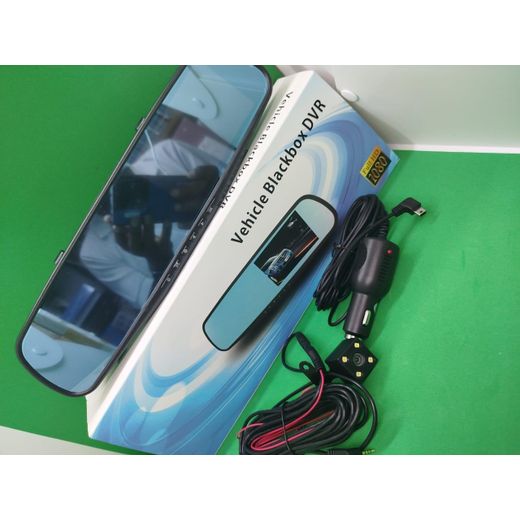
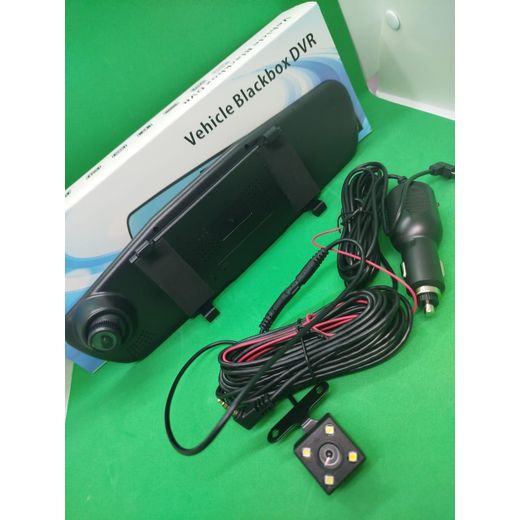
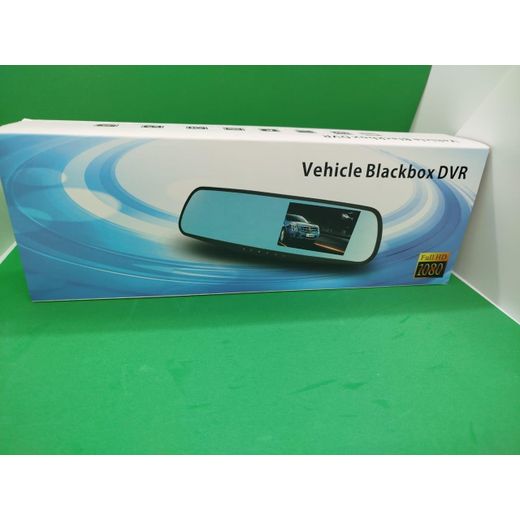
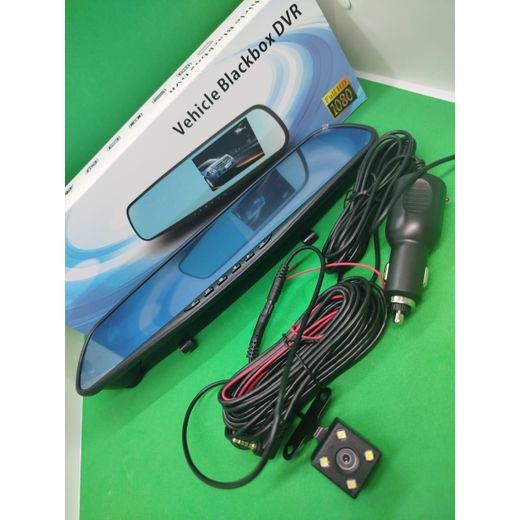
SafeDrive Dual Lens Vehicle Blackbox DVR with 170° Wide-Angle View, Full HD 1080P Resolution, and Seamless Video Recording
KSh 4,500
KSh 6,500
-31%
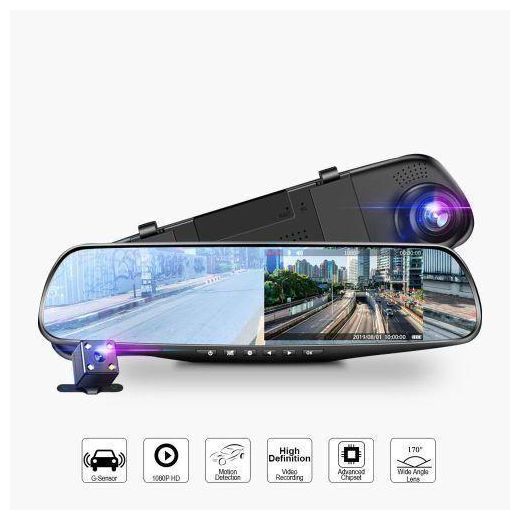
VEHICLE BLACKBOX DVR, 4.3" Screen With Front And Rear View Camera DVR Dash Cam Camcorder G-Sensor
KSh 5,000
KSh 8,000
-38%
offers from


SmartDrive Vehicle Blackbox DVR with Full HD 1080p Video, Night Vision, and Seamless Loop Recording
KSh 4,500
KSh 7,500
-40%

USB 2.0 Video Easycap DVD VHS Capture Card Audio AV Adapter
KSh 1,500
Low Stock
Out of Stock
4.3" Full HD 1080P Dual Lens Dash Cam With Motion Detection, Loop Recording, And Emergency G-Sensor
KSh 4,000
KSh 8,000
-50%


1080P Dash Cam Car DVR Video Recorder With Wide-Angle Lens, Rear Camera And Night Mode For Safe Driving
KSh 3,325
KSh 4,000
-17%


Out of Stock
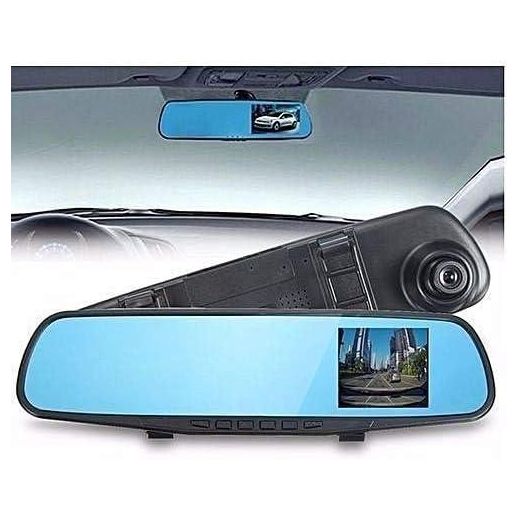
Car Camcorder, Full HD 1080P Car Camcorder, Dash Cam With LCD Screen, Car DVR (Digital Video Recorder)
KSh 3,750
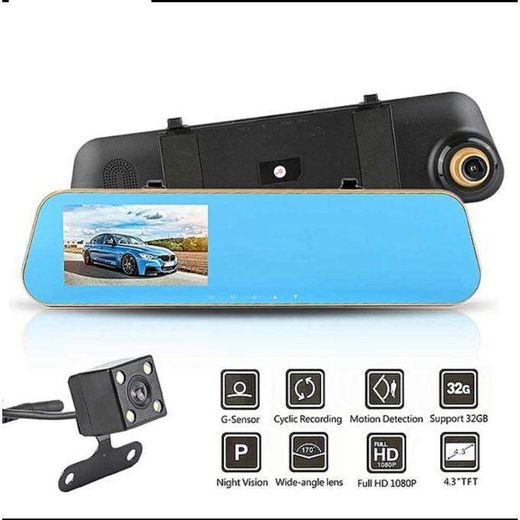
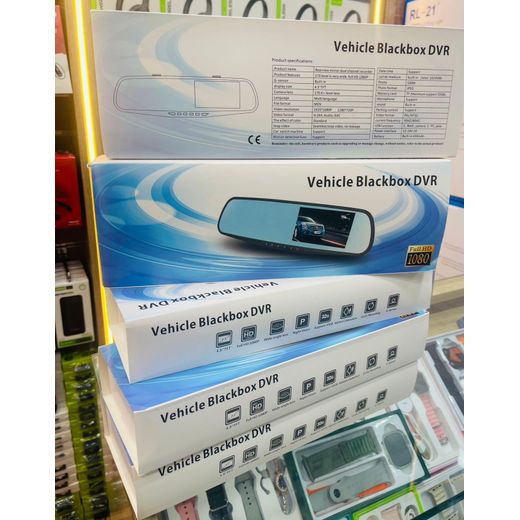
DrivePro Full HD 1080P Vehicle Blackbox DVR with Wide-Angle 170° Lens, Dual Camera Support, and Seamless Video Format
KSh 4,500
KSh 8,500
-47%
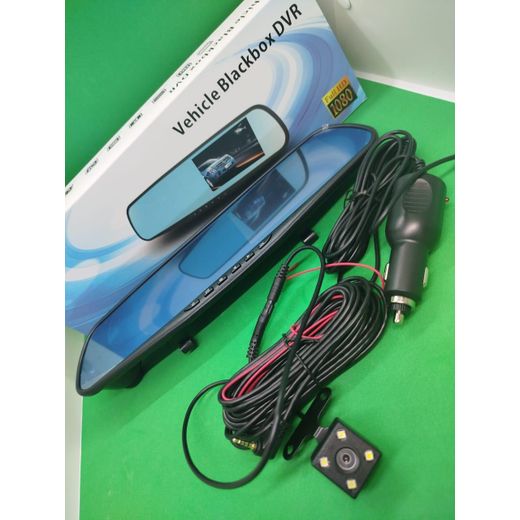
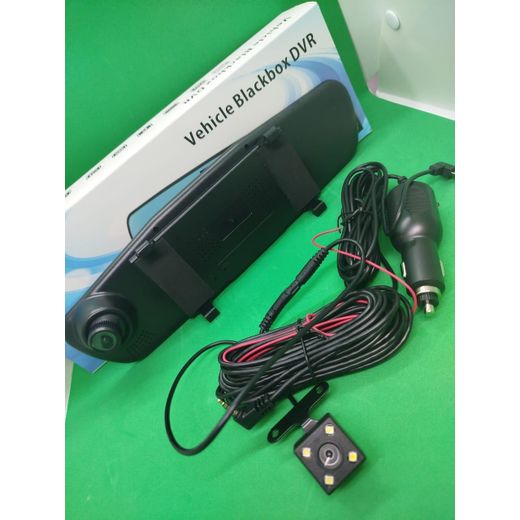
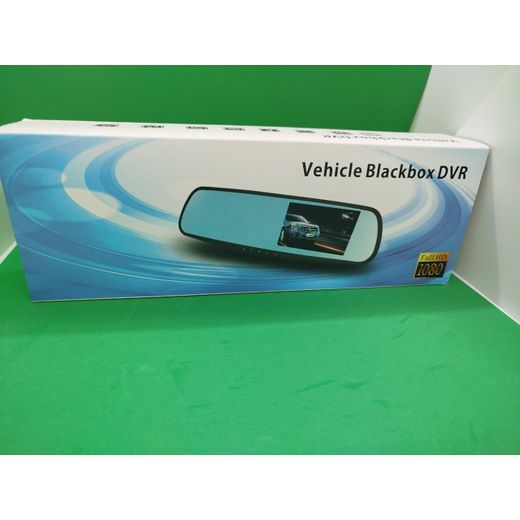
Out of Stock
DrivePro Full HD 1080P Vehicle Blackbox DVR with Wide-Angle 170° Lens, Dual Camera Support, and Seamless Video Format
KSh 4,500
KSh 8,500
-47%
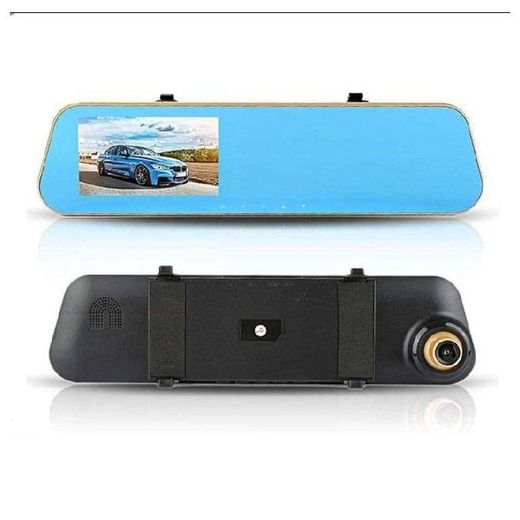
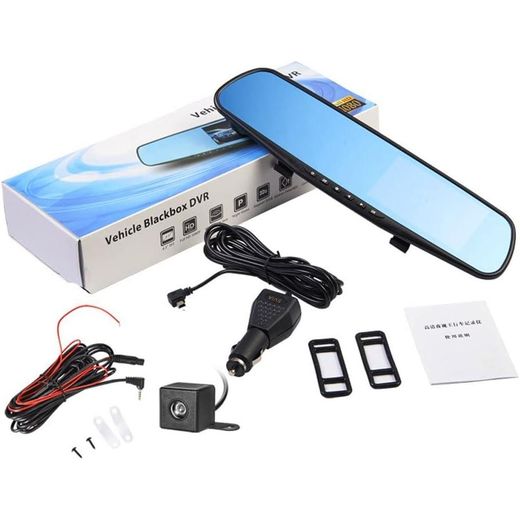
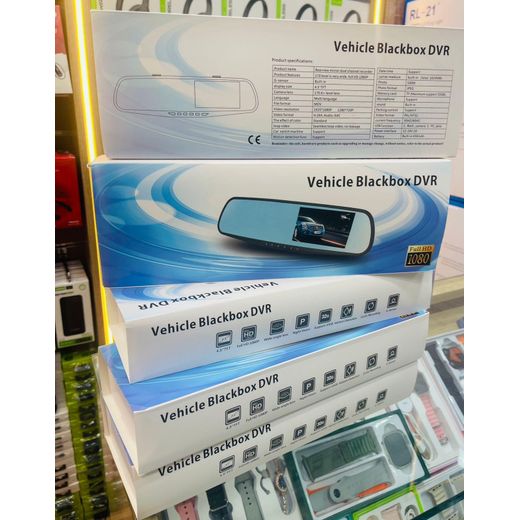
VisionGuard Dual Channel Vehicle Blackbox DVR with Full HD 1080P Video Capture and Real-Time Recording Features
KSh 4,500
KSh 8,000
-44%
Frequently Asked Questions about Video Backup Drives for Dash Cams
How do you pick a video backup drive for dash cams and in‑car use?
Start with capacity and reliability: choose a drive large enough to store long trips and a speed class suitable for continuous recording. For in‑car use, look for rugged enclosures that withstand vibration and temperature changes, plus a USB interface your dash cam supports. Consider SSDs for durability and HDDs for cost per gigabyte. Verify the drive’s compatibility with your dash cam’s file system requirements and the platform’s recommended formats before buying.
What makes the most complex attribute when selecting these drives?
The balance between drive type (SSD vs HDD), speed, and ruggedness is the most complex. In‑car environments are bustling with vibrations, heat, and jostling; a drive must survive these conditions while maintaining steady write performance. Some dash cams require specific file systems or formatting. Weigh durability, power draw, and compatibility together to avoid performance bottlenecks or drive failure during long trips.
Which usage scenario should influence my choice—daily driving or long road trips?
Daily commuters benefit from compact drives with moderate capacity and excellent reliability, ensuring quick boot and seamless recording. Road trippers should lean toward higher capacity and robust build to handle extended footage and potential heat exposure. If you frequently shoot in high‑motion conditions, consider a drive with built‑in vibration resistance. Always align your choice with how much footage you expect to accumulate and how often you replace or offload data.
What maintenance or setup steps help ensure longevity?
Format the drive to the correct file system, then run a test backup to confirm operation. Keep the drive in a cool, dry place inside the vehicle when possible and avoid exposure to direct sunlight. Regularly check for firmware updates on the drive if available, and safely eject the device before removing it. Label drives to keep organized backups and prevent accidental data overwrites.
Are there brands or series that stand out for dash‑cam storage?
Look for brands known for portable storage and in‑car storage solutions, with a track record of reliable data integrity. Reputable series offer clear warranty terms and robust product support. While generic options exist, choosing a recognized brand helps ensure consistent performance, reliable read/write speeds, and easier access to service if needed.
How should I set up backups with my dash cam and drive?
Configure the dash cam to save footage to the external drive automatically where possible, and schedule periodic backups to another drive or cloud storage for redundancy. After a trip, verify that new files appear on the drive and that footage is readable. Maintain a clean hierarchy for organized retrieval and ensure power stability during writing to prevent data corruption.