HomeUsb hub functional design
Express Delivery
Shipped From
Price (KSh)
-
Discount Percentage
Brand
Usb hub functional design
(1001 products found)
Related results:
Discover the innovative USB hub with a functional design, engineered to enhance your connectivity experience. This sleek device features multiple USB ports, allowing seamless connection of various peripherals, from keyboards to external drives. Its compact and ergonomic design ensures easy portability, making it ideal for both home and office use. Elevate your productivity with this essential accessory that combines practicality and style, ensuring you stay connected wherever you go. Perfect for tech enthusiasts and professionals alike.


Itel USB Rechargeable Handheld Mini Fan with Portable Design
KSh 994
KSh 1,888
-47%

4 In 1 Usb 3.1 TypeC UsbC To Dvi Hdmi Vga Usb 3.0 Adapter Cable USB Hubs
KSh 999
KSh 1,500
-33%
Low Stock


Computer Multifunctional Docking Station USB Hub Extender 7 In 1
KSh 2,000
KSh 3,000
-33%
Low Stock
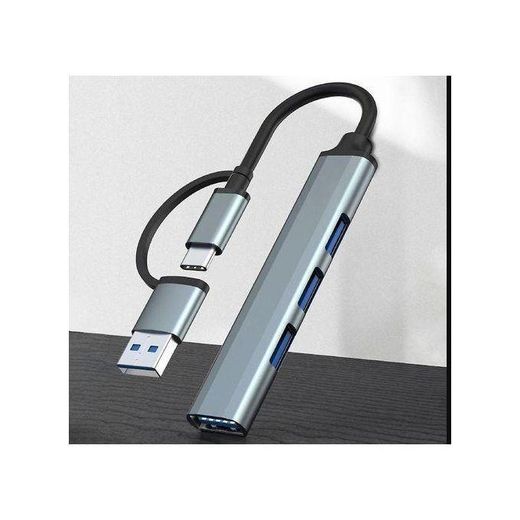
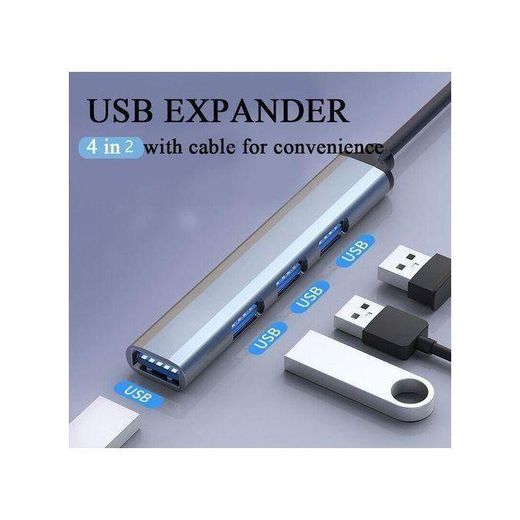
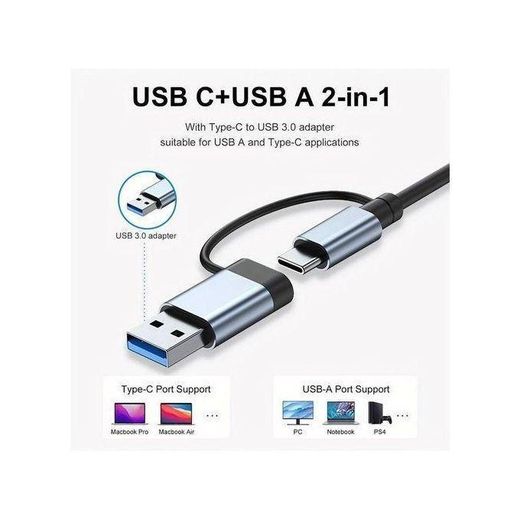
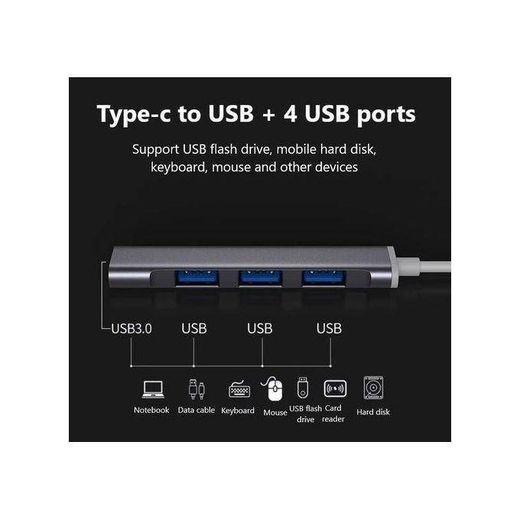
USB 3.0 4-in-1 Hub, Type-C2.0 Adapter, For Macbook,Smartphone Type-C
KSh 2,000
KSh 2,500
-20%
Low Stock
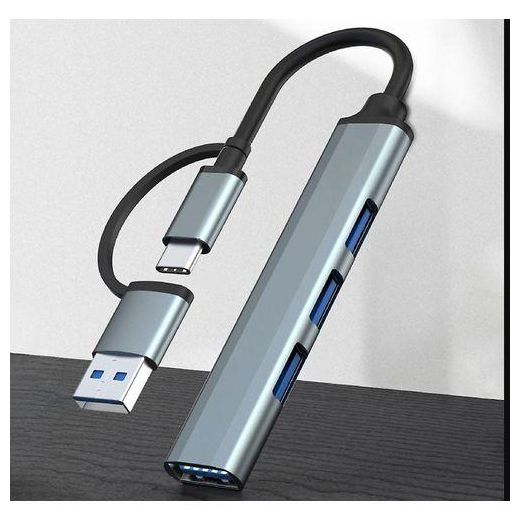
4 In 2 High Speed USB HUB 3.0 4 Ports Extension Adapter
KSh 4,000
KSh 5,000
-20%


4 Ports USB Hub Splitter Multi Type C to USB 3.0 Adapter USB Adapter
KSh 2,500
Low Stock
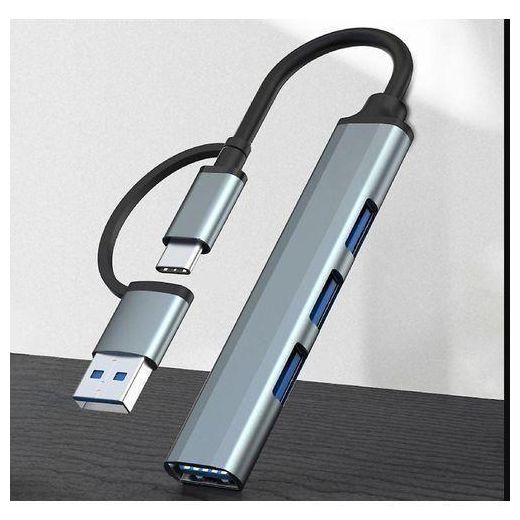
4 In 2 High Speed USB HUB 3.0 4 Ports Extension Adapter
KSh 6,500
KSh 7,000
-7%


General 4-in-1 USB Hub With USB2.0/USB3.0 Ports Multi-port Hub Grey
KSh 1,000
KSh 1,500
-33%
Low Stock

4-Port USB Hub / Laptop USB Hub / USB Expansion Dock / USB 3.0
KSh 2,300
KSh 4,000
-43%
offers from

4 In 2 High Speed USB HUB 3.0 4 Ports Extension Adapter
KSh 6,400
KSh 8,000
-20%

7 In 1 USB 3.0 And Type-C / USB-C To USB 3.0 USB 2.0 HUB Adapter
KSh 1,500
KSh 2,000
-25%
Low Stock


BF26 JG Add 5 Get 20% - JF
4-Port USB Hub / Laptop USB Hub / USB Expansion Dock
5 (1)
KSh 690
KSh 1,059
-35%
Low Stock
Jumia Express


5 In 1 High Speed USB HUB Splitter Multi Type C to USB 3.0 5 Ports Extension Adapter,SD Card Reader TF/Micro SD Memory Cards
KSh 2,000
KSh 3,000
-33%
Low Stock
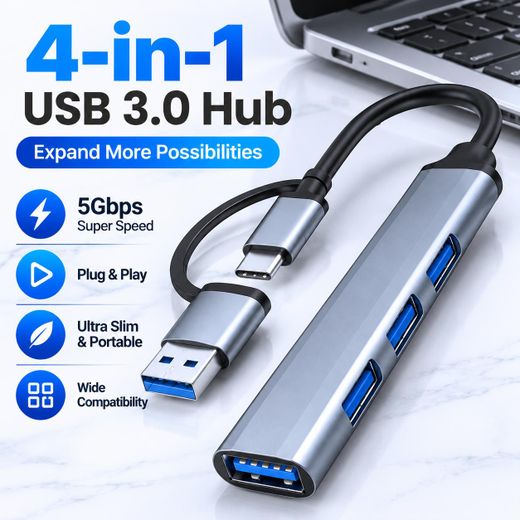
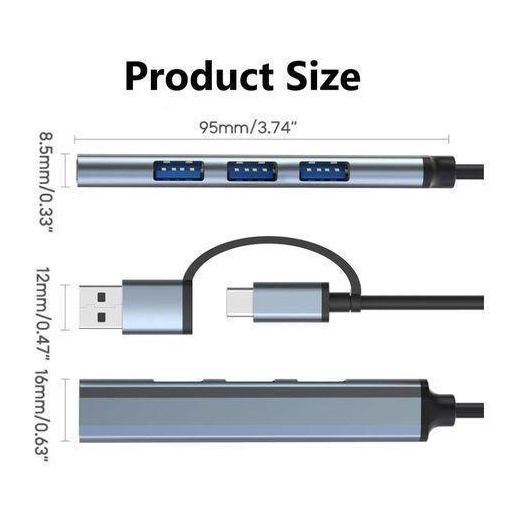
BF26 JG Add 5 Get 20% - JF
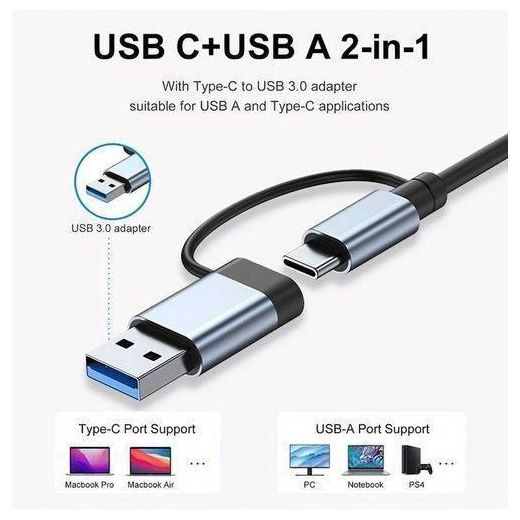
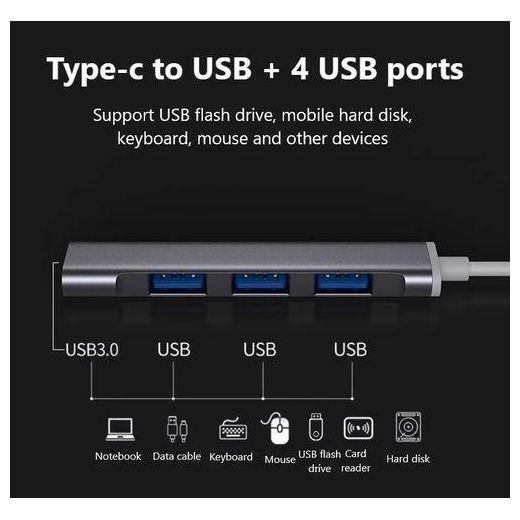
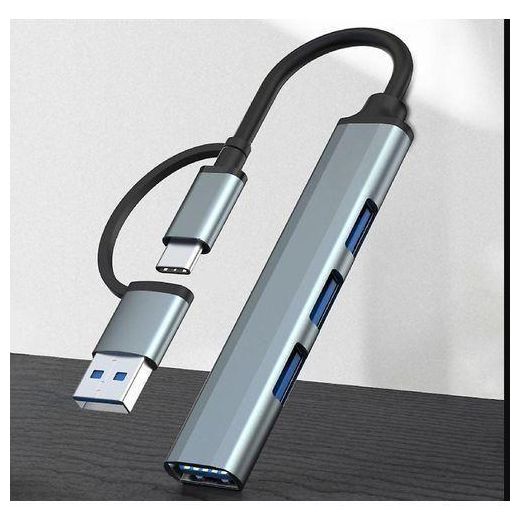
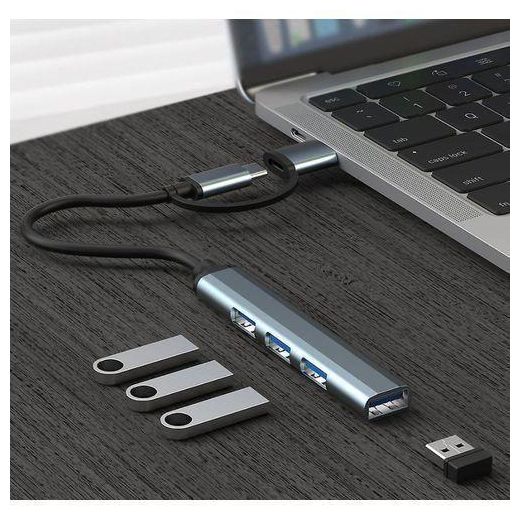
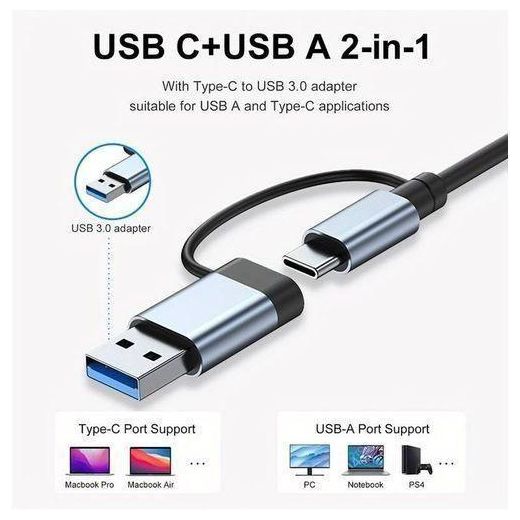
2 in 1 USB 3.0 Hub, Dual Plug USB A & Type C Splitter, 4 Ports 5Gbps OTG Multiport Adapter for Laptop Phone
4.6 (14)
KSh 520
KSh 938
-45%
Jumia Express
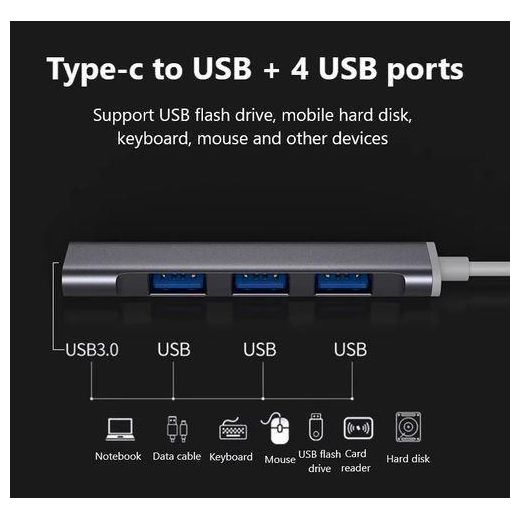
4 In 2 High Speed USB HUB 3.0 4 Ports Extension Adapter
KSh 3,899
KSh 5,499
-29%
offers from


5 In 1 High Speed USB HUB Splitter Multi Type C to USB 3.0 5 Ports Extension Adapter,SD Card Reader TF/Micro SD Memory Cards
KSh 2,500
Low Stock

BF26 JG Add 5 Get 20% - JF
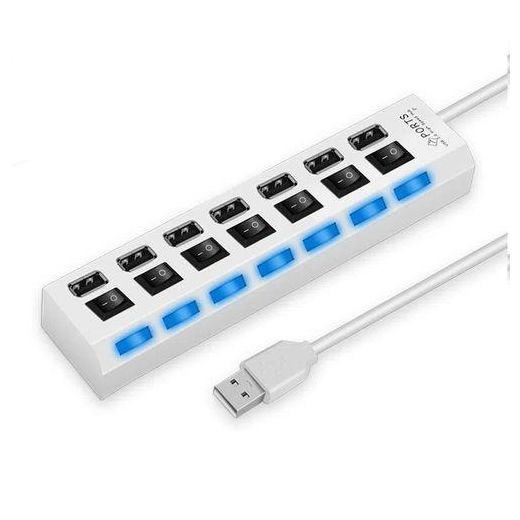
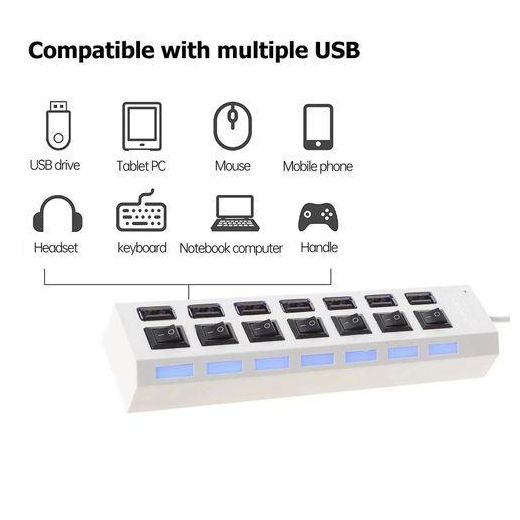
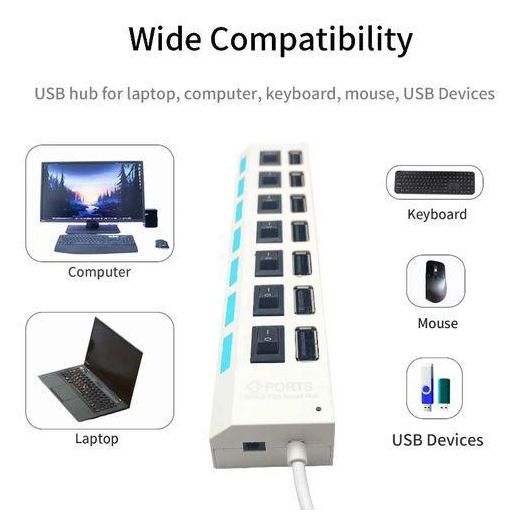
7 Ports USB HUB Docking Station With Independent On/Off Switch For Laptop PC
3.6 (14)
KSh 426
KSh 810
-47%
Jumia Express

Out of Stock
4-Port USB Hub / Laptop USB Hub / USB Expansion Dock
KSh 7,000
KSh 8,900
-21%


BF26 JG Add 5 Get 20% - JF
4-Port USB Hub / Laptop USB Hub / USB Expansion Dock / USB 3.0
5 (1)
KSh 741
KSh 1,059
-30%
Low Stock
Jumia Express
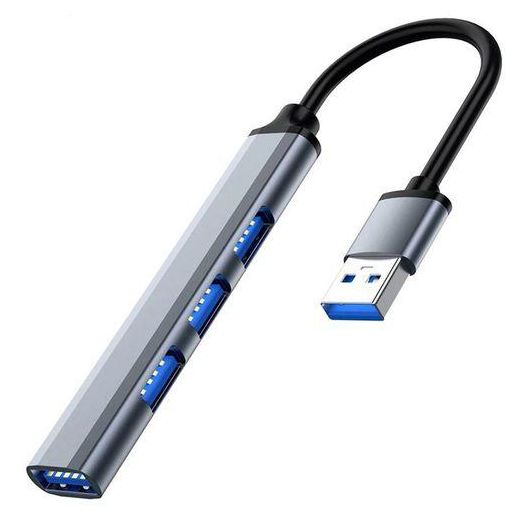
Laptop Interface Expander Mini Usb3.0 Hub One Tow Four Type-c Docking Station
KSh 4,000
KSh 5,000
-20%
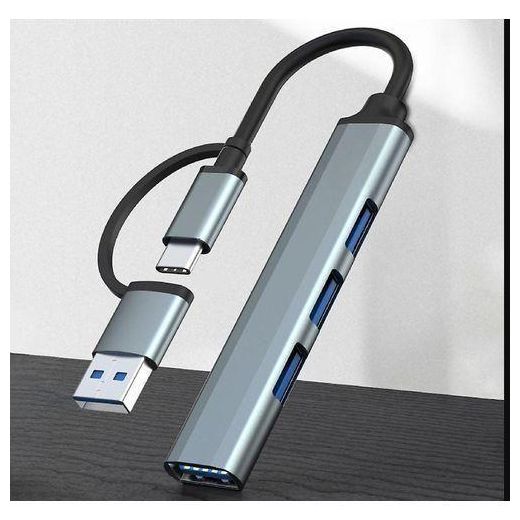
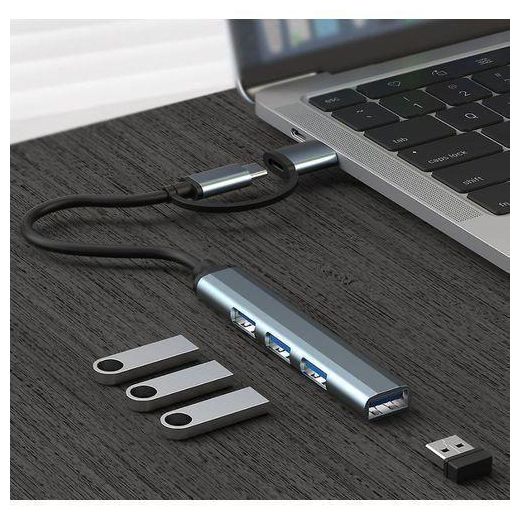
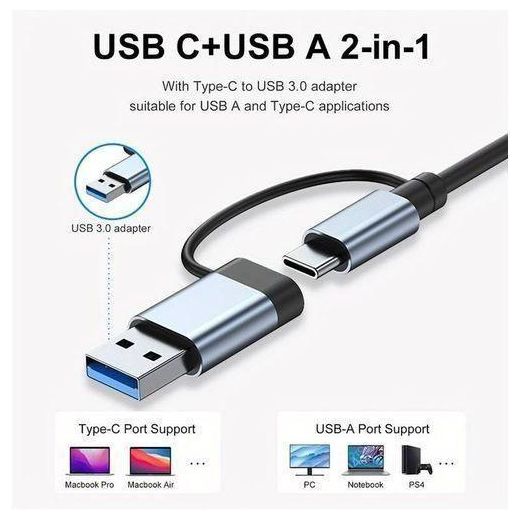
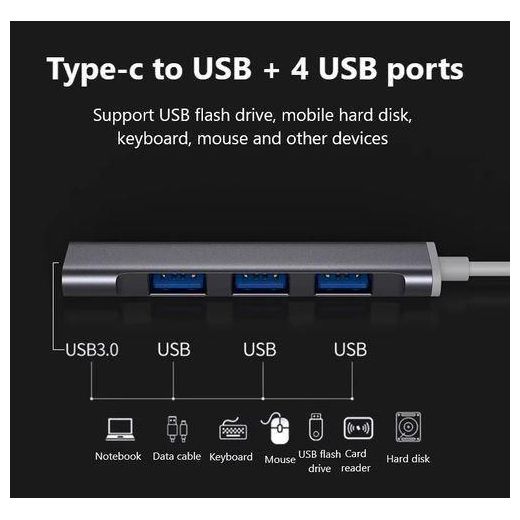
4-in-1 USB Hub - USB 3.0 & USB 2.0 Ports, Aluminum, Silver
KSh 3,981
KSh 6,000
-34%


Out of Stock
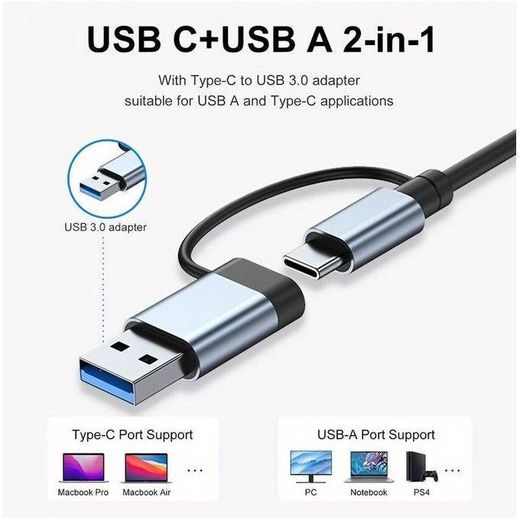
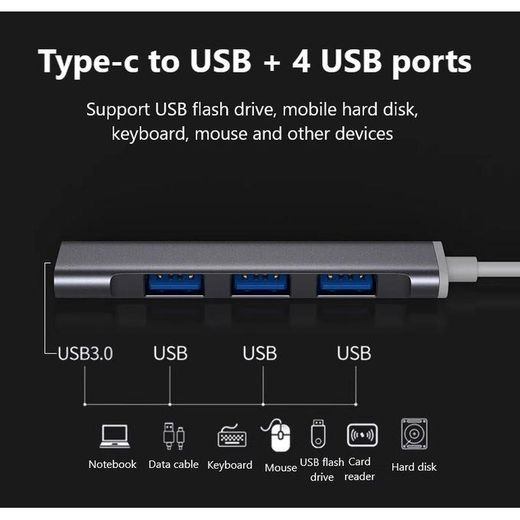
USB HUB 7 In 1 USB 3.0, Type-C Hub Adapter, Dual Head Docking Station
KSh 3,188
KSh 3,200
-1%
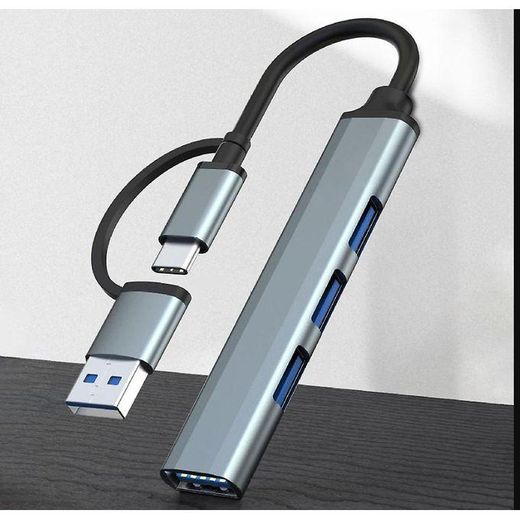
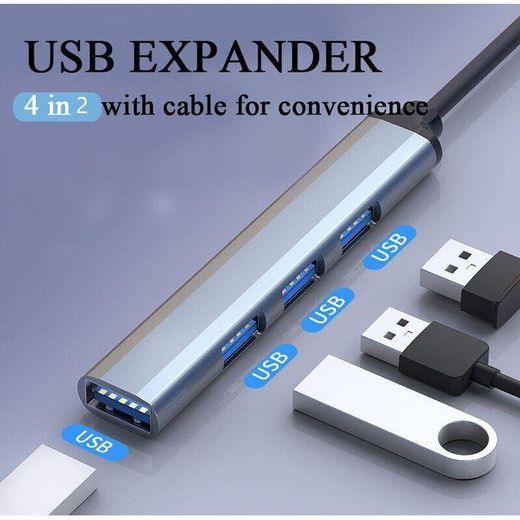
Out of Stock
4 In 2 High Speed USB HUB 3.0 4 Ports Extension Adapter
KSh 600
KSh 1,000
-40%

4 in 1 USB HUB docking station, USB multi-port extender, USB hub, ultra-thin USB splitter
KSh 2,870
KSh 4,000
-28%


Type-C Hub.
KSh 8,550
KSh 10,000
-15%


7-Port USB 2.0 Hub with Individual Switches & LED Lights, Multi-Port USB Expander, Black
KSh 3,200
KSh 3,600
-11%
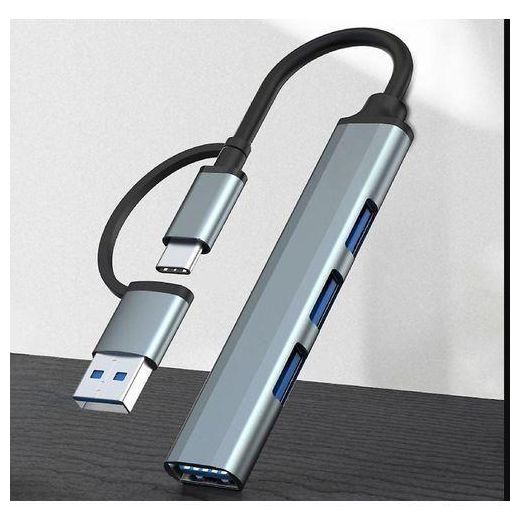
4 In 2 High Speed USB HUB 3.0 4 Ports Extension Adapter
KSh 3,840
KSh 7,200
-47%


Type C USB 2.0 HUB 4 Port Multi Splitter Adapter,Hi-Speed 4 Port Hub
KSh 2,000
KSh 3,000
-33%
Low Stock

Ugreen 10-in-1 USB-C Multi-function Hub – CM639 (UG-45380) – Gray
KSh 8,500
KSh 10,000
-15%
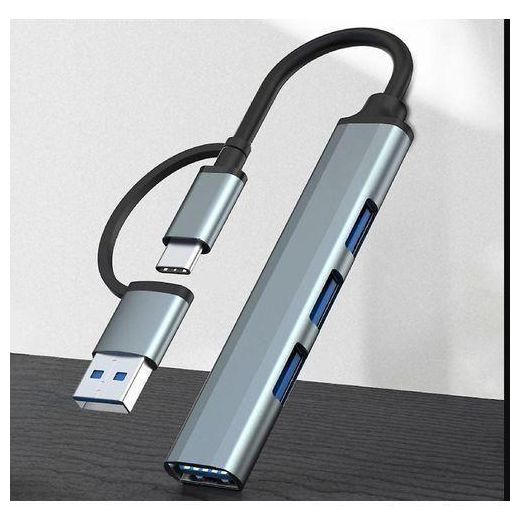
4 In 2 High Speed USB HUB 3.0 4 Ports Extension Adapter
KSh 3,088
KSh 3,500
-12%


Baseus 8-in-1 USB C Hub Docking Station, USB C Adapter with 4K HDMI, 3 USB 3.0, TF/SD Reader, Ethernet, 100W Power Delivery Compatible with MacBook, Surface, iPad, Steam Deck or Other Type C Devices
4 (2)
KSh 15,199
KSh 15,999
-5%
Low Stock


4 In 1 USB&Type-C Hub Multiport Adapter USB 3.0 OTG Splitter Fast Data Dock Station For Laptop MacBook Android
KSh 6,650
KSh 8,000
-17%


BF26 JG Add 5 Get 20% - JF
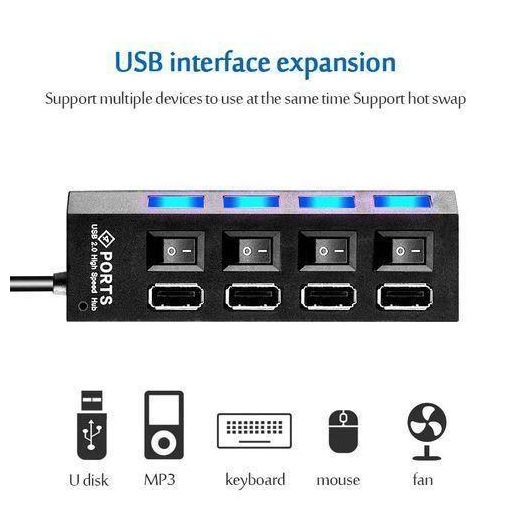
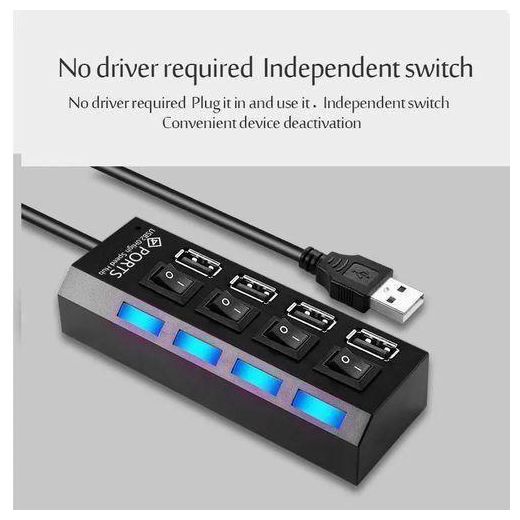
4 Ports USB HUB Docking Station With Independent On/Off Switch For Laptop PC
4 (35)
KSh 314
KSh 603
-48%
Jumia Express
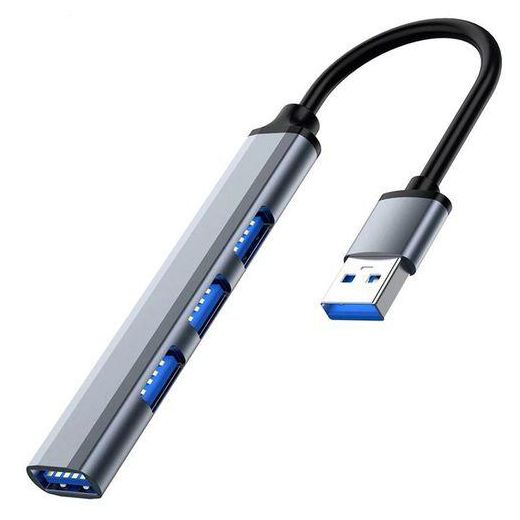
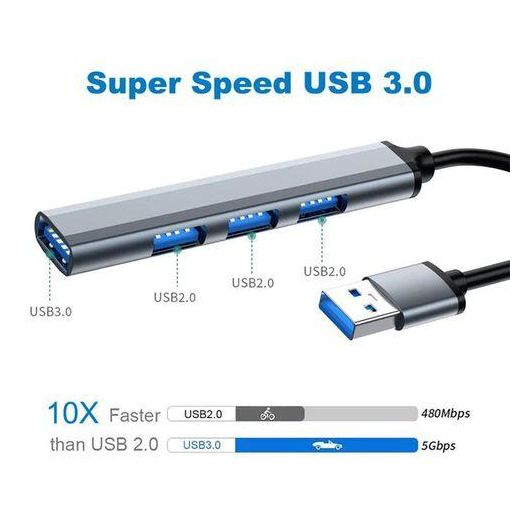
Laptop Interface Expander Mini Usb3.0 Hub One Tow Four Type-c Docking Station
KSh 9,000
KSh 17,800
-49%


HUB USB Hub 7 Port USB 2.0 Independent Switch Indicator
KSh 1,000
KSh 2,000
-50%
Low Stock


BF26 JG Add 5 Get 20% - JF
5 in 1 USB C Hub, Dual Plug USB-A & Type-C Multiport Adapter, USB3.0 + USB2.0 + SD TF Micro SD Card Reader, OTG Splitter for Laptop, Phone
4.7 (3)
KSh 545
KSh 1,206
-55%
Low Stock
Jumia Express


USB 2.0 Hub 7 Port USB Data Hub With Switch
KSh 2,227
 Black Friday deal
Ugreen 4-Port USB3.0 Hub with USB-C Power Supply – UG- 70336
KSh 2,850
KSh 4,000
-29%


BF26 JG Add 5 Get 20% - JF
High Speed 7 Ports USB HUB Docking Station 2.0 Adapter Expander Multi Port Splitter Multiple Extender USB Hubs with Independent On/Off Switch and LED Indicators for Laptop, PC, Computer
3.5 (33)
KSh 376
KSh 811
-54%
Low Stock
Jumia Express


USB HUB Multiport USB 3.0 HUB With 7 Ports
KSh 2,000
KSh 3,000
-33%
Low Stock
Frequently Asked Questions About usb hub functional design
How do I choose the right usb hub functional design for my setup?
Start by evaluating your port needs, data speeds, device compatibility, and whether you need a USB-C or USB-A input. For example, a seven-port hub that includes USB 3.0 and USB 2.0 ports works well with laptops, MacBook Pro, iMac, and tablets. Consider build quality and size to fit your workspace, with aluminum designs offering durability and heat management.
What should you focus on when evaluating port speeds and standards in a usb hub functional design?
Focus on matching the USB standards to your devices, prioritizing USB 3.0 speeds and compatibility with USB 2.0. If you frequently transfer large files or run fast external storage, choose a hub that provides USB 3.0 on the ports you use most. In this category, models with USB 3.0 and USB-C inputs give flexible connectivity for PCs, laptops, and Apple devices.
How should a beginner vs a pro approach the usb hub functional design in their setup?
For a beginner, start with a simple multiport hub that covers common peripherals like a keyboard, mouse, and external drive. A pro or power user should look for a design with a USB-C input for modern laptops and enough ports to manage multiple devices without rearranging cables. A 7-port option helps balance everyday use with future expansion for Windows, macOS, and iPadOS.
How do you ensure compatibility and maintain a usb hub functional design?
Check compatibility by confirming the hub supports your computer’s USB-C or USB-A ports and the speeds you need. Keep connectors clean and avoid forcing cables, and store the hub away from heat to preserve performance. This category features generic-brand hubs designed for broad compatibility across PCs, laptops, and Apple devices.
Why is aluminum material important for usb hub functional design?
Aluminum helps with heat dissipation and durability in usb hub functional design. A metal chassis, like the aluminum hub in this listing, stays cooler during extended use and looks sleek on any desk. Pair these hubs with devices from Apple, Windows laptops, and tablets for versatile, long-lasting connectivity.