HomeUniversal power strip
Express Delivery
Shipped From
Price (KSh)
-
Discount Percentage
Brand
addigoesAILYONSAldeepoAnkerAstraAstra EnglandCastonExcellentExtensionFashionGenericHgHIGH ASTRAInternational AdaptorItelJsbJUZEELDNIOLight WaveLIGHTWAVEMarkenMercuryMODINotebook Computer StandsOemOraimoOriginalPhilipsPorodoPower CubePower KingTESSANTRAVEL CHARGERTripp-LiteTripp LiteTRIPPLITEUgreenUKRKUnbrandUniversalWhiteWINNING STAR
Universal power strip
(600 products found)
Related results:


JUZEE 5 Way Universal Power Strip 2M Extension Socket with 3 USB Ports USB A USB C Multi Plug
KSh 880
KSh 1,206
-27%
Jumia Express


5 AC Outlets Universal Power Strip SC5415
KSh 3,500
Low Stock


Safe Electrics Multi-Color Universal Power Strip with USB Ports – 6 Sockets
KSh 2,500
KSh 4,500
-44%
Out of Stock
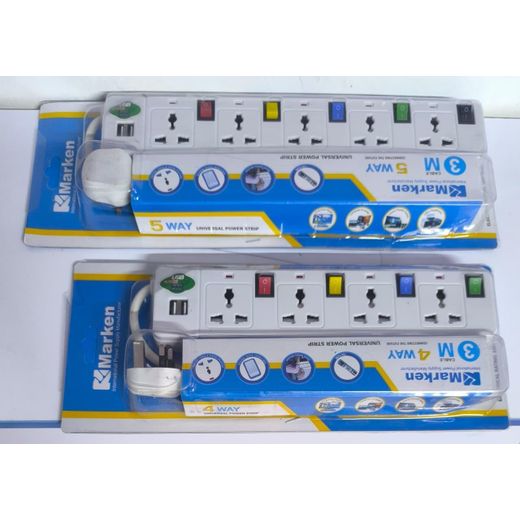
Marken Universal Power Strips
From KSh 750
More Variants Available

Universal Power Strip Power Socket Child-Safe Power Strip with 6 Outlets & 3 USB Ports 2500W Flame Retardant Wide-Spaced Sockets 3 USB-C Fast Charge Copper Core
KSh 12,000
KSh 16,000
-25%

LDNIO SC3416 Universal Power Strip - 3 AC Outlets, 4 USB, 3250W, 2M Cable, White
KSh 18,000
KSh 19,000
-5%


Universal Power Strip Power Socket Child-Safe Power Strip with 6 Outlets & 3 USB Ports 2500W Flame Retardant Wide-Spaced Sockets 3 USB-C Fast Charge Copper Core
KSh 2,900
Low Stock


3 Outlets Universal Power Strip with 6 USB Ports, 2M UK Plug Extension Cord, Multi-Type Socket Surge Protector for Home Office Use
5 (1)
KSh 1,169
KSh 3,215
-64%
Jumia Express
 Black Friday deal
Marken HIGH QUALITY 4-Way Extension With 2 USB Ports - 3m Cable, Universal Power Strip
KSh 949
KSh 2,000
-53%

Marken HIGH QUALITY 4-Way Extension With 2 USB Ports - 3m Cable, Universal Power Strip
KSh 1,500
KSh 2,000
-25%

Marken HIGH QUALITY 4-Way Extension With 2 USB Ports - 3m Cable, Universal Power Strip
KSh 1,499
KSh 2,879
-48%

Astra Universal Power Extension Strip – 6 outlets + 4 USB charging ports
KSh 839
KSh 1,500
-44%

Marken 4 Way Universal Power Strip Extension 3M Cable - Surge Protected with Individual Switches USB Phone Charging Port
KSh 800
KSh 1,500
-47%

Marken 4 Way Universal Power Strip Extension 3M Cable - Surge Protected with Individual Switches USB Phone Charging Port + Fridge Guard
KSh 1,500
KSh 2,000
-25%

Marken 4 Way Universal Power Strip Extension 3M Cable - Surge Protected with Individual Switches USB Phone Charging Port + Free TV Guard + Fridge Guard
KSh 1,699
KSh 3,000
-43%

Marken 4 Way Universal Power Strip Extension 3M Cable - Surge Protected with Individual Switches USB Phone Charging Port + Free TV Guard + Fridge Guard
KSh 1,750
KSh 2,000
-13%

Marken 4 Way Universal Power Strip Extension 3M Cable - Surge Protected with Individual Switches USB Phone Charging Port + Free 4 Way Power Extension Cable
KSh 950
KSh 1,500
-37%

Marken 4-Way Extension Socket - 3M Long Cable - Universal Power Strip with 2 USB Ports & Individual Switches
KSh 4,000
KSh 5,000
-20%

LIGHTWAVE 5-Way Extension Socket 3 Metres, Universal Power Strip with USB Charger, Overload, Surge & Thunder Protection, 2500W Max
KSh 2,400
KSh 4,400
-46%


Out of Stock
Marken HIGH QUALITY 4-Way Extension With 2 USB Ports - 3m Cable, Universal Power Strip
KSh 830

mart Home Universal Outlet Power Strip With Extension Cable AC USB Port EU US UK Plug Network Filter Overload Protection Socket
KSh 6,500
KSh 7,000
-7%

Marken 4-Way Universal Power Strip 3M Cable with 2 USB Ports + FridgeGuard Voltage Protector – Surge Protection, Appliance Safety, Multi-Socket Extension Power Strip
KSh 1,299
KSh 2,000
-35%
Jumia Express
 Black Friday deal
Marken 4 Way Universal Power Extension Socket Cable Strip with 2 USB Ports 2500W 3m
KSh 1,804
KSh 2,500
-28%

Universal Power Strip Power Socket Child-Safe Power Strip with 6 Outlets & 3 USB Ports 2500W Flame Retardant Wide-Spaced Sockets 3 USB-C Fast Charge Copper Core
KSh 4,700
KSh 5,000
-6%

Smart Home Universal Outlet Power Strip With Extension Cable AC USB Port EU US UK Plug Network Filter Overload Protection Socket
KSh 6,500
KSh 7,000
-7%


Out of Stock
Universal Power Strip TypeC USB Port Outlet Power Strip 2M Extension Cord AC Power Socket Charge Electrical Socket UK Plug
KSh 976
KSh 1,608
-39%
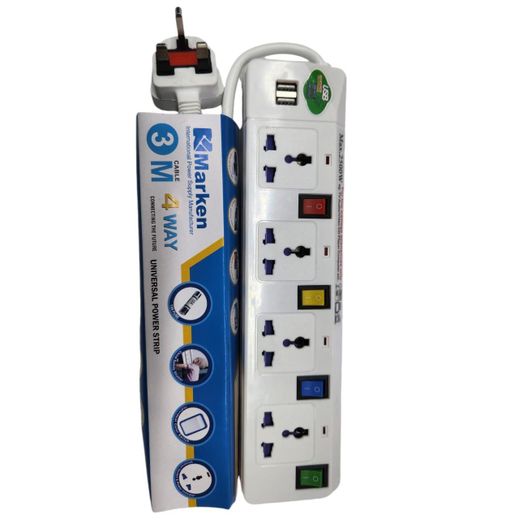
Marken 4-Way Power Extension with 2 USB Ports – 3m Universal Power Strip
KSh 900
KSh 1,500
-40%


High Astra 5 Way Universal Power Extension Cable Socket Strip with 2 USB Ports & 1 Type-C Port
KSh 1,425
KSh 2,500
-43%
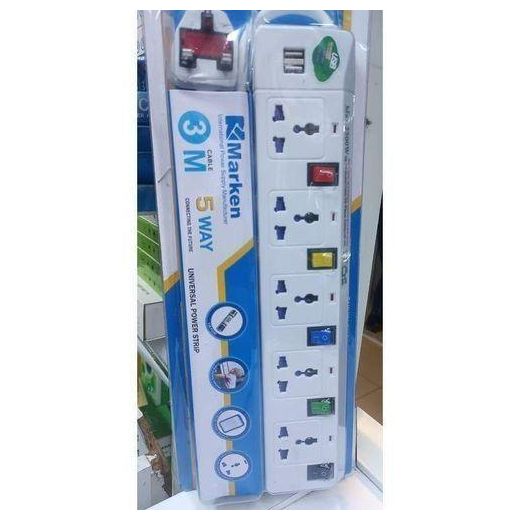
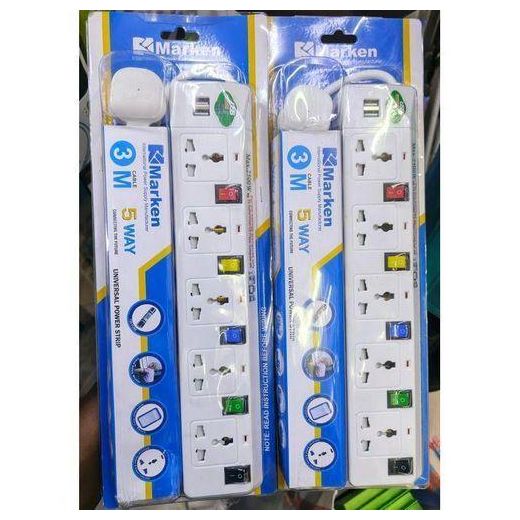
Marken Universal Power Strip 5 Way Extension Cable
KSh 939
KSh 1,288
-27%
offers from

Mercury Multiport Universal Power Strip 5V 4A 3xUSB + 1X Universal Socket Fannel Bag 1.2M Cable
KSh 4,500
KSh 5,000
-10%
Low Stock

Mercury MULTIPORT UNIVERSAL POWER STRIP 5V 4A 3 X USB + 1X UNIVERSAL SOCKET , FANNEL BAG 1.2M CABLE
KSh 2,050
Low Stock

Universal Power Strip Power Socket Child-Safe Power Strip with 6 Outlets & 3 USB Ports 2500W Flame Retardant Wide-Spaced Sockets 3 USB-C Fast Charge Copper Core
KSh 2,300
KSh 4,000
-43%
offers from

Marken 5 way extension universal power strip with USB
KSh 2,370
KSh 3,200
-26%
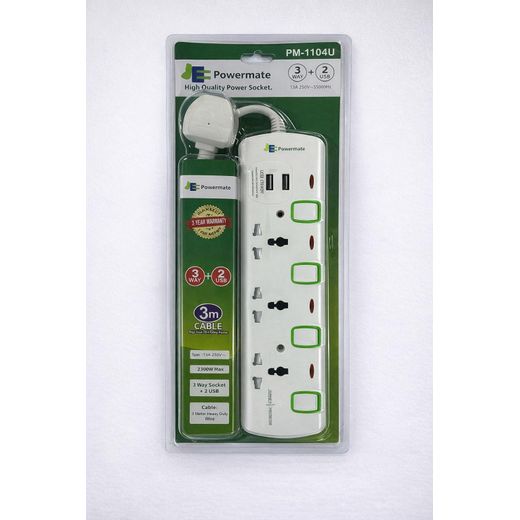
Powermate Universal power strip 4 way sockets with USB charger
KSh 1,350

Multi-Function Power Strip with 6 Universal AC Outlets 3 USB Ports and 1 Type-C Port 2m Extension Cord - Black
KSh 18,000
KSh 20,000
-10%

LIGHTWAVE 4-Way Extension Socket 3 Metres, Universal Power Strip with Overload, Surge & Thunder Protection, 2500W Max
KSh 2,150
KSh 4,150
-48%
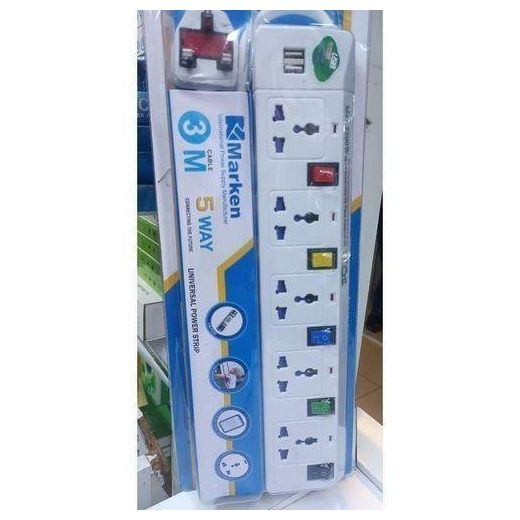
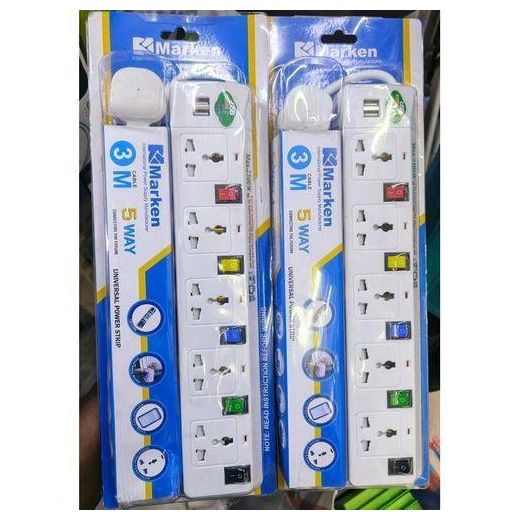
Marken Universal Power Strip 5 Way Extension Cable
KSh 939
KSh 1,299
-28%

LIGHTWAVE 4-Way Extension Socket 3 Metres – 1 USB-A & 2 USB-C Charging Ports, Universal Power Strip, Overload Protection, Surge & Thunder Protection, 2500W Max
KSh 2,650
KSh 4,650
-43%


Marken Universal Power Strip Extension Lead with 4/5 Outlets & 2 USB Ports – Individual Switches, UK 3-Pin Plug
From KSh 854
From KSh 1,599
-47%
More Variants Available

TESSAN Universal Extension Cord Extension Socket With 4AC USB C 3.0A Charger Adapter 3 Meter Power Strip
5 (1)
KSh 2,300
KSh 2,640
-13%
Frequently Asked Questions about Universal power strip
How do I choose the right universal power strip for my workspace?
Start with the number of sockets, USB ports, and safety features that fit your setup. A six-socket strip with two or more USB ports covers phones, tablets, and small devices without overload. Look for surge protection to guard electronics and a built‑in safety switch for quick disconnection. Color‑coded outlets help you keep cords organized, while a compact form makes it easy to place on desks or shelves. A high‑quality model should also offer durable materials and a reliable plug that fits your region.
What features differentiate higher‑quality power strips?
Higher‑quality models provide multiple safety features and robust construction. For example, a strip with surge protection and a copper‑core outlet design offers better conductivity, while flame‑retardant materials resist heat buildup. Models with 6 outlets plus several USB ports support more devices, and some include a built‑in switch to control power at a glance. Look for long-lasting build, a clear rating like 2500W max, and practical extras such as color‑coded sockets for easy identification.
Can I charge devices quickly using USB ports on these strips?
Yes, many universal power strips include USB ports for fast charging. Some options offer two USB ports, while others provide four, enabling simultaneous charging of multiple phones, tablets, and accessories without occupying wall outlets. This keeps workspaces tidy and reduces plug fatigue on adapters. When selecting, check the total wattage and ensure the USB ports deliver steady current to prevent slow charging.
Is it safe to connect several devices at once?
Yes, but stay within the device’s combined power rating, typically up to 2500W for common strips. Avoid daisy‑chaining power strips and distribute loads across different outlets to prevent overheating. Use the built‑in safety switches to quickly cut power if needed, and keep liquids away from the strip. Regularly inspect cords and plugs for damage, and replace any worn components promptly to maintain safe operation.
How should I position and maintain these strips for safety and longevity?
Place strips on dry, stable surfaces away from heat sources and water splashes. Use the switch to shut down idle devices and unplug when not in use for extended periods. Keep outlets accessible for easy access and label cables if you use multiple strips to avoid overloading one line. Clean with a dry cloth and avoid harsh cleaners that could degrade insulation. Proper storage and prudent use extend their life and reduce risk of electrical faults.
What decor or color options help these fit into a space?
Many options come with white, multicolor, or neutral finishes to blend with desks, shelves, or office corners. Some models feature color‑coded outlets that make it easier to identify which socket powers which device, aiding organization. Whether you prefer a sleek white look or a vibrant setup, the right finish and color coding can keep your workspace tidy while offering practical benefits like quick identification and a safer, more user‑friendly charging station.