HomeTp link archer c64
Shipped From
Price (KSh)
-
Discount Percentage
Brand
Tp link archer c64
(45 products found)
Related results:
Discover the TP-Link Archer C64, a high-performance dual-band Wi-Fi router designed to enhance your online experience. With speeds of up to 1200 Mbps, it ensures seamless streaming, gaming, and browsing. Featuring advanced security protocols and easy setup via the Tether app, the Archer C64 is perfect for both home and small office use. Enjoy reliable connectivity and extensive coverage, making it an ideal choice for all your networking needs. Upgrade your internet experience today!


TPLink TP-Link Archer C64 AC1200 Dual-Band Wi-Fi Router
4.8 (4)
KSh 6,318
KSh 7,500
-16%

TPLink TP-Link Archer C64 AC1200 Wireless Mu-Mimo Wifi Router
KSh 6,500
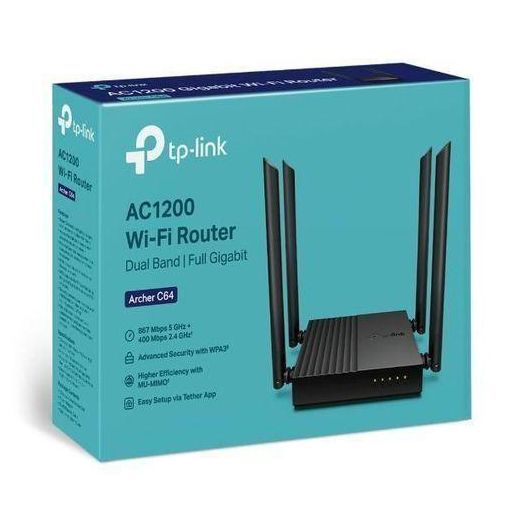
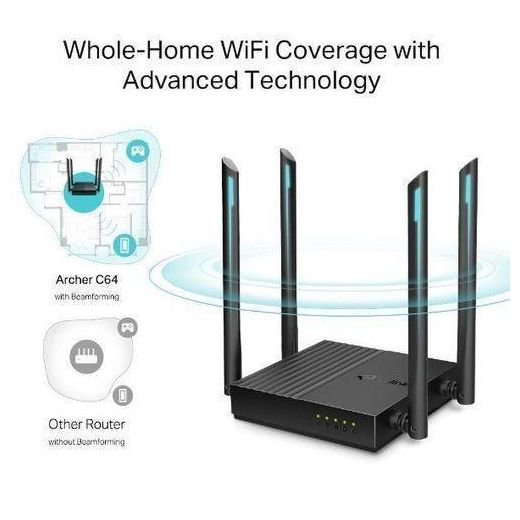
TP Link Archer C64 AC1200 Wireless MU-MIMO WiFi Gigabit Router Archer C64 AC1200 Wireless MU-MIMO WiFi Gigabit Router
KSh 22,399
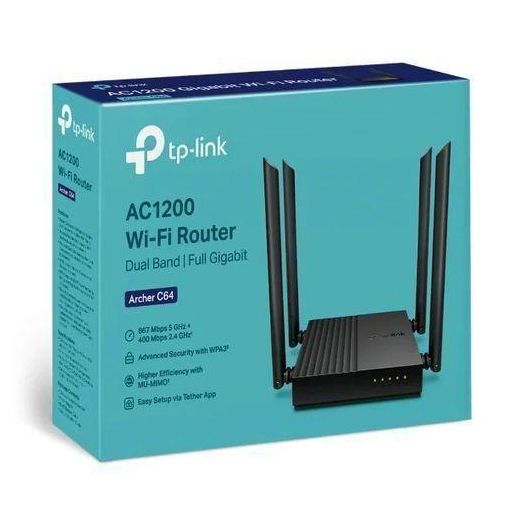
Out of Stock
TP Link Archer C64 AC1200 Wireless Router
KSh 12,998
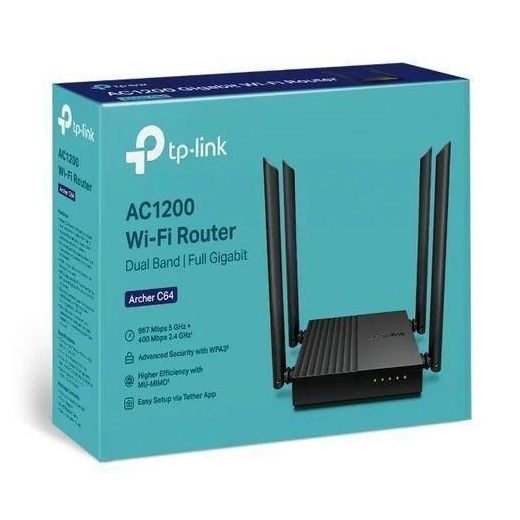
TP Link Archer C64 AC1200 Wireless Router
KSh 9,030
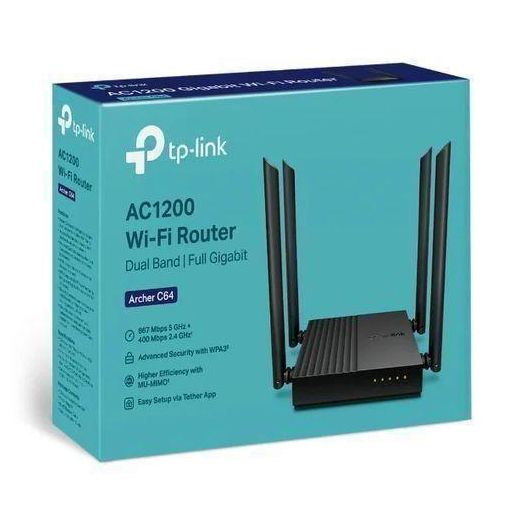
TP Link Archer C64 AC1200 Wireless Router
KSh 14,840
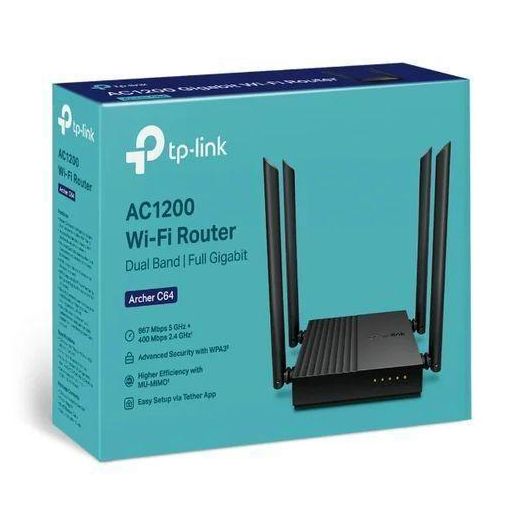
TP Link Archer C64 AC1200 Wireless Router
KSh 9,099
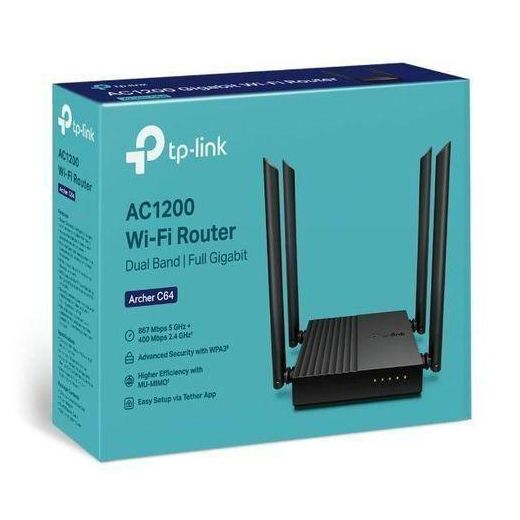
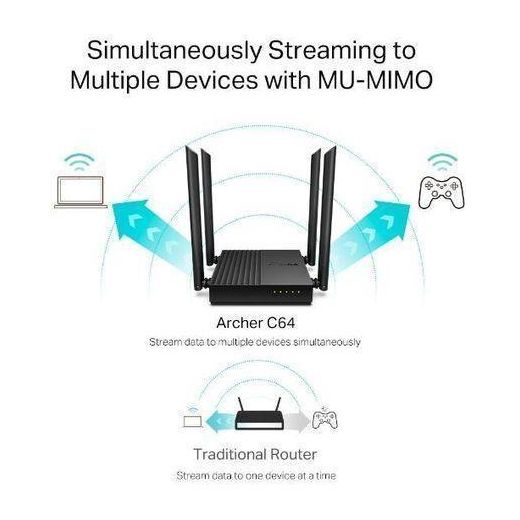
TP-Link Archer C64 AC1200 Wireless MU-MIMO WiFi Gigabit Router
KSh 13,300


TP Link Archer C64, AC1200 Wireless MU-MIMO WiFi Router - Black
KSh 18,830
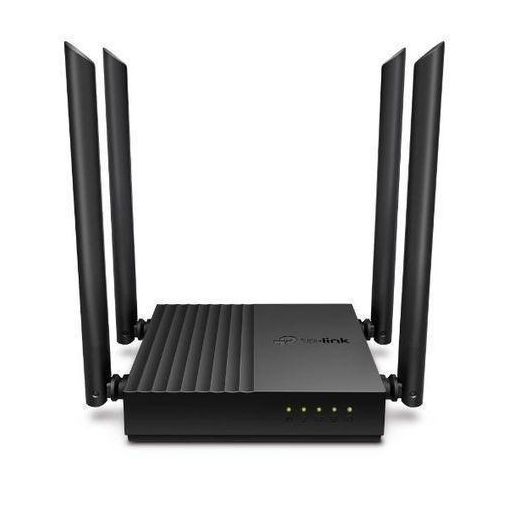

TP Link Archer C64 AC1200 Dual-Band Wi-Fi Router
KSh 6,790

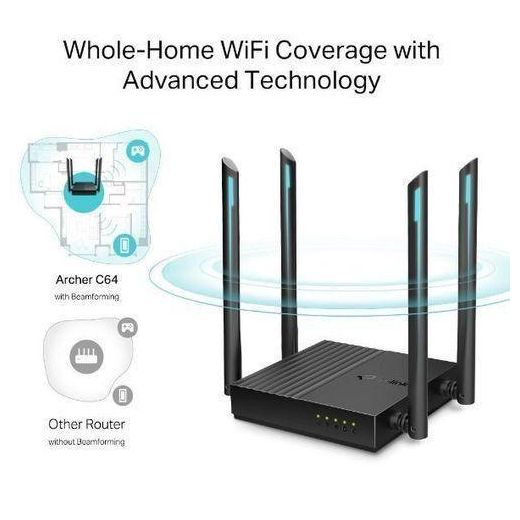
TP Link Archer C64 AC1200 Wireless MU-MIMO WiFi Gigabit Router
KSh 9,100
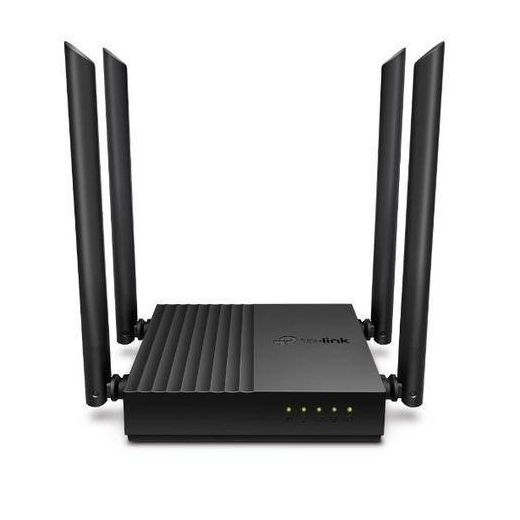
TPLink TP-Link Archer C64 AC1200 Dual-Band Wi-Fi Router
KSh 7,315
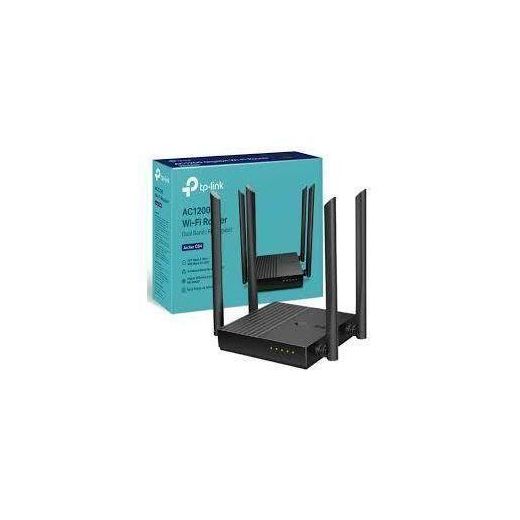
TP Link Archer C64 AC1200 Dual-Band Wi-Fi Router
KSh 20,300


TP-Link Archer C64 AC1200 Dual-Band Wi-Fi Router
KSh 7,000

TP Link Archer C64 AC1200 Wireless Router
KSh 6,450

TP Link Archer C64 AC1200 Wireless Router
KSh 6,450

TP Link Archer C64 AC1200 Wireless Router
KSh 6,499

TP Link Archer C64 AC1200 Wireless Router
KSh 6,450

Out of Stock
TP Link Archer C64 AC1200 Wireless Router
KSh 6,450
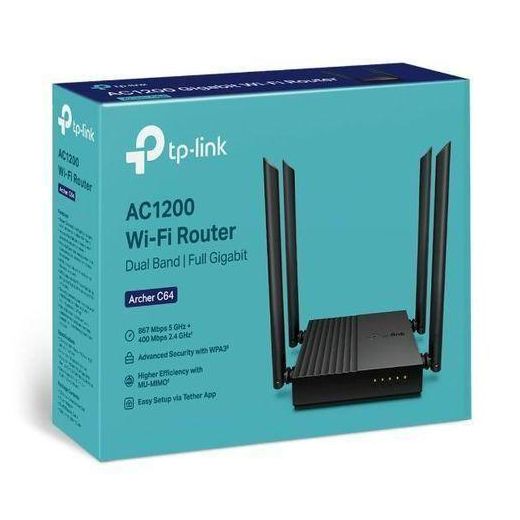
TP Link Archer C64 AC1200 Wireless Mu-Mimo Wifi Router
KSh 14,500
KSh 18,000
-19%

TP Link Archer C64 AC1200 Wireless Mu-Mimo Wifi Router
KSh 12,000
KSh 18,000
-33%
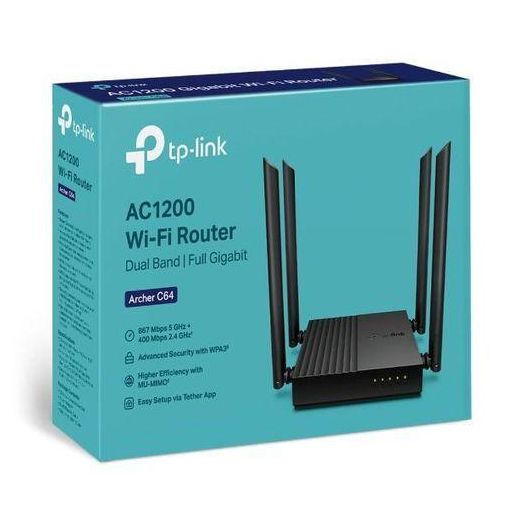
TPLink Archer C64 AC1200 Wireless Mu-Mimo Wifi Router
KSh 6,600
KSh 7,500
-12%
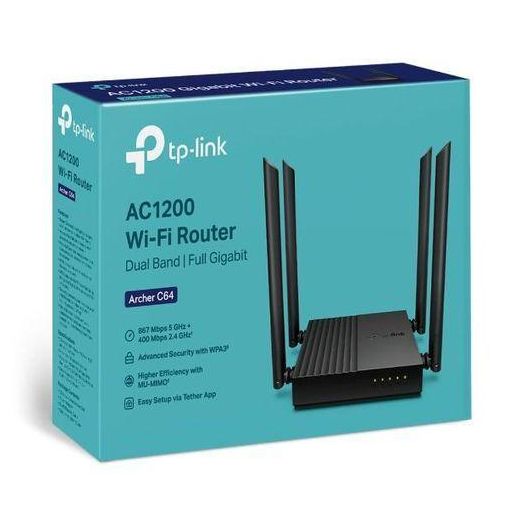
TPLink Archer C64 AC1200 Wireless Mu-Mimo Wifi Router
KSh 6,800

Out of Stock
TP Link Link Archer C60 AC1350 Dual Band Wi-Fi Router
KSh 8,500
KSh 9,500
-11%

TP Link Archer C50 – AC1200 Wireless Dual Band Wi-Fi Router
KSh 5,999
KSh 6,000
-1%

Out of Stock
TP Link Archer C50 – AC1200 Wireless Dual Band Wi-Fi Router
KSh 5,000
KSh 6,000
-17%


Out of Stock
TPLink AC1350 Dual Band Access Point/ Wi-Fi Router (IPv6 )
KSh 6,800
KSh 9,000
-24%


Out of Stock
TPLink AC1200 Wireless MU-MIMO Gigabit Router (5 GHz 2.4 GHz)
KSh 7,300
KSh 9,500
-23%


TP Link AC1200 Wireless Dual Band Router – ARCHER C50
KSh 12,700
KSh 16,000
-21%


Out of Stock
TP Link AC1200 Wireless Dual Band Router – ARCHER C50
KSh 6,000

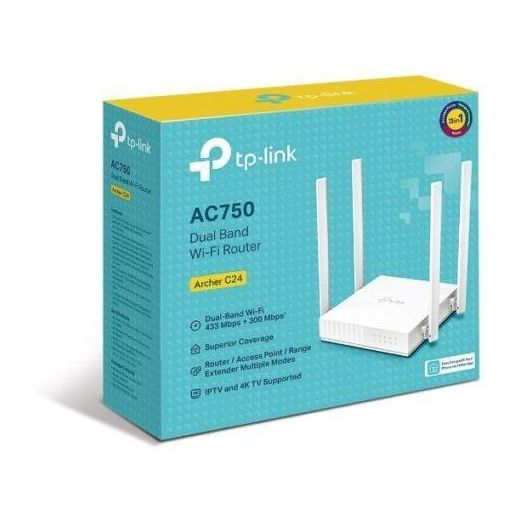
TP-Link AC1200 Archer C50 Dual Band Wireless Router
KSh 6,500
Out of Stock
TPLink AC750 Dual-Band Wi-Fi Router – TL-Archer C24
KSh 4,999
KSh 6,000
-17%


TP Link AC1200 Wireless Dual Band Router – ARCHER C50
KSh 12,600
KSh 15,000
-16%
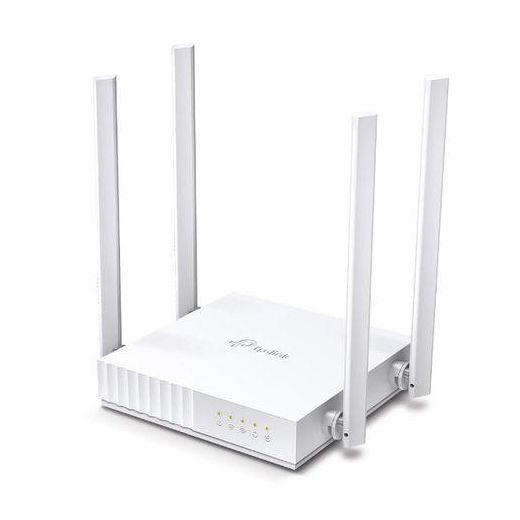
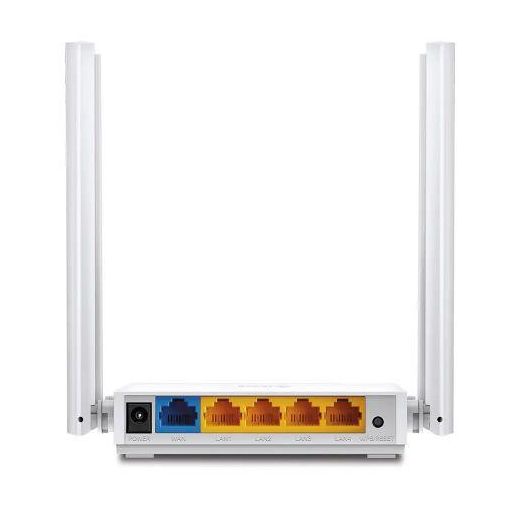
TP-Link AC750 Dual-Band Wi-Fi Router ARCHER C24
KSh 6,171
 Black Friday deal
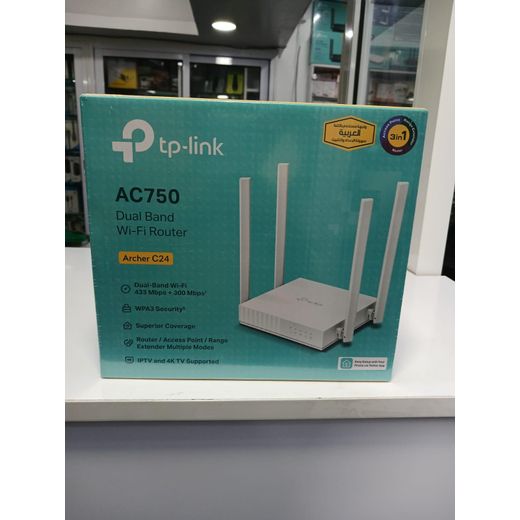
TP Link AC1200 Archer C50 Dual Band Wireless Route
KSh 6,175
KSh 6,500
-5%
Out of Stock
TP Link Archer c24 wifi router
KSh 4,999
KSh 6,000
-17%


Out of Stock
TP Link Archer C86 AC1900 Wireless MU-MIMO Wi-Fi Router
KSh 13,570
KSh 15,500
-13%

TPLink Archer C60 - AC1350 Wireless Dual Band Wi-Fi Router
KSh 7,350

TP-Link AC1350 Wireless Dual Band Router – Archer C60
KSh 9,000
offers from
 Black Friday deal
TP Link AC1350 Wireless Dual Band Router – Archer C60
KSh 8,550
KSh 9,000
-5%
Frequently Asked Questions About tp link archer c64
How do I choose the tp link archer c64 router for my home network?
Start by assessing your space and speed needs to match the tp link archer c64’s AC1200 dual‑band performance. Consider how many devices will connect and whether you want 2.4 GHz for range and 5 GHz for speed. Check compatibility with your ISP and ensure easy setup with features you’ll actually use. This approach helps you pick a reliable TP‑Link Archer option that suits typical home use.
What makes MU‑MIMO on the tp link archer c64 important for fast Wi‑Fi?
MU‑MIMO lets the router talk to several devices at once, improving real‑world throughput when multiple streams are active. The benefit grows with device variety and usage, such as streaming on multiple phones and laptops at the same time. Devices must also support MU‑MIMO to take full advantage. In practice, you’ll experience smoother video calls and fewer slowdowns during busy periods.
Should I choose the tp link archer c64 for a beginner or a power user in a small apartment?
For a beginner, the tp link archer c64 offers straightforward setup and solid performance for everyday browsing and streaming. For a power user in a small apartment, MU‑MIMO and dual‑band operation help manage several devices without major slowdowns. In both cases, central placement and a stable connection matter most for reliable coverage.
How do I maintain and ensure compatibility with the tp link archer c64?
Keep firmware updated through TP‑Link’s management interface to maintain security and performance. Use current security settings such as WPA2 and change default admin credentials. Ensure you connect devices to the appropriate 2.4 GHz or 5 GHz band and place the router in a central location. The Archer line is designed to work with standard home modems and ISPs, ensuring broad compatibility.
Which accessories best complement the tp link archer c64 in a typical home setup?
A TP‑Link extender or switch from the Archer family helps extend coverage and provide wired ports for more devices. Pair with a range extender or powerline adapter to reach farther rooms while keeping setup simple. Sticking with TP‑Link accessories helps ensure compatibility and a smooth user experience.