HomeSecure vpn router
Shipped From
Price (KSh)
-
Discount Percentage
Brand
Secure vpn router
(1000 products found)
Related results:
Enhance your online security with our secure VPN router, designed to protect your home or office network. This advanced router encrypts your internet connection, safeguarding your data from cyber threats and ensuring privacy while browsing. With easy setup and robust performance, it supports multiple devices simultaneously, making it ideal for families and businesses alike. Experience seamless streaming, gaming, and browsing without compromising security. Invest in your digital safety today with our reliable secure VPN router.


cudy WR300 N300 Wi-Fi Router - 300Mbps Wireless Router with 4 Fast Ethernet Ports, Multi-Mode Router, WPA3 Security & VPN Client for Home & Small Office
5 (1)
KSh 3,750
KSh 4,900
-24%
Low Stock


TP Link ER7206 Omada Gigabit VPN Router
KSh 22,250


TPLink Omada Gigabit VPN Router – TP-LINK ER7206
KSh 48,800


Out of Stock
TPLink Omada Gigabit VPN Router – TP-LINK ER7206
KSh 68,320

DWR-M920 4G N300 LTE Router-Sim Card Router.
KSh 15,190


TP Link ER605 Omada Gigabit VPN Gateway 1 Gigabit WAN port and 2 Gigabit WAN/LAN ports
KSh 9,599
Low Stock

Out of Stock
4G Wifi Router VPN Modem 4g WIFI Sim Card Hotspot CPE 4 Antenna 32 Users VOLTE WAN Wireless Routers LTE Dongle Modify IMEI N300-1
KSh 16,800


CQ30 Mini 4G LTE CPE Router with Firewall & VPN Unlocked SIM Card Slot Wireless Hotspot for Home Supporting 30 DevicesAT4 USB Type-C Hotspot Wifi 6 Router for Home Use
KSh 6,649
KSh 12,000
-45%
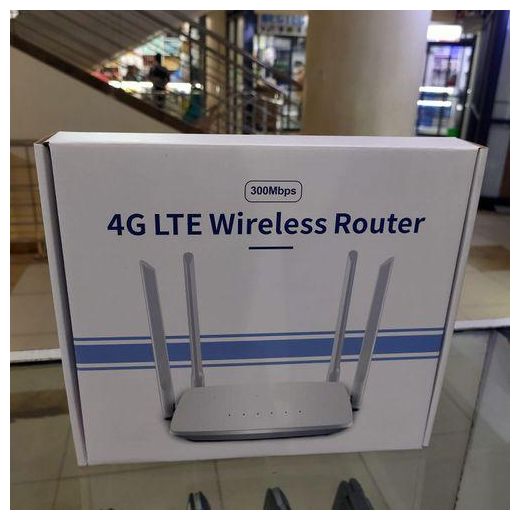
Sailsky 300Mbps 4G LTE WiFi Router With 4 High-gain Antennas
KSh 7,800


TP Link TL-WR840N 300Mbps Wireless Router
KSh 2,800


cudy AX 1800 Gigabit Dual Band Wi-Fi 6 Router
KSh 15,999


BVOT 4G/5G Pocket Wifi Router for All Networks – Reliable, Fast Internet for Home and Travel in Kenya
KSh 6,460


Out of Stock
cudy LT400 2.0 4G N300 WiFi Router – 150Mbps Download, 4G Cat 4, 300Mbps WiFi, 4x LAN Ports, Nano SIM Slot, Built-in VPN – Home & Business Network Solution
KSh 10,400


cudy LT400 2.0 4G N300 WiFi Router – 150Mbps Download, 4G Cat 4, 300Mbps WiFi, 4x LAN Ports, Nano SIM Slot, Built-in VPN – Home & Business Network Solution
3 (1)
KSh 5,200
KSh 6,500
-20%
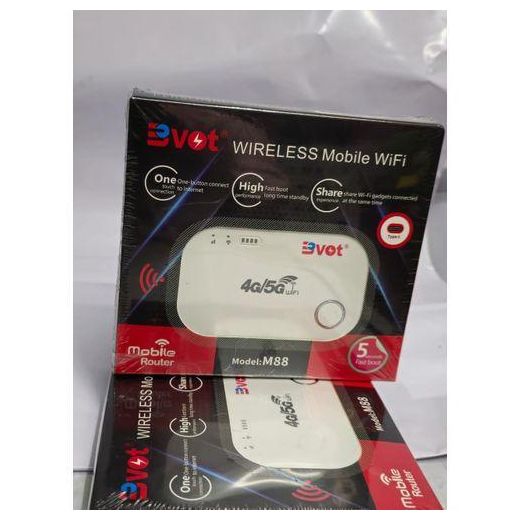
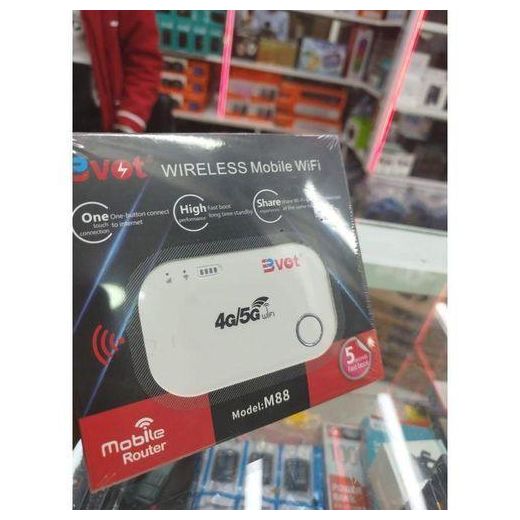
BVOT 4G/5G Portable Hotspot Router for Safaricom, Airtel, Telkom – Best Mobile Wi-Fi Router in Kenya
KSh 6,458


Bvot M88 4G/5G Travel WiFi Hotspot – Ultra-Slim, Easy Setup, And Extended Battery Life
KSh 6,458


Bvot M88 4G/5G Travel WiFi Hotspot – Ultra-Slim, Easy Setup, and Extended Battery Life
KSh 6,798


BVOT Secure 4G/5G Router M88 for Data Privacy
KSh 3,357
KSh 8,000
-58%


BVOT 4G/5G Wireless Router – Best Mobile WiFi Hotspot for Secure and Stable Connection
KSh 6,458


TP Link TL-MR3420 3G/4G Wireless N Router, 300Mbps Speed, 1 USB 2.0 Port for LTE/HSPA+/HSUPA/HSDPA/UMTS/EVDO USB Modem 1 10/100Mbps WAN Port, 4 10/100Mbps LAN Ports
KSh 3,999
KSh 7,000
-43%


TP Link TL-MR3420 3G/4G Wireless N Router, 300Mbps Speed, 1 USB 2.0 Port for LTE/HSPA+/HSUPA/HSDPA/UMTS/EVDO USB Modem 1 10/100Mbps WAN Port, 4 10/100Mbps LAN Ports
KSh 5,300
KSh 6,000
-12%


TP Link TL-MR3420 3G/4G Wireless N Router, 300Mbps Speed, 1 USB 2.0 Port for LTE/HSPA+/HSUPA/HSDPA/UMTS/EVDO USB Modem 1 10/100Mbps WAN Port, 4 10/100Mbps LAN Ports
KSh 4,999
KSh 6,000
-17%
offers from


Out of Stock
BVOT Dual-Band 4G/5G Pocket Wifi Hotspot Router – Fast Internet for Home, Office, and Travel in Kenya
KSh 4,521
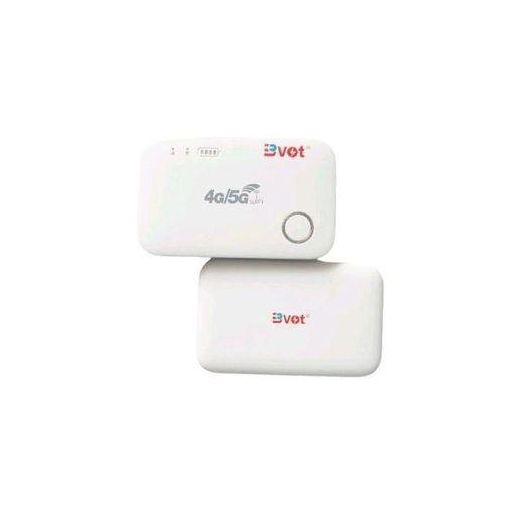
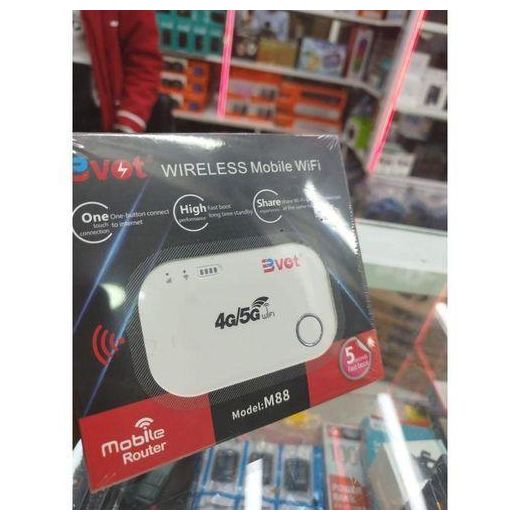
BVOT M88 4G/5G Portable WiFi Router – Secure, Fast Internet For Home, Travel, Office, Easy Type-C Charging
KSh 6,460
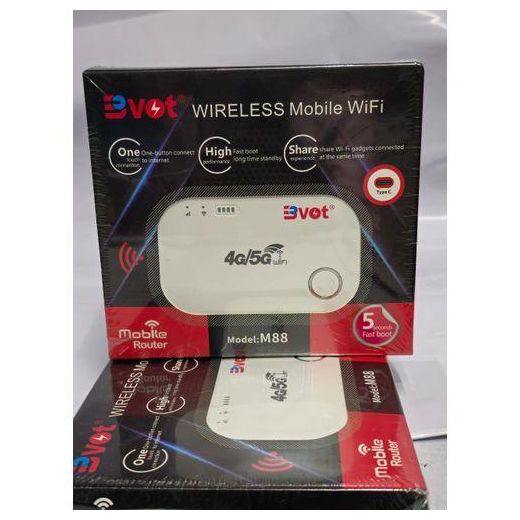
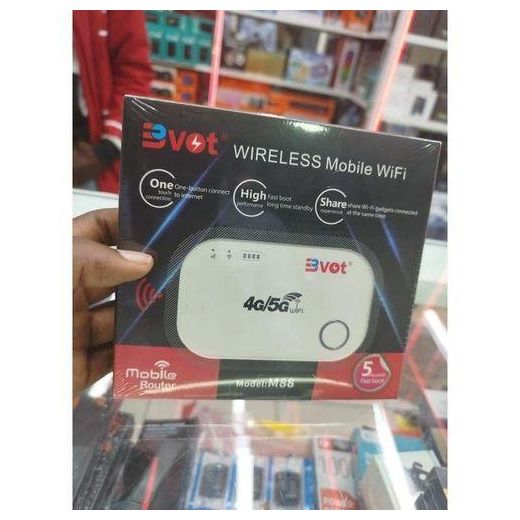
Bvot M88 4G/5G Pocket WiFi – Portable Router with Fast Boot & Long Battery Life
KSh 6,460


BVOT Ultra-Fast 4G/5G LTE Wireless Internet Router with Secure WiFi & High-Speed Data Transfer
KSh 6,798
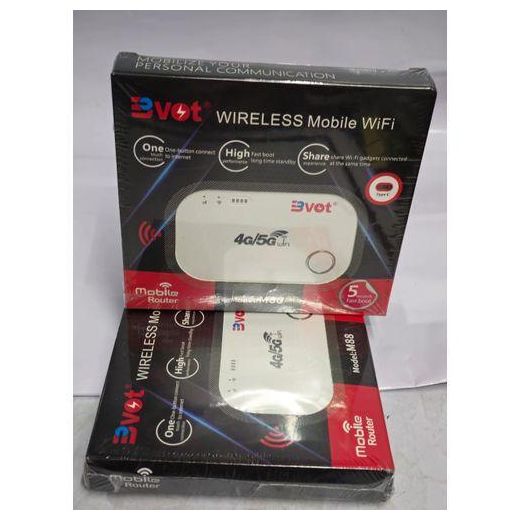
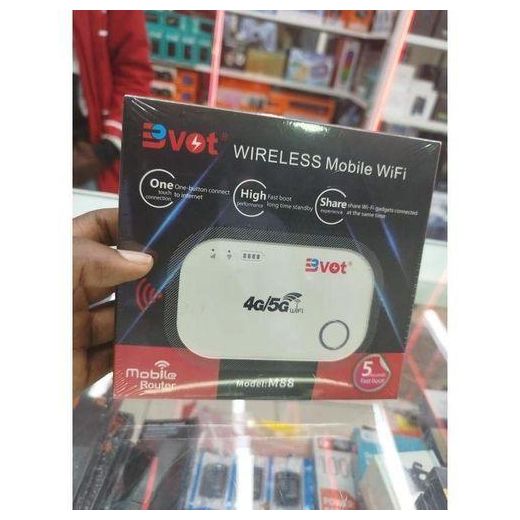
Bvot M88 4G/5G Portable WiFi Router – Best for Laptops, Tablets & Smartphones
KSh 6,458
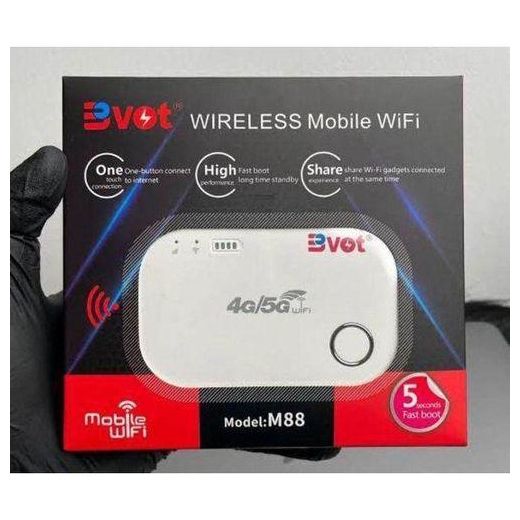
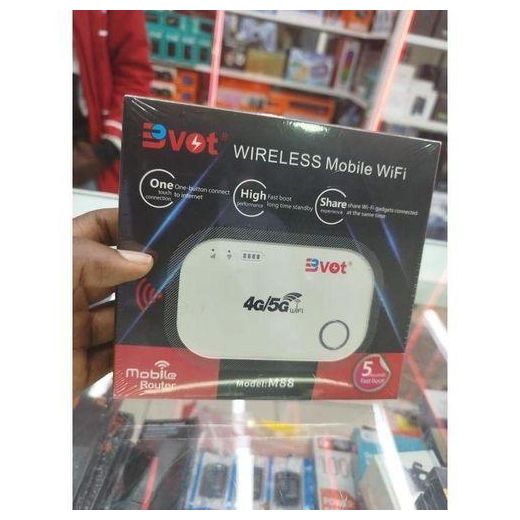
BVOT M88 Compact WiFi Hotspot Device with SIM Card Slot and 4G LTE Wireless Network Sharing
KSh 7,218
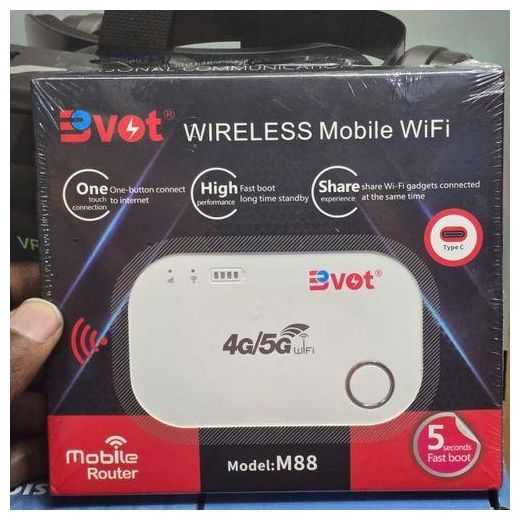
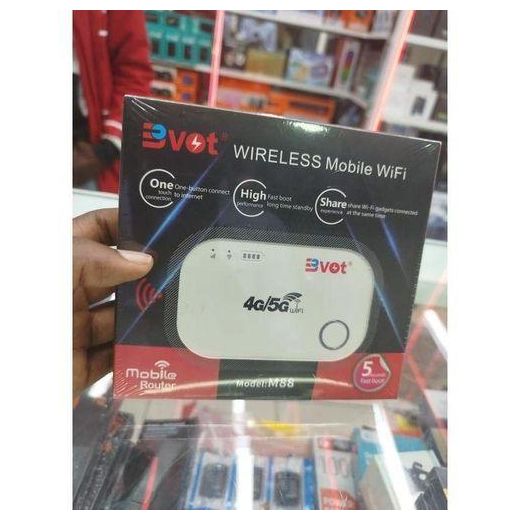
BVOT M88 Mobile Router – 4G Portable Hotspot with Smooth Connectivity
KSh 7,606
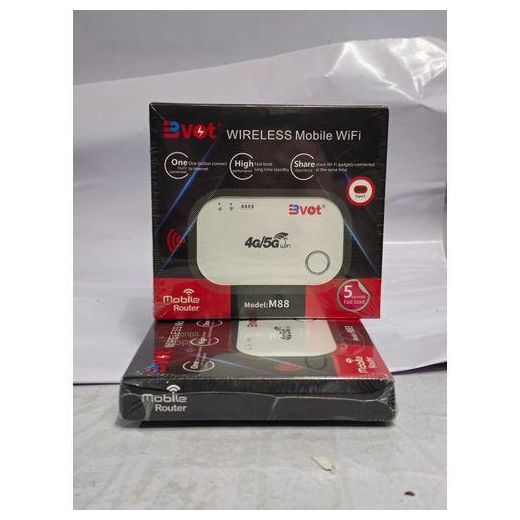
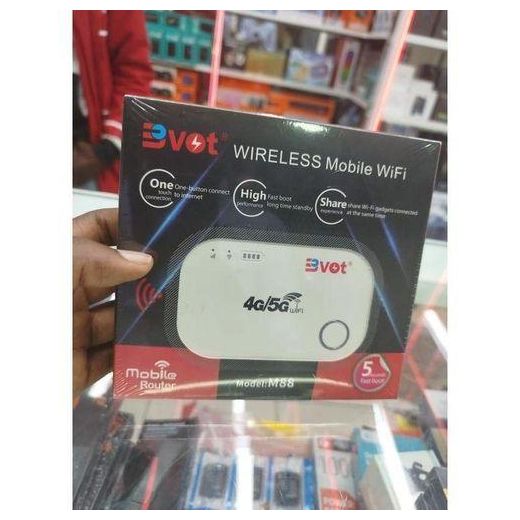
Bvot M88 Wireless 4G/5G Portable WiFi – Supports Safaricom, Airtel, Telkom & Faiba, Long Battery Life, Easy to Use
KSh 6,458


BVOT M88 Rechargeable Wireless Router with SIM Card Support and Travel Design
KSh 7,598
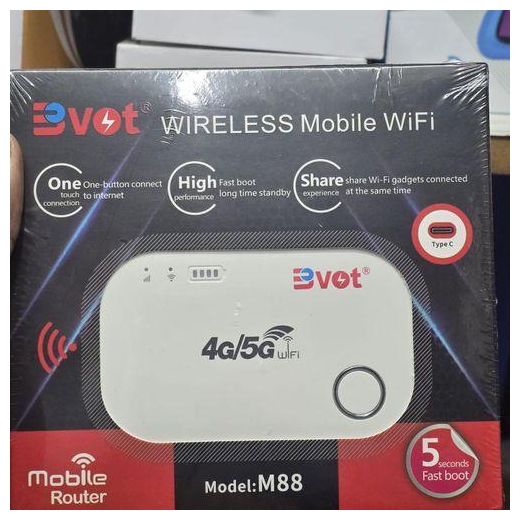
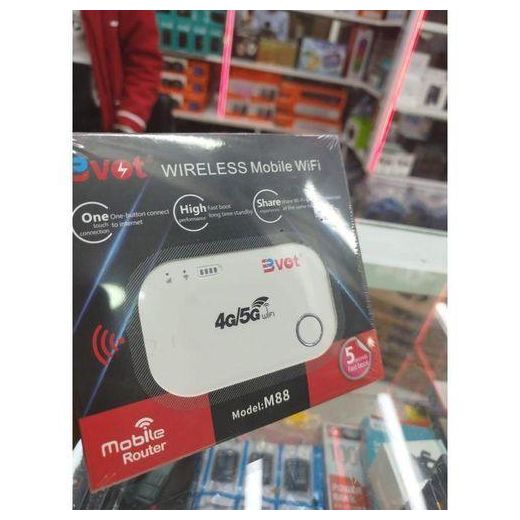
BVOT Reliable 4G/5G LTE Pocket WiFi Router For Business, Travel & Home Use
KSh 6,800
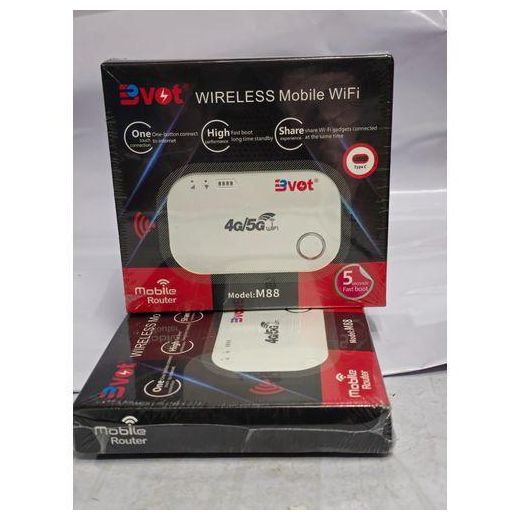
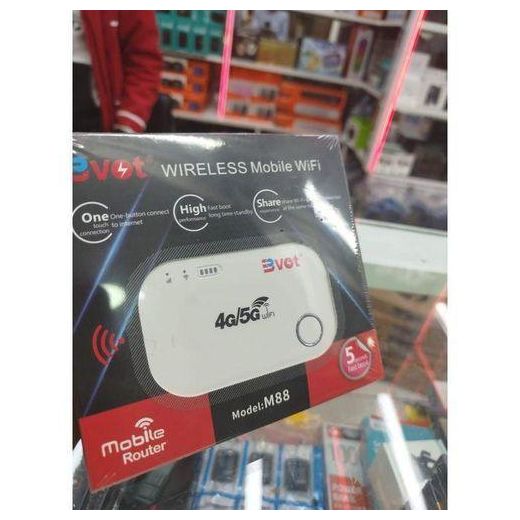
BVOT M88 4G/5G Portable Router with Ultra-Quick Startup
KSh 7,598


Out of Stock
BVOT 4G/5G Portable Pocket Wifi Mifi Router – Universal Hotspot For High-Speed Internet On The Go
KSh 6,800
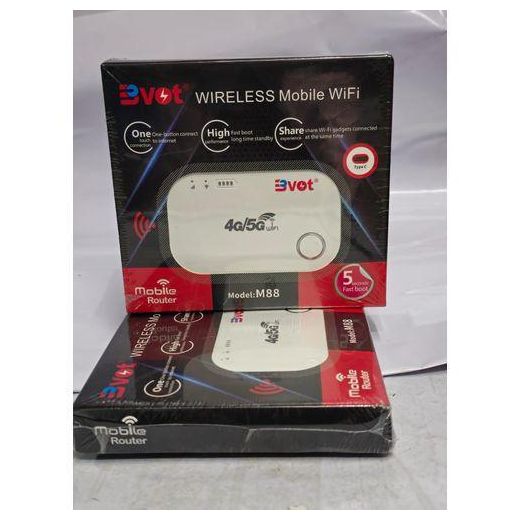
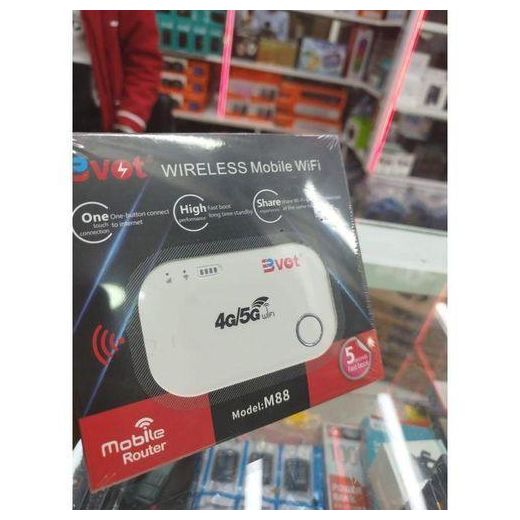
BVOT M88 4G/5G Mobile Hotspot
KSh 6,800
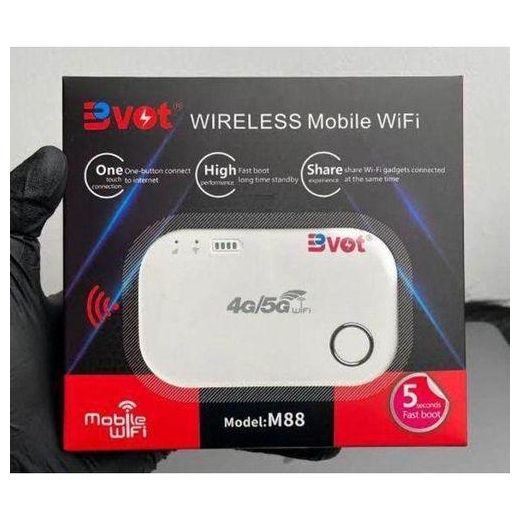
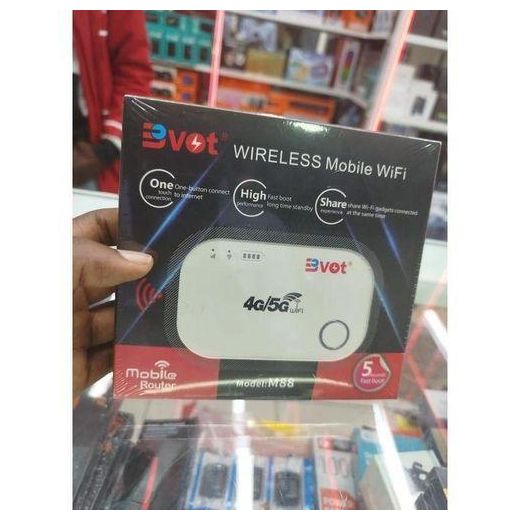
BVOT M88 Portable Mobile Router – 4G/5G Fast WiFi for Tablets, Laptops & More
KSh 6,800
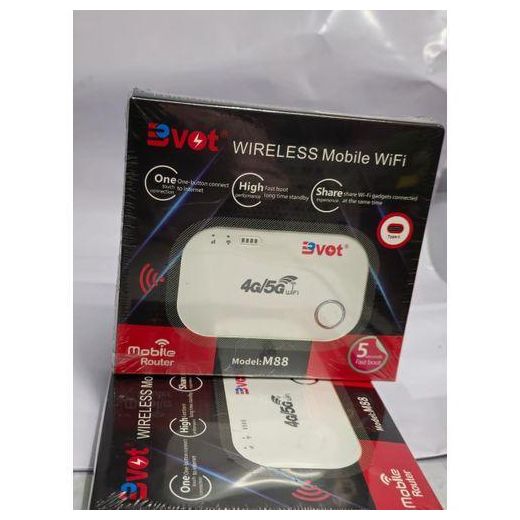
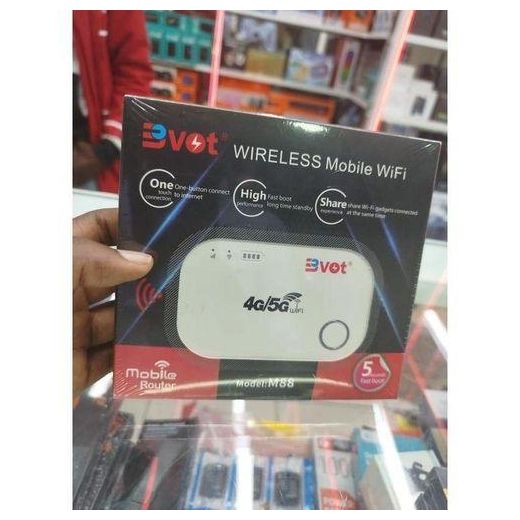
BVOT Compact 4G/5G Mifi Hotspot Router – Fast, Affordable Portable Wi-Fi in Kenya
KSh 6,458
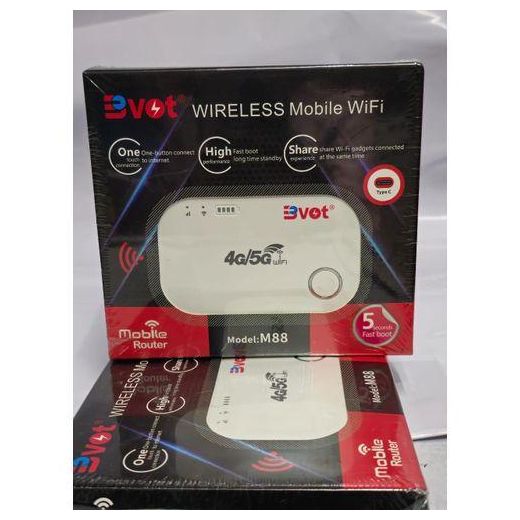
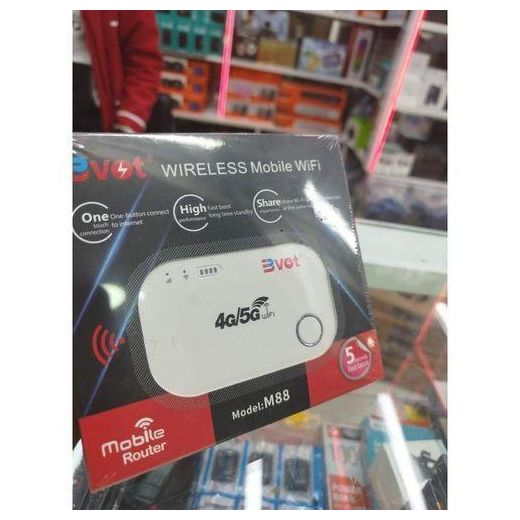
BVOT M88 Portable 4G/5G WiFi Router – High-Performance, Share Fast Internet Anywhere, Ideal For Travel & Outdoor Use
KSh 6,460


Out of Stock
Cpe 4G Universal Router -All Sim Cards WAN & LAN Ports
KSh 10,300
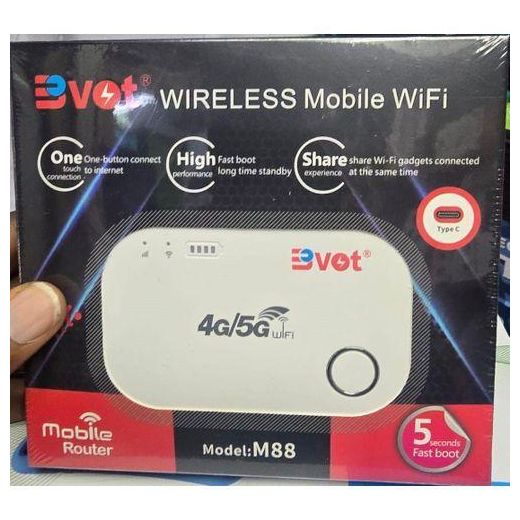
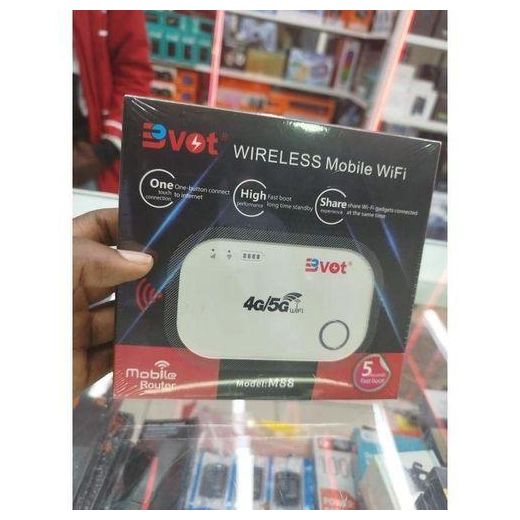
BVOT High-Speed 4G/5G Wireless Router For Tablets, Smartphones & Laptops With Secure WiFi
KSh 6,458
Frequently Asked Questions About secure vpn router
How do I choose the right secure vpn router for my home or office?
Start by matching your home or office needs to a secure vpn router that offers built‑in VPN, strong encryption, and capacity for your devices. Consider how many users or devices you’ll connect and how many wired LAN ports you need. Look for a router with options like 4G/5G backup via SIM and reliable Wi‑Fi from trusted brands such as TP-LINK, Cudy, or BVOT. Check supported VPN protocols (OpenVPN, IKEv2, or WireGuard) and encryption standards (AES-256) to ensure your traffic stays private.
Why is VPN protocol support and encryption level the most complex feature on a secure vpn router?
The most complex attribute is VPN protocol support combined with encryption level, because it directly affects security and performance. Different protocols offer trade-offs: OpenVPN and WireGuard provide strong security but can affect speed, while IKEv2 is often fast and stable on mobile networks. Look for routers that support multiple protocols and include hardware acceleration for VPN tasks. Brands in this category commonly advertise built‑in VPN and secure encryption from names like TP-LINK, Cudy, BVOT, and AVG.
Should I choose a secure vpn router for home use or for business use?
For home use, choose a secure vpn router with built‑in VPN, adequate Wi‑Fi coverage, and enough LAN ports; for a small business, prioritize multi‑user support, VPN throughput, and a reliable back‑up WAN option. Home setups often benefit from multiple LAN ports and a nano SIM slot for mobile backup. Businesses may require higher device counts, stronger management features, and easier IT oversight. Look for trusted models from TP-LINK, Cudy, BVOT that clearly advertise secure VPN capabilities.
How do I install and maintain a secure vpn router to keep my connection safe?
Install by connecting the modem, powering the router, and following the setup wizard to enable the built‑in VPN. Update firmware to the latest version and set a strong admin password before configuring VPN settings. Configure the VPN protocols and encryption levels you need, and test connections from a laptop or smartphone. If you use mobile WAN, insert a SIM in the nano SIM slot and verify network compatibility.
What should I look for in accessories and variations when shopping for a secure vpn router?
Consider variations such as 4G/5G support, the number of LAN ports, and whether the device offers a nano SIM slot for mobile backup. Choose a model from trusted brands like TP-LINK, Cudy, or BVOT that highlights built‑in VPN and secure encryption. Match the form factor and features to your space and security needs, not just price. Ensure the product clearly supports modern VPN protocols and receives regular firmware updates.
What common mistakes should buyers avoid when using a secure vpn router?
Avoid common mistakes by changing default passwords, disabling automatic firmware updates, and choosing a router without current VPN protocols. Don't overload the network with too many simultaneous VPN connections, which can slow performance. Always enable strong encryption and verify VPN settings on at least one client device. Choose a reputable secure vpn router that receives ongoing security updates and has clear configuration guidance.