HomeDual usb header pc
Express Delivery
Shipped From
Price (KSh)
-
Discount Percentage
Brand
Warranty
Official Stores
Dual usb header pc
(265 products found)
Related results:
Enhance your PCs connectivity with our premium Dual USB Header. Designed for seamless integration, this component allows you to effortlessly connect multiple USB devices directly to your motherboard. Ideal for gamers and professionals alike, it ensures faster data transfer rates and reliable performance. Upgrade your setup with this essential accessory, compatible with a wide range of motherboards. Experience the convenience of expanded connectivity and optimize your workspace today with our Dual USB Header.

5 In 2 USB Type C Hub Port Expansion Computer Multiple
KSh 1,599
KSh 4,000
-60%

5 In 2 USB Type C Hub Port Expansion Computer Multiple
KSh 1,900
KSh 2,500
-24%
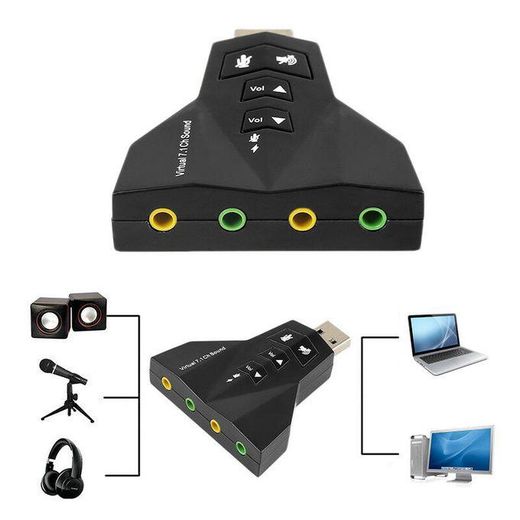
7.1 Channel USB 3D Audio Sound Card Laptop Adapter
KSh 1,200
KSh 1,500
-20%
Low Stock

Electronics 5 In 2 USB Type C Hub Port Expansion Computer Multiple
KSh 2,000
KSh 2,500
-20%

Extension 5 In 2 USB Type C Hub Port Expansion Computer Multiple
KSh 5,990
KSh 8,000
-25%
 Black Friday deal
5 In 2 USB Type C Hub Port Expansion Computer Multiple
KSh 1,674
KSh 3,999
-58%


USB Audio Dualvirtual Digital External Sound Card for 3.5mm Jack Headset Stereo 7.1 Channels
KSh 1,000
KSh 2,000
-50%
Low Stock


USB Audio Adapter External Stereo Sound Card
KSh 999
KSh 1,500
-33%
Low Stock


USB Sound Adapter
KSh 499
KSh 700
-29%
Low Stock
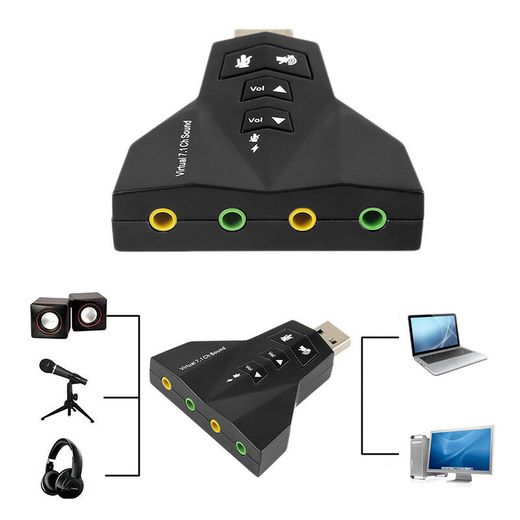
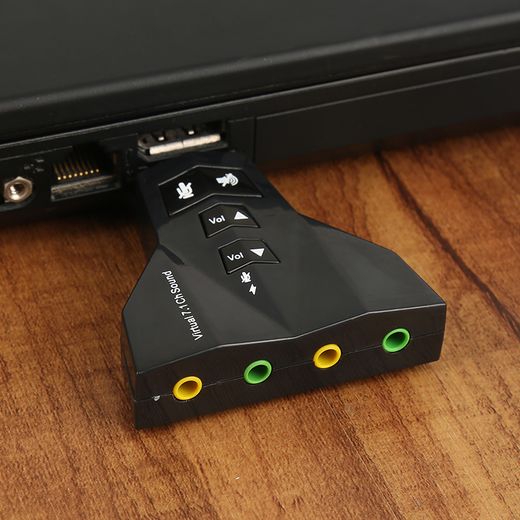
7.1 Channel USB Sound Adapter - Virtual Surround Sound, Plug & Play
5 (2)
KSh 773
KSh 1,500
-49%


USB Audio Dualvirtual Digital External Sound Card for 3.5mm Jack Headset Stereo 7.1 Channels
KSh 1,000
KSh 1,500
-33%
Low Stock


BF26 JG Add 5 Get 20% - JF
Litglobe This 8-in-2 dual-head multi-functional computer docking station features a USB hub and multi-port adapter, equipped with a Type-C data port, a USB-A 3.0 port, three USB 2.0 ports, an SD/TF card reader, and a 3.5mm headphone jack.
5 (1)
KSh 635
KSh 3,350
-81%
Jumia Express


USB/Type-C Dual Head 7-in-1 Expansion Dock Mini Portable Multi Interface Simultaneous Expansion
KSh 1,999
KSh 2,500
-20%
Low Stock


USB/Type-C Dual Head 7-in-1 Expansion Dock Mini Portable Multi Interface Simultaneous Expansion
KSh 1,999
KSh 2,500
-20%
Low Stock
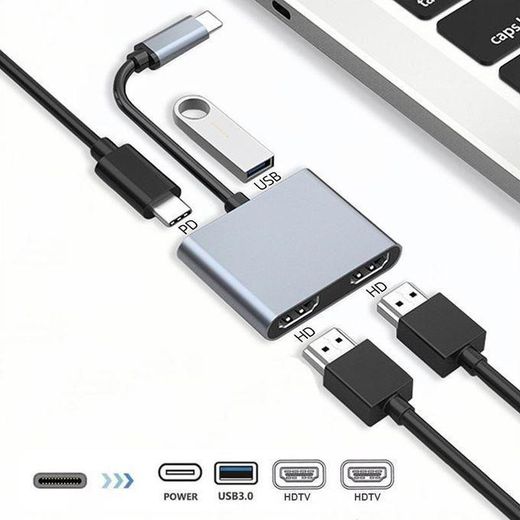
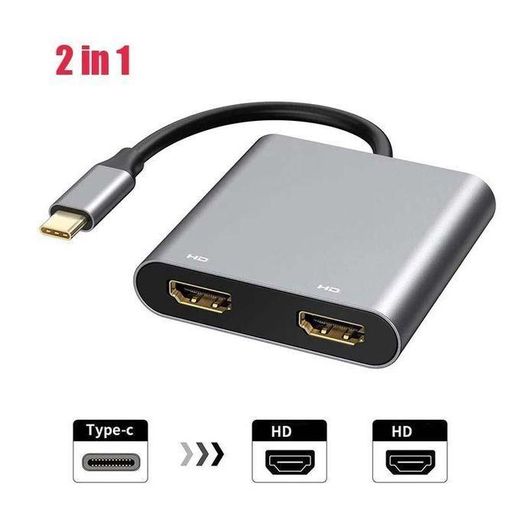
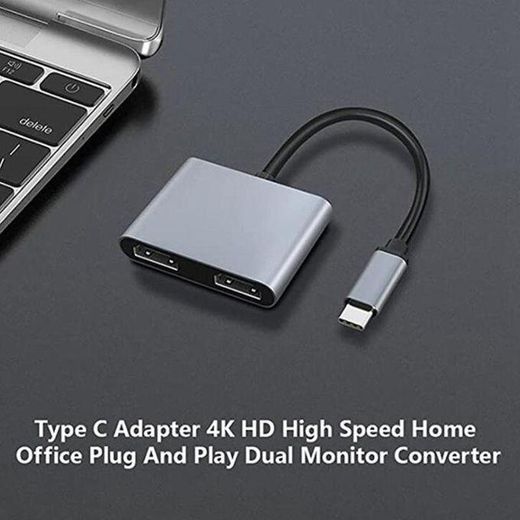
USB C to Dual HDMI Adapter
KSh 2,000
KSh 3,000
-33%
Low Stock
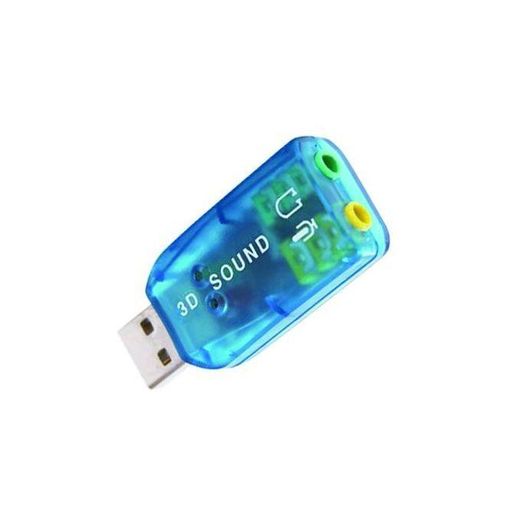
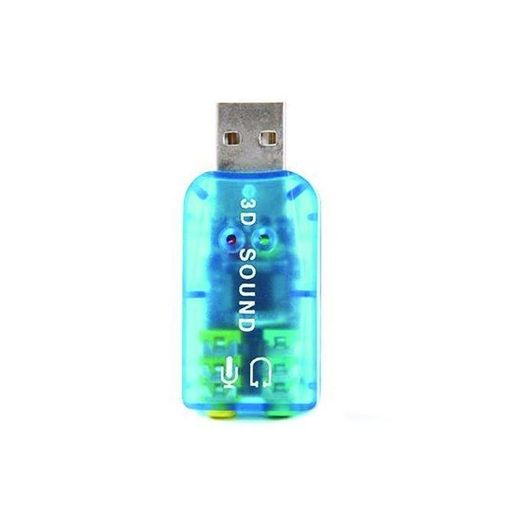
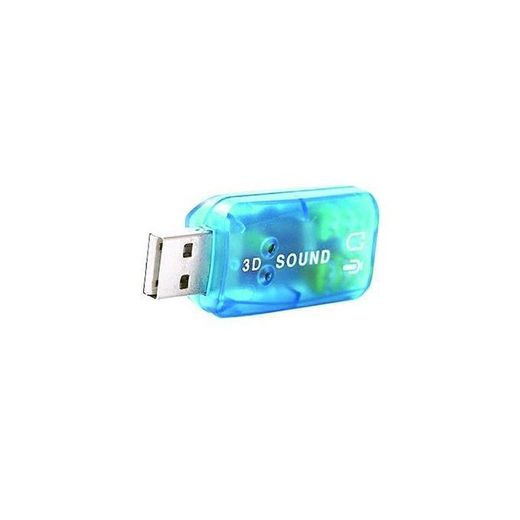
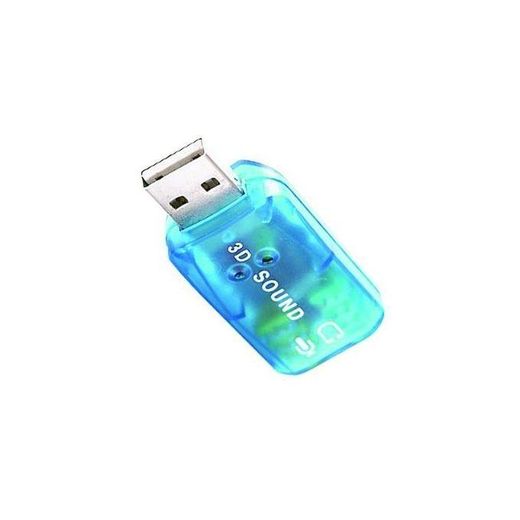
Channel USB Sound Adapter
KSh 500
KSh 800
-38%
Low Stock


Out of Stock
USB + Type-C 7-in-1 Hub, Dual Interface, 4 USB 2.0 + 1 USB 3.0 + 2 Type-C, Plug & Play, Compact Aluminum Design
KSh 469
KSh 804
-42%
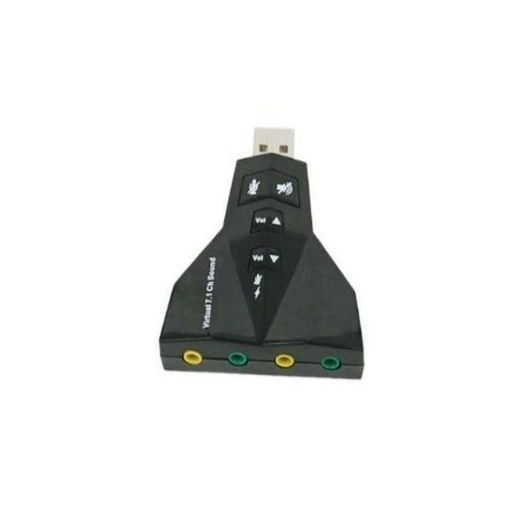
Sound Card With Double Headset Output
KSh 2,000
KSh 3,000
-33%
Low Stock


BF26 JG Add 5 Get 20% - JF
USB A Splitter, USB A Male to 2 Female USBA Y Splitter, USB Splitter 1 in 2 Out Support Charging and Data Transfer
5 (1)
KSh 804
More Variants Available
Jumia Express


USB C Splitter, 2in1 Type C Audio Adapter, Dual USB C Headphone and Charger PD 27W Fast Charging Support
KSh 1,500
KSh 2,500
-40%
Low Stock
Double Headed 4 in 1 Type-C Hub Multiport Dock Station USB Hub adapter With USB3.0
KSh 9,500
KSh 12,000
-21%

5 In 2 USB Type C Hub Port Expansion Computer Multiple
5 (1)
KSh 1,900
KSh 2,500
-24%
Low Stock

USB-C + USB 3.0 Dual Interface Hub – 4-Port High-Speed OTG Expansion Splitter for Laptop & Phone
KSh 9,000
KSh 12,000
-25%


USB Virtual 7.1 Audio Adapter Double Sound Card 2 In 1 3D External USB Audio Sound Card
KSh 1,000
KSh 2,000
-50%
Low Stock
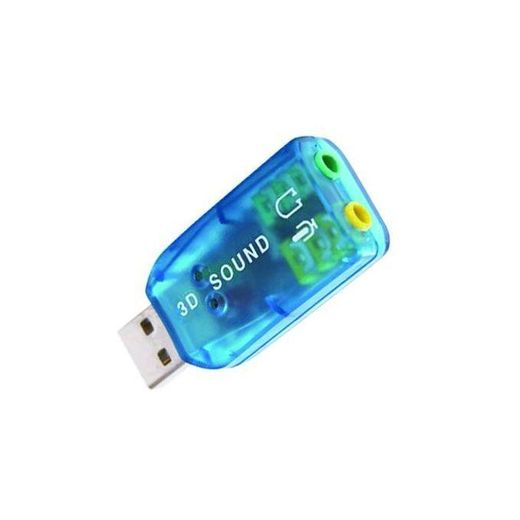
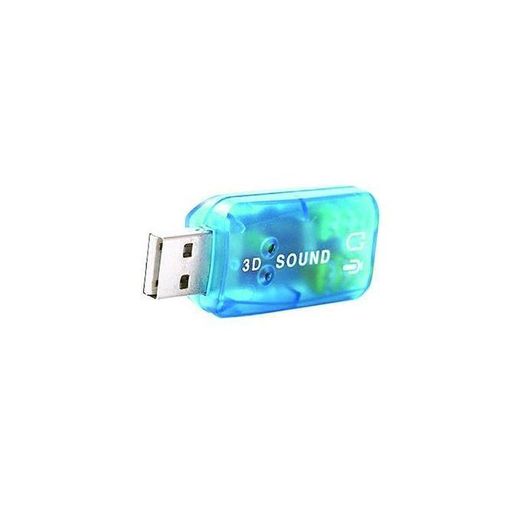
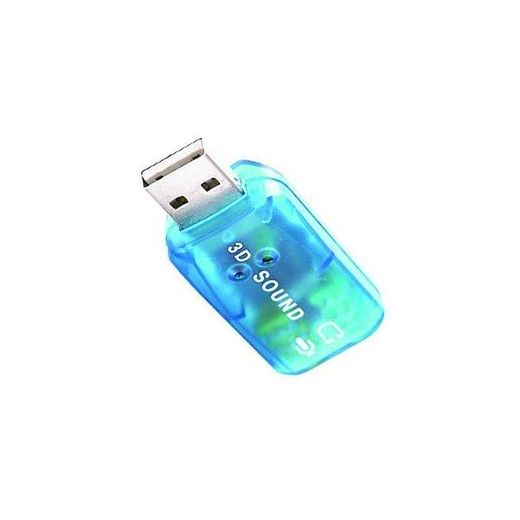
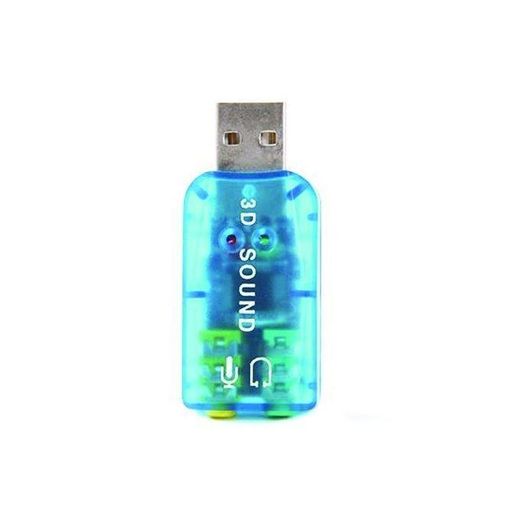
SoundKing Channel USB Sound Adapter
KSh 999
KSh 1,500
-33%
Low Stock


Linier Double Universal Socket with 2 USB Charging Ports
KSh 4,500
KSh 7,000
-36%


Double Headed 4 in 1 Type-C Hub Multiport Dock Station USB Hub adapter With USB3.0
KSh 2,500
Low Stock


7.1 Channel Double Adapter USB AUX Jack External Stereo Sound Card for Headphone Speaker PC
KSh 800
KSh 1,200
-33%
Low Stock


Out of Stock
Ugreen CM639 8-in-1 USB-C Multifunction Adapter – Dual 4K HDMI, DisplayPort, 10Gbps USB-C & USB-A, 100W PD Fast Charging Hub for MacBook, Windows & USB-C Laptops
KSh 5,958


Dahua 64 GB Dual Drive USB3.2 Gen1 Gray metal case, Type A & Type C interface
KSh 2,350
KSh 2,500
-6%
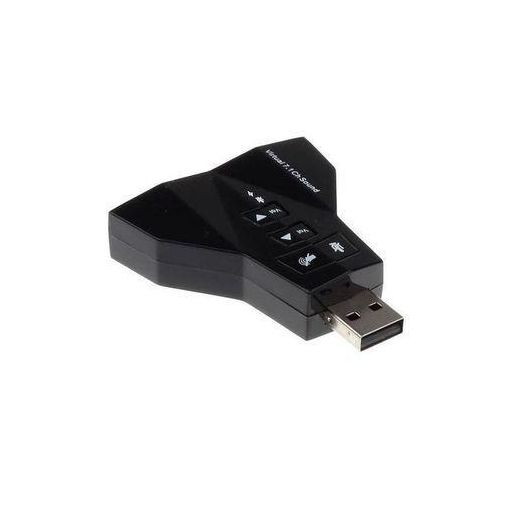
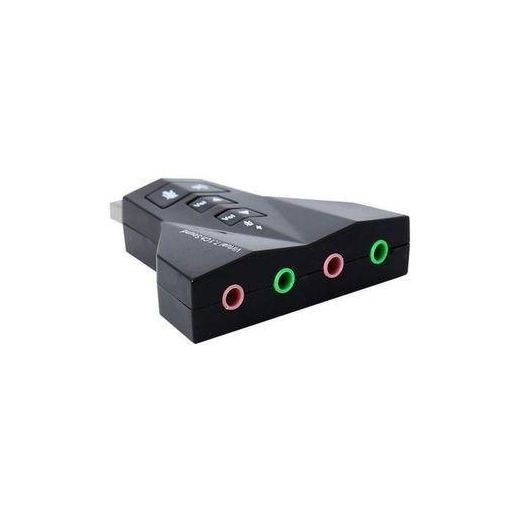
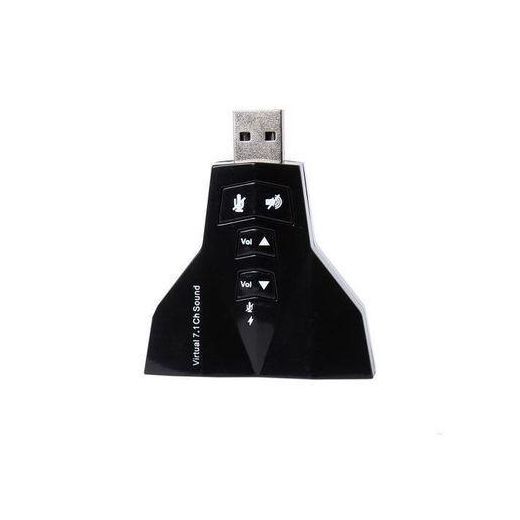
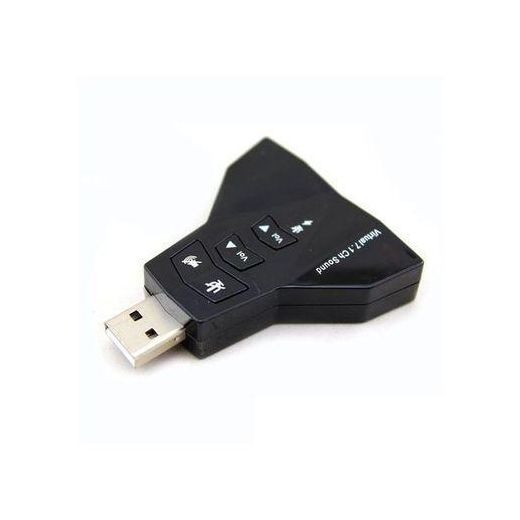
External 7.1 Channel 3D Dual Sound Card Adapter
KSh 1,473
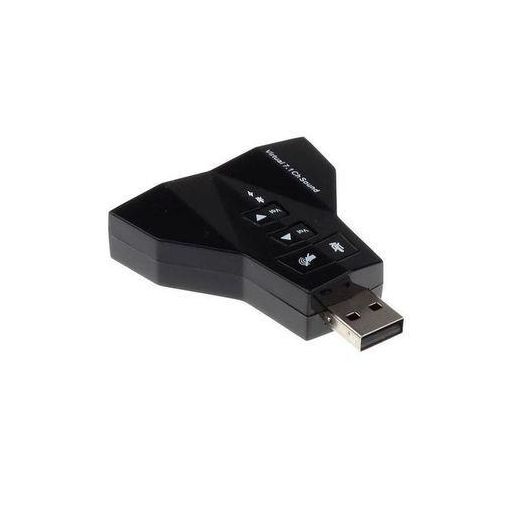
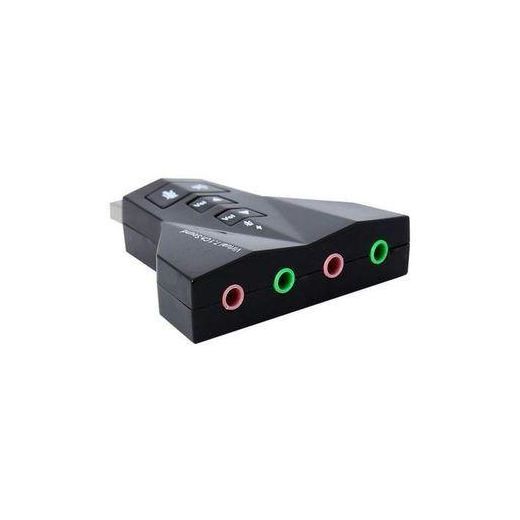
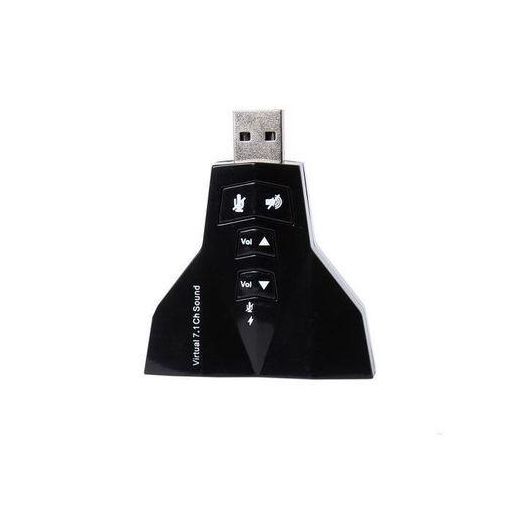
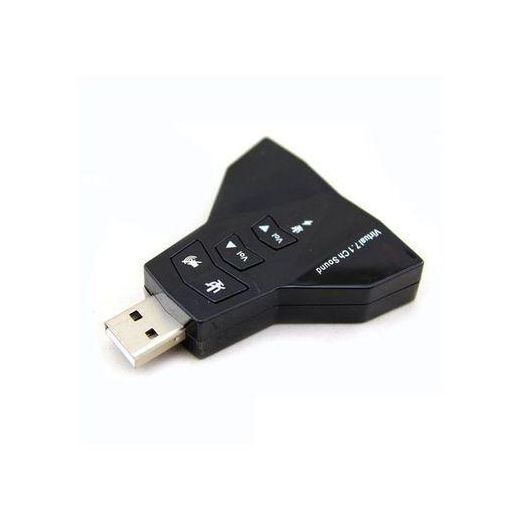
External 7.1 Channel 3D Sound Card Dual Adapter
KSh 1,728


USB + Type-C 7-in-1 Hub, Dual Interface, 4 USB 2.0 + 1 USB 3.0 + 2 Type-C, Plug & Play, Compact Aluminum Design
KSh 1,900
KSh 2,000
-5%


USB C To Dual HDMI 4K Adapter HDTV Multiscreen Display Converter Cable For Extended Monitor HP Lenovo Thunderbolt 3/4 Laptop
KSh 2,500
KSh 3,000
-17%
Low Stock
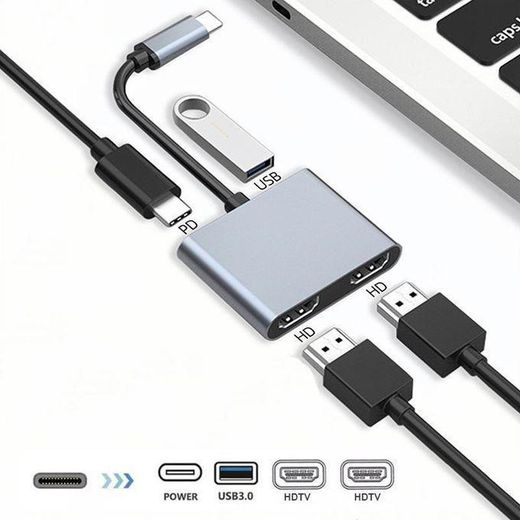
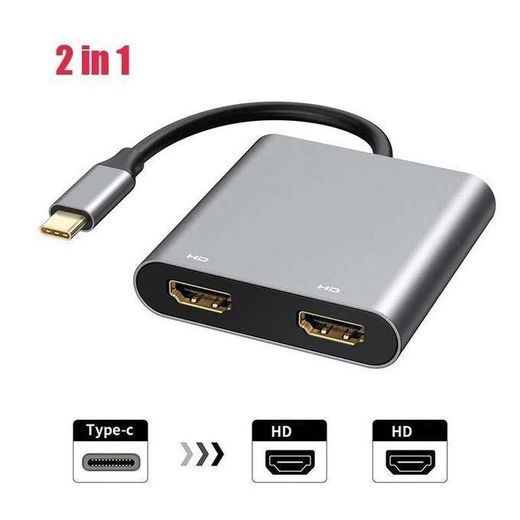
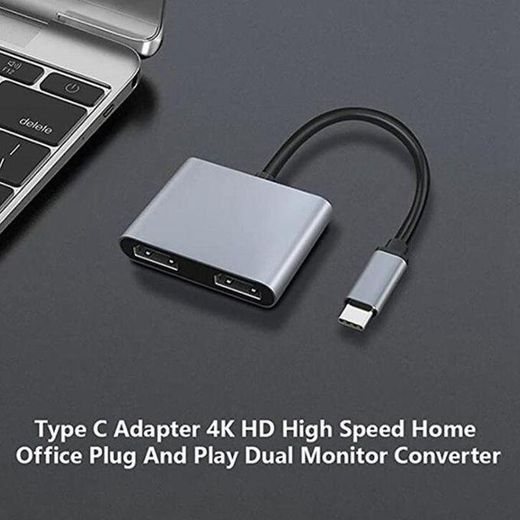
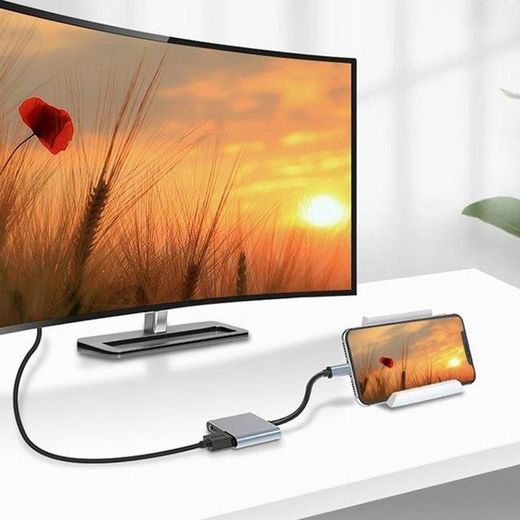
USB C to Dual HDMI Adapter
KSh 2,500
KSh 2,999
-17%
Low Stock


7.1 Channel Double Adapter USB AUX Jack External Stereo Sound Card for Headphone Speaker PC
KSh 800
KSh 1,200
-33%
Low Stock

Double Headed 4 in 1 Type-C Hub Multiport Dock Station USB Hub adapter With USB3.0
KSh 5,700
KSh 7,000
-19%


HIBUY Double Headed 8 in 1 Type-C Hub Multiport Dock Station USB Hub adapter With USB3.0
4.3 (14)
KSh 489
KSh 4,020
-88%
Jumia Express


12 In 1 USB Type C Hub Adapter Laptop Docking Station, Dual Monitor Dual HDMI RJ45 SD TF PD For MacBook Dell Hp ThinkPad
KSh 7,124
KSh 14,900
-52%


Out of Stock
Ugreen CM639 10-in-1 USB-C Hub – Dual HDMI 4K Docking Station, 5Gbps USB-C & USB-A, Gigabit Ethernet, SD/TF Card Reader, 100W PD Charging Adapter for MacBook, Windows & USB-C Devices
KSh 6,999
Frequently Asked Questions about Dual USB Hub PC
How do I choose a USB-C hub or docking station for my PC or tablet?
Start by listing your device needs: how many USB-C and USB-A ports, HDMI or SD card readers, and whether you need power delivery for charging. In this catalog you’ll find multi-port hubs like 8-in-1 and 5-in-2 configurations from brands such as richripple and generic. Choose a hub with a slim aluminum build for heat management and a compatibility note that matches your laptop, tablet, or iPad model.
What port mix and charging capabilities should I look for in a USB-C hub?
Ensure the hub provides the ports you use most—HDMI for monitors, USB-C for power delivery, USB-A for peripherals, and possibly a microSD/SD reader. If you connect a high-power device, verify the hub supports adequate power delivery and prevents throttling. In this listing you’ll see 8-in-1 and 5-in-2 hubs with various port blends and charging specs to suit different workflows.
What compatibility considerations should I check for Apple devices or Windows laptops?
Check whether the hub is plug-and-play with your OS and whether it supports your device’s charging requirements. Apple devices often benefit from hubs with reliable USB-C compatibility and sufficient bandwidth for external displays. The catalog includes hubs labeled for laptops and devices like iPad, offering aluminum alloys and color options that suit a clean desk setup.
How can I set up and optimize a multiport hub for productivity?
Connect essential devices first (keyboard, mouse, monitor) and then add peripherals to avoid power draw issues. Use a single powered hub if you plan to run multiple devices simultaneously to prevent battery drain. Keep cables organized with a cable management approach and verify driver-free operation for quick plug-and-play use in daily tasks.
Are there brands known for reliability in USB hubs and docking stations?
Reliable brands in this category focus on build quality and stable connections. Look for hubs that emphasize aluminum construction, good heat dissipation, and positive user reviews. Richripple and generic options in this range are common choices, offering a balance of performance and value for everyday computing needs.
What maintenance tips help USB hubs stay functional long-term?
Keep hubs away from moisture and extreme temperatures, and avoid plugging in devices with incompatible power requirements. Regularly inspect connectors for wear, and periodically refresh drivers if needed. Unplug during thunderstorms to protect electronics, and dust the ports gently with a dry brush to maintain clean connections.