HomeDell latitude e7250
Shipped From
Price (KSh)
-
Discount Percentage
Brand
Warranty
Dell latitude e7250
(256 products found)
Related results:
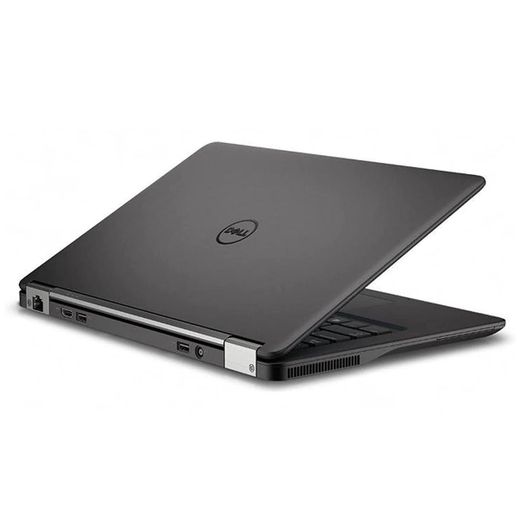
Discover the Dell Latitude E7250, a powerful and versatile ultrabook designed for professionals on the go. Featuring a sleek, lightweight design, this laptop boasts a vibrant 12.5-inch display, Intel Core processors, and robust security features to protect your data. With long-lasting battery life and advanced connectivity options, the Latitude E7250 ensures seamless productivity in any environment. Elevate your work experience with this reliable companion, perfect for business users seeking efficiency and performance.


DELL DELL- Laptop Battery for Latitude E7240 E7250 0J31N7 0W57CV KWFFN DWJHM FW2NM GVD76 GHT4X JN0J1 KKHY1
KSh 5,349
KSh 7,500
-29%

E7240 Battery For Dell Latitude 12 7000.
5 (2)
KSh 4,500
KSh 5,000
-10%
Low Stock


New Laptop Battery For Dell Latitude E7240 E7250 7240 7250
KSh 5,250
KSh 5,400
-3%


New Laptop Battery For Dell Latitude E7240 E7250 7240 7250
KSh 5,250
KSh 5,400
-3%
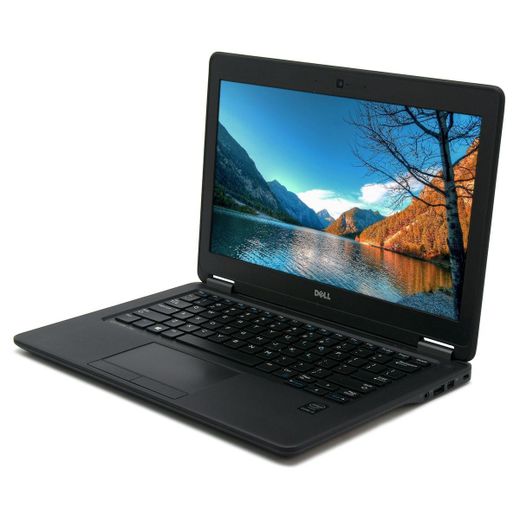
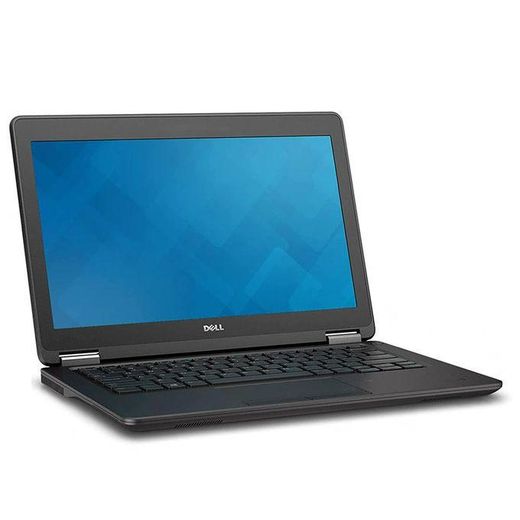
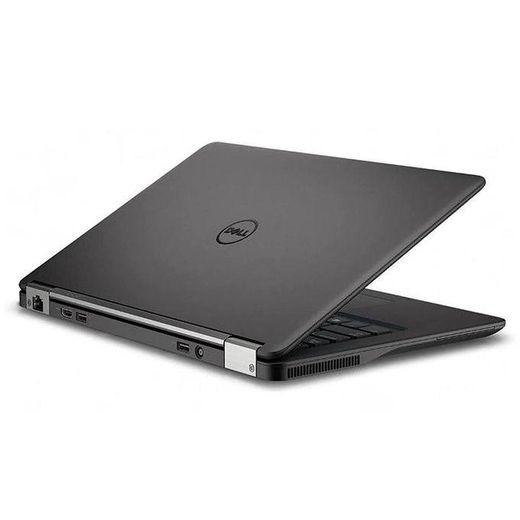
DELL Latitude E7250, Intel I5-5th Gen, 8GB RAM 256GB SSD, Win 10 Pro, 12.5 Inches, Keyboard Backlight
KSh 34,000
KSh 35,000
-3%
Low Stock

Laptop Battery for Dell Latitude E7240 E7250 0J31N7 0W57CV KWFFN DWJHM FW2NM GVD76 GHT4X JN0J1 KKHY1
KSh 10,500
KSh 12,800
-18%


Laptop Battery for Dell Latitude E7240 E7250 Ultrabook Notebook F3G33 KWFFN J31N7 451-BBFW 451-BBFT 451-BBFX 451-BBFY GD076 GVD76 HJ8KP NCVF0 F3G33 W57CV J31N7
4 (1)
KSh 3,514
KSh 7,300
-52%


Laptop Replacement Battery For DELL Latitude E7240 E7250 WD31H
KSh 4,500
Out of Stock
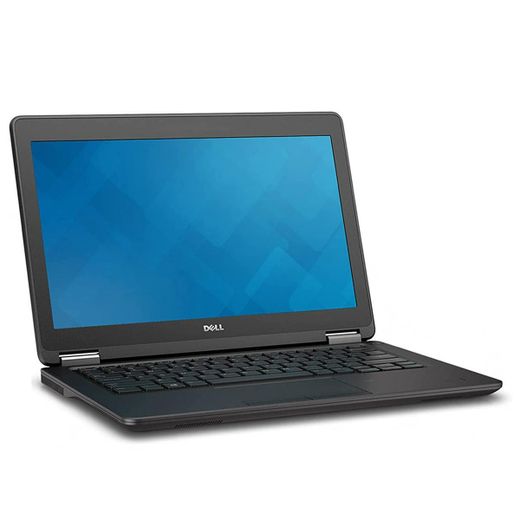
DELL Refurbished Latitude E7250 Intel i5- 8GB RAM 256GB SSD Win 10 Pro 12.5 inches, 6 Months WRTY
KSh 29,000
KSh 40,000
-28%
 Black Friday deal
DELL Dell Latitude E7240 E7250 E7440 E7450 Charger 19.5V 3.34A Black
4 (3)
KSh 935
KSh 1,500
-38%
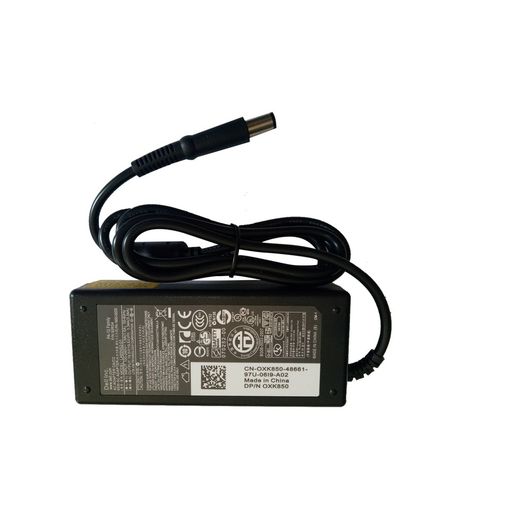
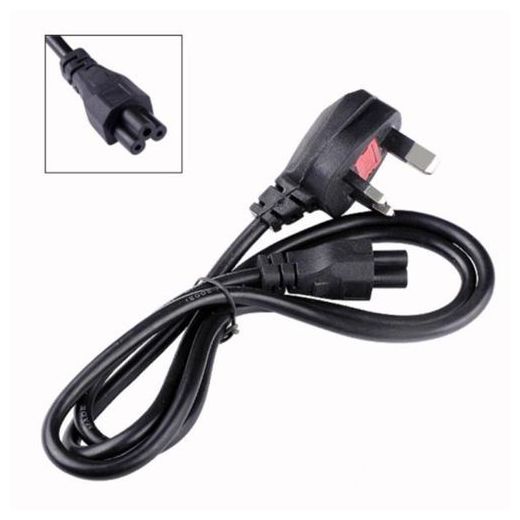

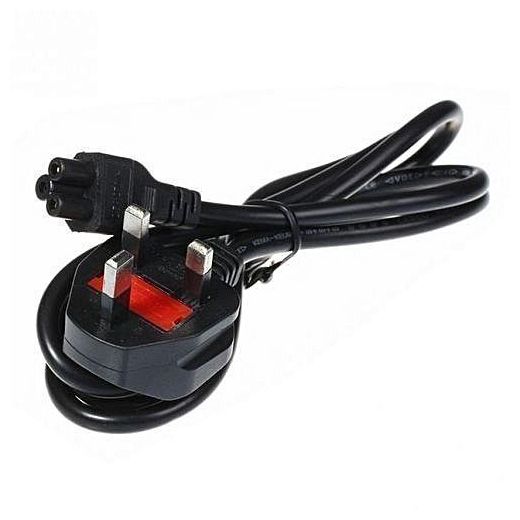
DELL Dell Latitude E7240 E7250 E7270 E7440 E7450 Charger 19.5V 3.34A with Power Cable
4.9 (8)
KSh 1,014
KSh 2,500
-60%


DELL Latitude E7240, Latitude E7250, VFV59 KWFFN J31N7 451-BBFW 451-BBFX GD076 GVD76 HJ8KP NCVF0
KSh 4,683
KSh 9,300
-50%


WD52H 7.4V 45Wh/6000mAh Laptop Battery Compatible for Dell Latitude 12 7000 E7240 E7250 E7270 7240 7250
KSh 4,790
KSh 5,505
-13%
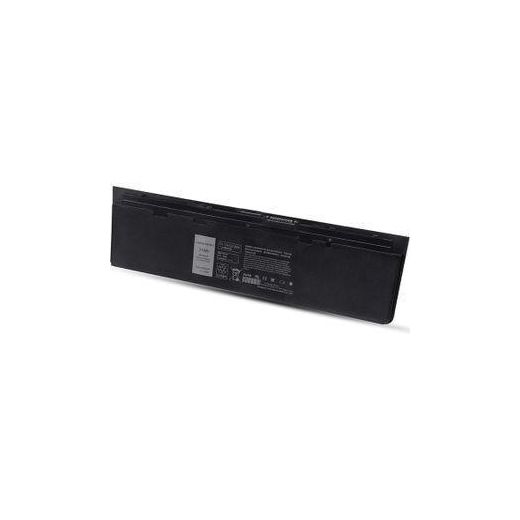
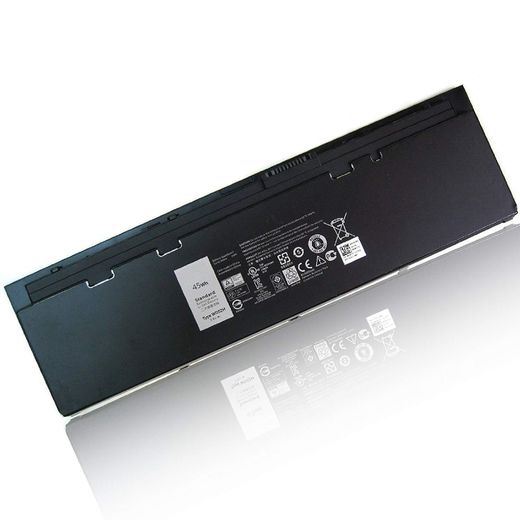
DELL Original Latitude E7240, Latitude E7250, Fits P/N VFV59 KWFFN J31N7 451-BBFW 451-BBFX GD076 GVD76 HJ8KP NCVF0 (7.6V 52Wh) Original Genuine Battery
KSh 5,400
KSh 6,000
-10%
offers from


DELL WD52H GHT4X Battery Latitude 12 7000 E7240 E7250 7240 7250 Ultrabook KWFFN JN0J1 HJ8KP 451-BBFX J31N7 NCVF0 W57CV 451-BBFS 451-BBFW 451-BBQD
1 (1)
KSh 3,476
KSh 7,200
-52%


DELL Latitude E7240 E7250 GD076 VFV59 F3G33 Original Laptop Battery
5 (1)
KSh 4,438
KSh 9,200
-52%


DELL Laptop Battery for Latitude E7240 E7250 0J31N7 0W57CV KWFFN DWJHM FW2NM GVD76 GHT4X JN0J1 KKHY1.
KSh 5,489
KSh 8,900
-38%


DELL Latitude E7240 E7250 GD076 VFV59 F3G33 Original Laptop Battery
KSh 3,860
KSh 5,500
-30%


WD52H 7.4V 45Wh/6000mAh Laptop Battery Compatible for Dell Latitude 12 7000 E7240 E7250 E7270 7240 7250
KSh 4,800
KSh 5,500
-13%


Laptop Battery for Dell Latitude Notebook Ultrabook E7240 E7250, 0J31N7 0W57CV KWFFN DWJHM FW2NM GVD76 GHT4X JN0J1 KKHY1
3 (1)
KSh 3,503
KSh 7,300
-52%
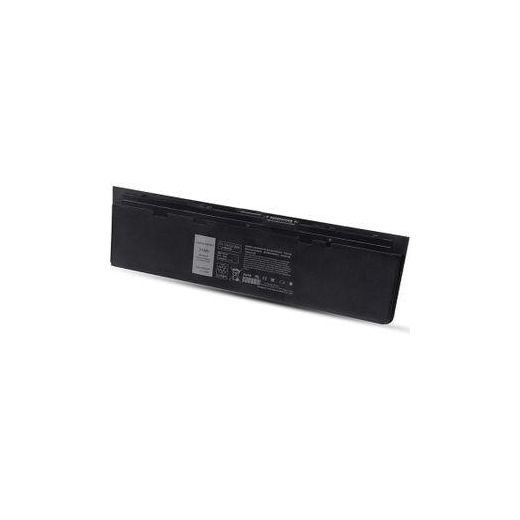


DELL Original Latitude E7240, Latitude E7250, Fits P/N VFV59 KWFFN J31N7 451-BBFW 451-BBFX GD076 GVD76 HJ8KP NCVF0 (7.6V 52Wh) Original Genuine Battery
5 (1)
KSh 5,400
KSh 6,000
-10%


DELL Latitude E7240 E7250 GD076 VFV59 F3G33 DL011311-PLP22G01 PT1 X01 W57CV Original Laptop Battery
KSh 4,674
KSh 9,300
-50%


DELL Laptop Battery For Latitude E7240 E7250 0J31N7 0W57CV KWFFN DWJHM FW2NM GVD76 GHT4X JN0J1 KKHY1
KSh 5,400
KSh 7,500
-28%


DELL WD52H 7.4V 45Wh/6000mAh Laptop Battery Compatible for Latitude 12 7000 E7240 E7250 E7270 7240 7250
KSh 4,840
KSh 5,500
-12%

DELL Latitude E7250 GD076 VFV59 F3G33 DL011311-PLP22G01 PT1 X01 W57CV Original Laptop Battery
KSh 3,873
KSh 5,500
-30%


DELL WD52H GHT4X Battery Compatible with Latitude 12 7000 E7240 E7250 7240 7250 Ultrabook KWFFN JN0J1 HJ8KP 451-BBFX J31N7 NCVF0 W57CV 451-BBFS 451-BBFW 451-BBQD 7.4V/5400mAh/40Wh
5 (1)
KSh 4,724
KSh 5,500
-14%


WD52H Replacement Battery Compatible with Dell Latitude 12 7000 E7240 E7250 E7270 GVD76 WD52H KWFFN J31N7 NCVF0 VFV59 HJ8KP 451-BBFX 451-BBFY 451-BBFV 451-BBFT 11.1V 31Wh
KSh 4,819
KSh 5,600
-14%


New WD52H Laptop Battery Compatible with Dell Latitude 12 7000 E7240 E7250 E7270 Series Notebook F3G33 VFV59 KWFFN J31N7 451-BBFW 451-BBFX GVD76 HJ8KP NCVF0
KSh 5,250
KSh 5,450
-4%

DELL ORIGINAL BATTERY for Latitude E7240 E7250, 0J31N7 0W57CV KWFFN DWJHM FW2NM GVD76 GHT4X JN0J1 KKHY1
1 (1)
KSh 9,000
KSh 9,500
-5%
Low Stock


DELL WD52H 7.4V 45Wh/6000mAh Laptop Battery Compatible for Latitude 12 7000 E7240 E7250 E7270 7240 7250
KSh 4,850
KSh 5,500
-12%

DELL Latitude E7250/E7270 Non-Backlit Laptop Keyboard
KSh 2,180
KSh 4,999
-56%


WD52H Replacement Battery Compatible with Dell Latitude 12 7000 E7240 E7250 E7270 GVD76 WD52H KWFFN J31N7 NCVF0 W57CV VFV59 HJ8KP 451-BBFX 451-BBFY 451-BBFV 451-BBFT 11.1V 31Wh
KSh 4,829
KSh 5,500
-12%


DELL Replacement Non-Backlit US Keyboard for Latitude E7250/70 / E5250 / E5270
KSh 2,290
KSh 4,500
-49%


Out of Stock
New Battery for Dell Latitude Notebook Ultrabook E7240 E7250,Replace Battery Type 0J31N7 0W57CV KWFFN DWJHM FW2NM GVD76 GHT4X JN0J1 KKHY1
KSh 4,199


DELL WD52H GHT4X Battery Compatible with Latitude 12 7000 E7240 E7250 7240 7250 Ultrabook KWFFN JN0J1 HJ8KP 451-BBFX J31N7 NCVF0 W57CV 451-BBFS 451-BBFW 451-BBQD 7.4V/5400mAh/40Wh
KSh 4,734
KSh 5,500
-14%
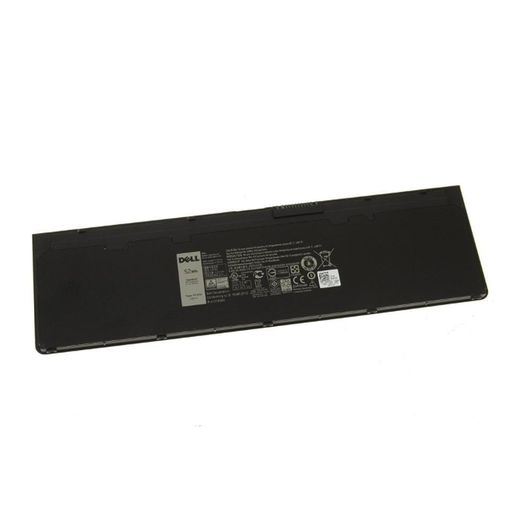
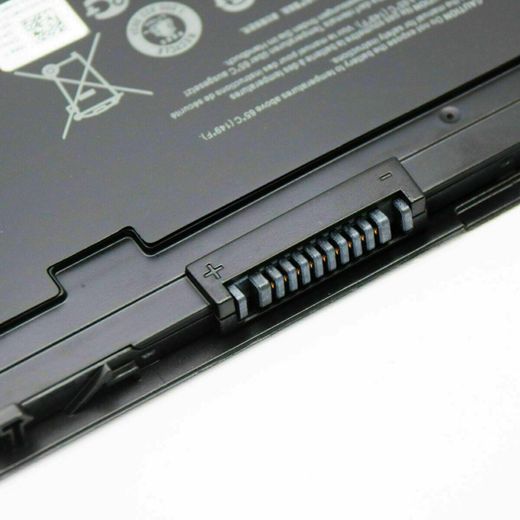
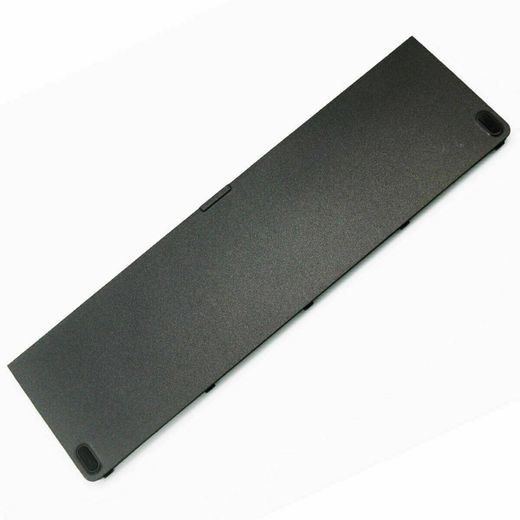

DELL VFV59 KWFFN GHT4X 0W57CV Latitude 12 7000, Latitude E7250, E7240 Laptop Battery
KSh 5,500
KSh 7,000
-21%
Low Stock


New WD52H Laptop Battery Compatible with Dell Latitude 12 7000 E7240 E7250 E7270 Series Notebook F3G33 VFV59 KWFFN J31N7 451-BBFW 451-BBFX GVD76 HJ8KP NCVF0
KSh 5,250
KSh 5,450
-4%


DELL WD52H 7.4V 45Wh/6000mAh Laptop Battery Compatible with Latitude 12 7000 E7240 E7250 E7270 Series Notebook F3G33 VFV59 KWFFN J31N7 451-BBFW 451-BBFX GVD76 HJ8KP NCVF0
KSh 4,760
KSh 5,500
-14%

DELL Latitude E7250/E7270 Backlit Laptop Keyboard
KSh 3,360
KSh 5,999
-44%

DELL Replacement Non-Backlit US Keyboard for Latitude E7250 / E5250 / E5270
KSh 3,740
KSh 5,000
-25%
Frequently Asked Questions about dell latitude e7250
How do I choose the right accessories for my Dell Latitude E7250?
Start by identifying your primary need for the Dell Latitude E7250 and then match compatible parts from the available categories. For most users, core categories include batteries to extend uptime, CPU cooling fans or cooling pads to manage heat, and power supplies like large pin adapters. Check compatibility with the Latitude series and ensure the connector type matches your device. The listing includes CPU cooling fans for Dell Latitude E7250, batteries designed for Dell Latitude E7240/E7250, and large pin charger adapters, so pick items labeled for Dell Latitude to ensure proper fit.
What should I know about battery material and safety when choosing a Dell Latitude E7250 replacement?
Battery material matters for durability and safety when replacing a Dell Latitude E7250 battery. Look for batteries described with sturdy housings such as pc-abs and with proper Li-ion chemistry. Ensure the battery specifies correct voltage and capacity, and choose parts from reputable listings to reduce the risk of swelling or overheating. In this catalog you’ll find generic batteries labeled for Dell Latitude models, so verify compatibility before purchase.
Which usage scenario best fits a Dell Latitude E7250 owner when selecting a battery or cooling accessory?
Travelers should prioritize high-capacity batteries and a reliable charger, while desk-based users should focus on cooling efficiency for long sessions. If you travel often, choose a replacement battery with higher capacity and pair it with a dependable large-pin charger adapter. For extended at-home or in-office use, a CPU cooling fan or cooling pad can help maintain steady performance. The listing includes both batteries and cooling accessories that are compatible with Dell Latitude models.
How do I install and maintain a Dell Latitude E7250 cooling fan or battery safely?
Power off the laptop, unplug it, and remove the back panel to access the battery and fan area. When installing a CPU cooling fan, connect the power cable securely and reattach the heatsink screws in a crossed pattern to avoid warping. Keep vents clear of dust by using compressed air and wipe contact surfaces with a lint-free cloth. Use components labeled for Dell Latitude E7250 to ensure proper fit and safe operation.
What accessories pair well with the Dell Latitude E7250 and how do I verify compatibility?
A large pin charger adapter and power cable, along with replacement batteries, are common matchups for the Dell Latitude E7250. Verify compatibility by matching the connector type, voltage, and category (batteries, power supplies) in the listing. Look for items explicitly described for Dell Latitude E7240/E7250 and check that the color or material notes (such as black plastic) align with your device. Using labeled accessories helps ensure reliable charging and safe operation.
What signs indicate I should replace the Dell Latitude E7250 battery or cooling fan?
Look for reduced battery life, frequent unexpected shutdowns, or charging issues as signs to replace the battery. For the cooling system, listen for abnormal fan noise or overheating during use. If you notice swelling, loss of power, or persistent heat, consider replacing the affected component with a unit from the Dell Latitude compatible listings found in the catalog.