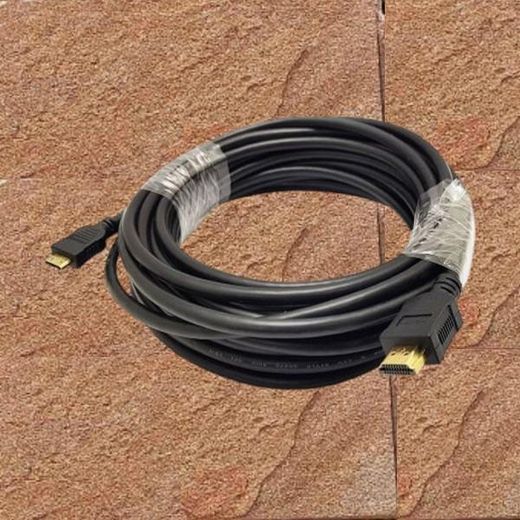
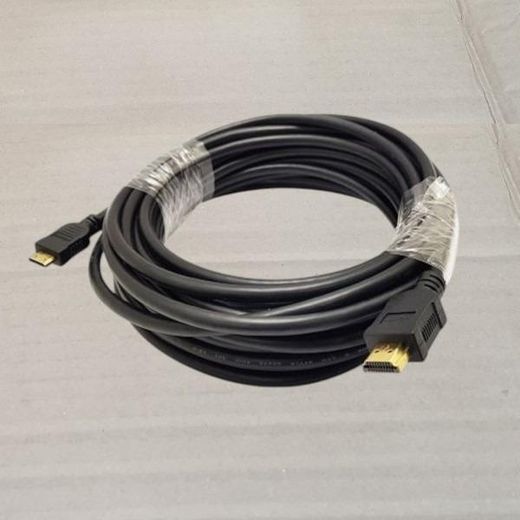
Home3d compatible hdmi cable 10m

3d compatible hdmi cable 10m

(174 products found)

Related results:
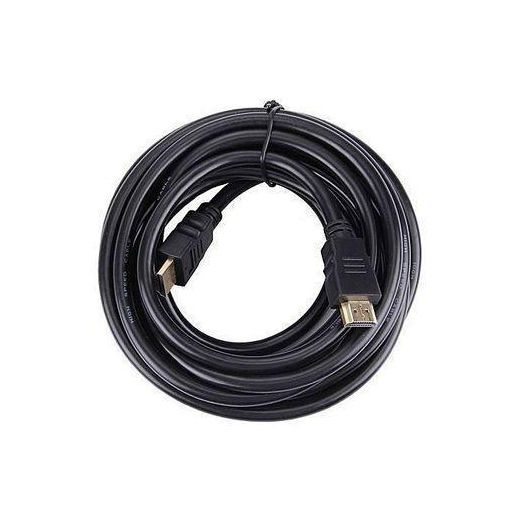
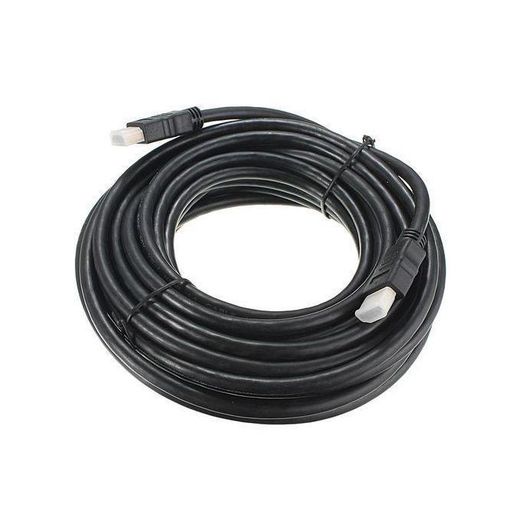
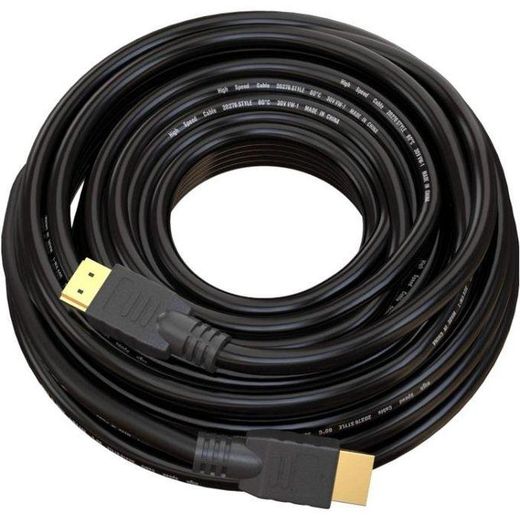
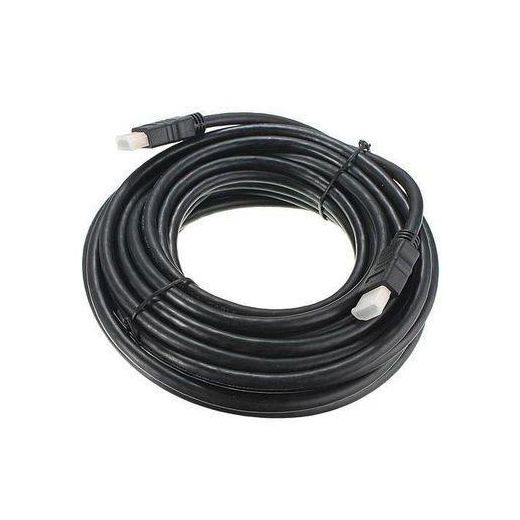
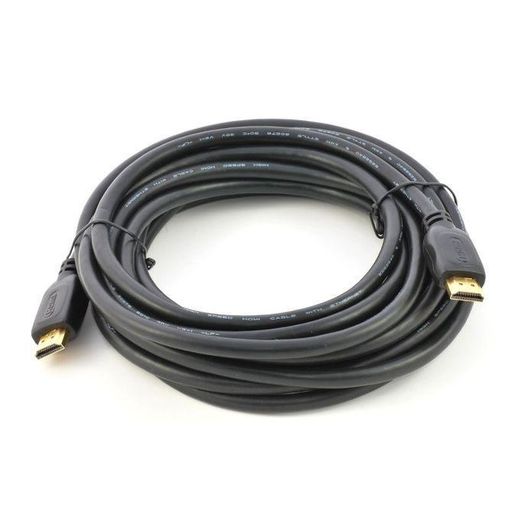
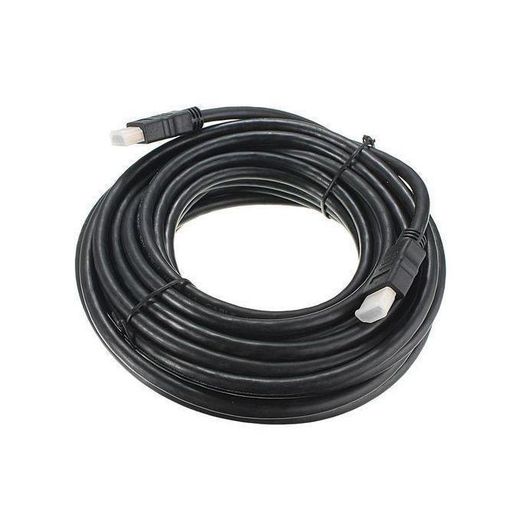
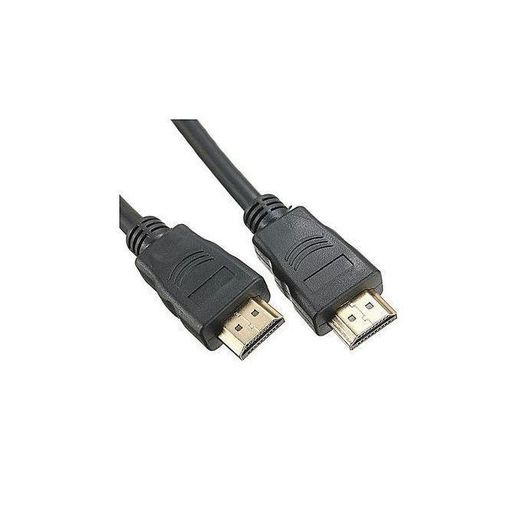
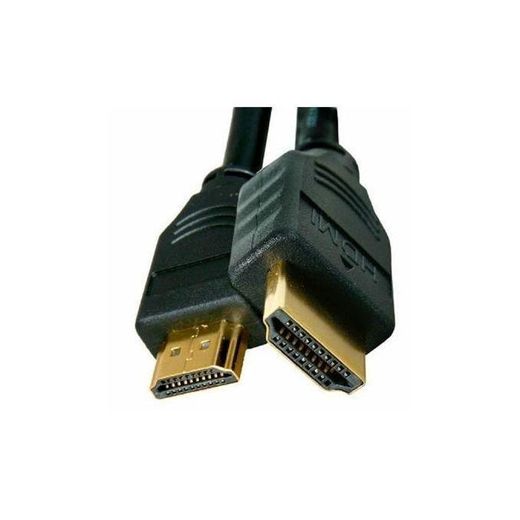
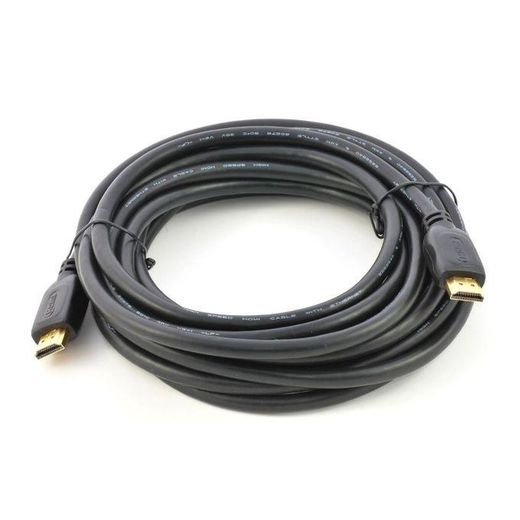
Enhance your viewing experience with our 3D compatible HDMI cable, measuring an impressive 10 meters. This high-definition cable ensures seamless transmission of 3D content, delivering crisp visuals and immersive sound quality. Perfect for connecting your devices to TVs, projectors, or gaming consoles, it supports high-speed data transfer and is built for durability. Upgrade your home entertainment setup with this reliable HDMI cable, designed to meet all your multimedia needs while providing exceptional performance.

Frequently Asked Questions about 3D HDMI cables (10 m)
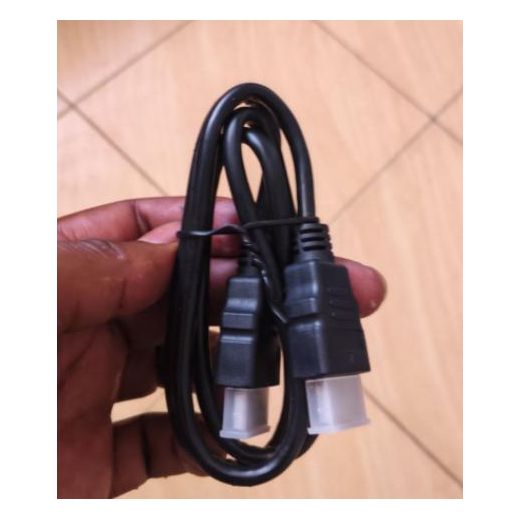
How do I choose the right 10 m 3D HDMI cable for my setup, and what should I check before buying?
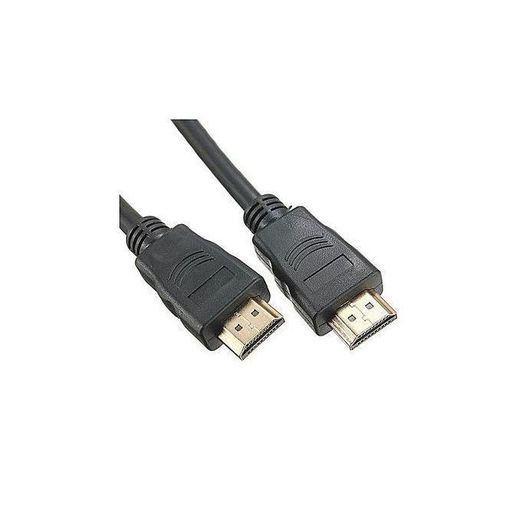
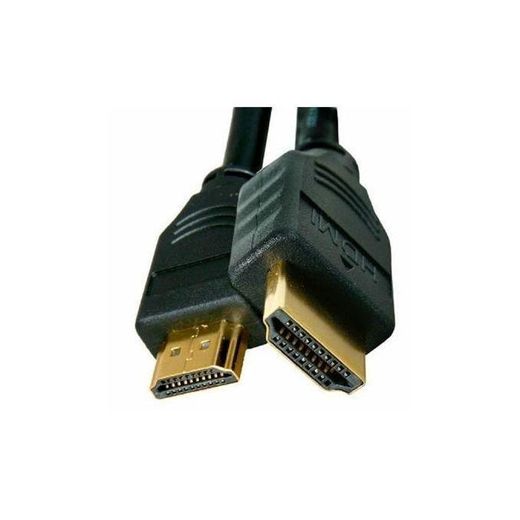
First, ensure the cable is rated High-Speed or compatible with your HDMI devices to support 3D Full HD at a 10 m length. Look for a copper conductor with solid shielding and a durable jacket (PVC is common; braided or thicker jackets offer extra durability). Check that connectors are gold-plated or of a reputable build to resist corrosion and maintain signal integrity. Verify the cable supports the full feature set you need, such as 3D, 1080p, and the right HDMI version for your sources and displays.
What does high-speed HDMI mean, and how do copper vs PVC affect signal quality over 10 meters?
High-speed HDMI refers to cables built to handle higher bandwidth required for modern video and features. Copper conductors with good shielding minimize EMI and signal loss, especially over long runs like 10 meters. PVC jackets offer basic protection but may be less durable than braided options; braided or premium jackets reduce wear and protect against kinks. Over 10 meters, a well-made copper, well-shielded cable with a robust connector design preserves 3D Full HD signals and minimizes color drift or dropouts.
Should I use these cables for a home theater or a conference room?
For home theaters, prioritize durability, flexible length, and clean signal delivery between receivers and displays; for conference rooms, look for sturdy connectors, reliable performance, and easy plug-and-play setup. In both cases, remember to avoid excessive bending, keep runs away from power cables to reduce interference, and choose a cable with the appropriate length to minimize excess slack.
How should I care for and install the HDMI cable to avoid signal loss?
Install the cable with gentle bends and a reasonable bending radius to prevent conductor damage; avoid stepping on or twisting the cable. Keep the run short where possible and route away from heat sources or metal edges. When connecting, ensure firm, straight seating of connectors and avoid frequent unplugging; inspect for loose or damaged connectors periodically. If you experience issues, test with a shorter cable first to rule out source or display problems.
Are there notable brands among these options I should consider?
Prices vary but many generic options offer solid performance for standard 1080p and 3D setups; if you want proven reliability, look for recognized brands that publish certified performance specs and offer warranties. The presence of brand names like UGREEN or other reputable makers can indicate better shielding, durable connectors, and consistent quality. Compare features such as length, shielding type, and connector plating, then choose the one that best matches your devices and usage environment.