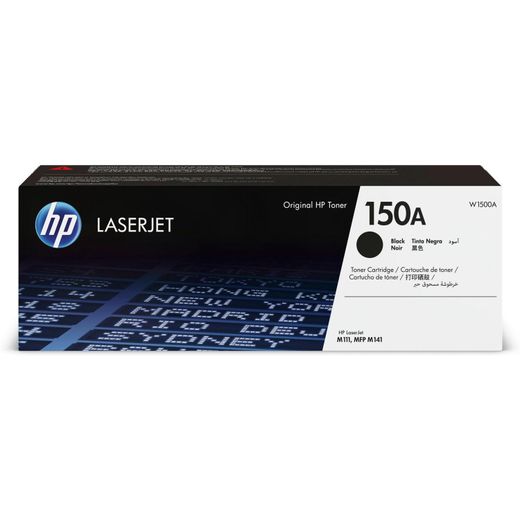
Home150a toner
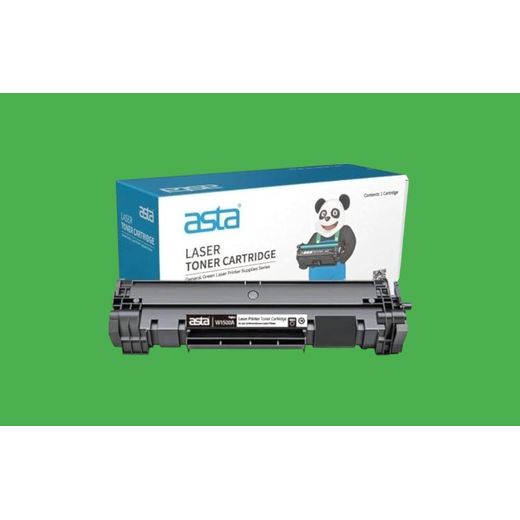
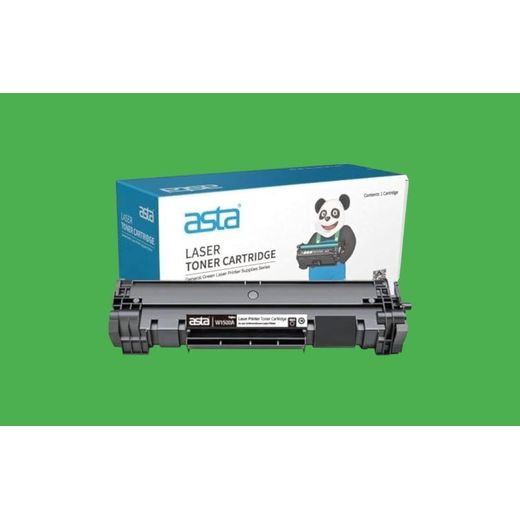
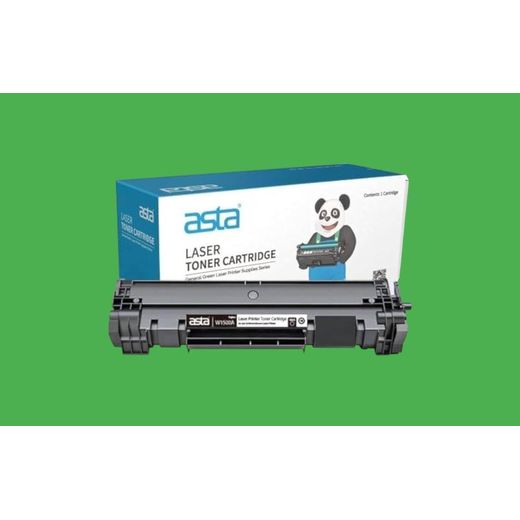
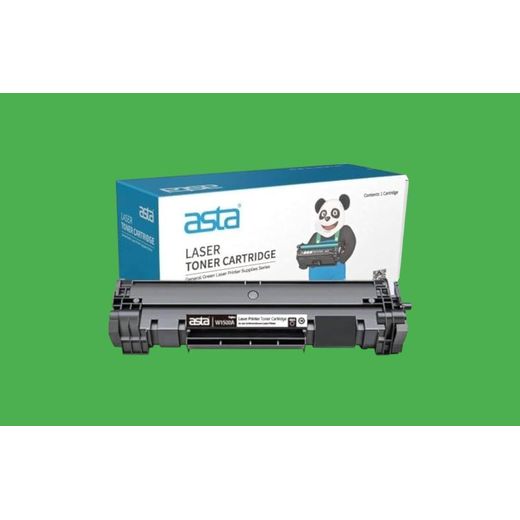
Discover the exceptional quality of the 150A toner, designed to deliver sharp, vibrant prints for your home or office. This high-performance toner cartridge ensures consistent results, enhancing your printing efficiency and reducing downtime. Compatible with a range of printers, the 150A toner offers easy installation and reliable performance. Experience professional-grade printing with every page, making it the ideal choice for both everyday tasks and important documents. Elevate your printing experience today with the 150A toner.
12

Frequently Asked Questions About 150a toner

How do I choose the right 150a toner category for my printer?
Confirm compatibility with your printer model to choose the right 150a toner category. Start by identifying whether your device uses HP or a compatible third‑party cartridge and ensure it matches your printer’s series. Check color options and select black for the 150a toner unless your setup specifies otherwise. Compare the available categories in the listing, such as original HP toner versus compatible 150a toner from brands like Asta, and choose based on reliability and budget.
What does high yield mean for the 150a toner and how does it affect printing costs?
High yield means more pages per cartridge. That longer page life reduces the frequency of replacements and lowers the cost per page for routine printing. Evaluate your monthly print volume to decide if a high‑yield 150a toner is worth the upfront cost. Both HP and Asta offer 150a toner options that cater to high‑volume needs, so choose based on your workflow and warranty expectations.
Which 150a toner should a casual home user choose compared with a small office?
For light home use, a standard yield 150a toner from HP or a compatible Asta option is usually enough. For a small office with higher daily printing, opt for a high‑yield version to reduce replacements and downtime. Keep in mind that both HP and Asta provide black 150a toner suitable for HP LaserJet Pro printers. Match your printer model, expected volume, and budget to pick the best fit.
How do I install and ensure compatibility of a 150a toner cartridge with my HP LaserJet Pro MFP 150a/150nw?
Power off your printer and open the access panel to begin installing a 150a toner. Carefully remove the old cartridge, unbox the new 150a toner, and remove any seals or protective covers. Insert the cartridge until it clicks into place, close the panel, and run a calibration or test page to confirm solid print quality. Handle the cartridge by the sides, avoid touching the toner surface, and store spares in a cool, dry place.
What are the differences between HP 150a toner and an Asta 150a toner for HP printers?
HP 150a toner offers original reliability and warranty as the manufacturer option. Asta 150a toner provides a compatible, budget-friendly alternative that still targets black printing for HP printers. Check the printer model compatibility and expected page yield when choosing between the two. Review user feedback to gauge real‑world performance and any notes on color consistency.
How should I recycle or dispose of my 150a toner cartridges?
Recycle your 150a toner cartridges through local recycling programs or the printer maker’s take‑back scheme. Keep empties separate from regular waste and follow local Kenya guidelines for electronics disposal. Store spare cartridges in a cool, dry place away from direct sunlight. Follow the packaging and safety guidelines to ensure safe handling and proper recycling.